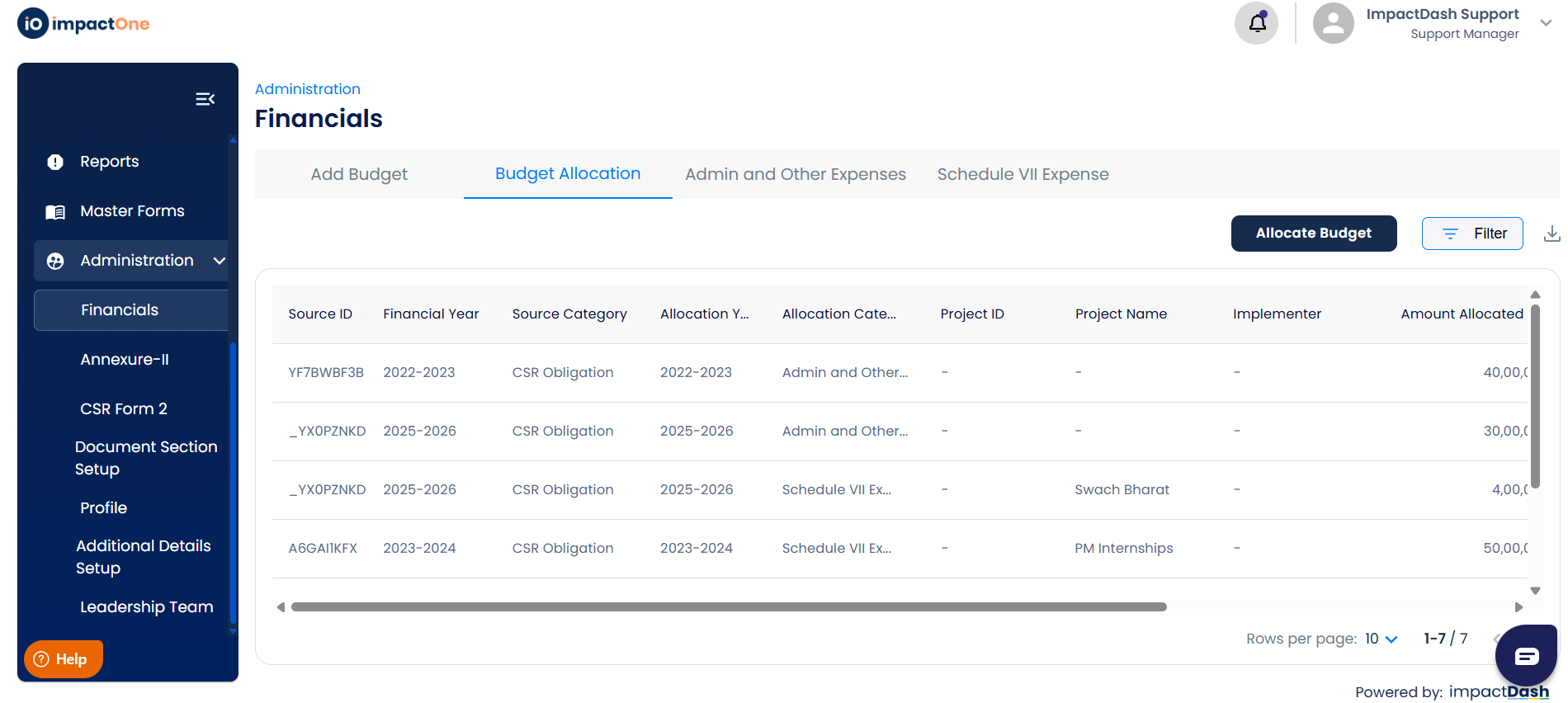
Navigate to the administration tab on the left side in the menu, then select, financials.
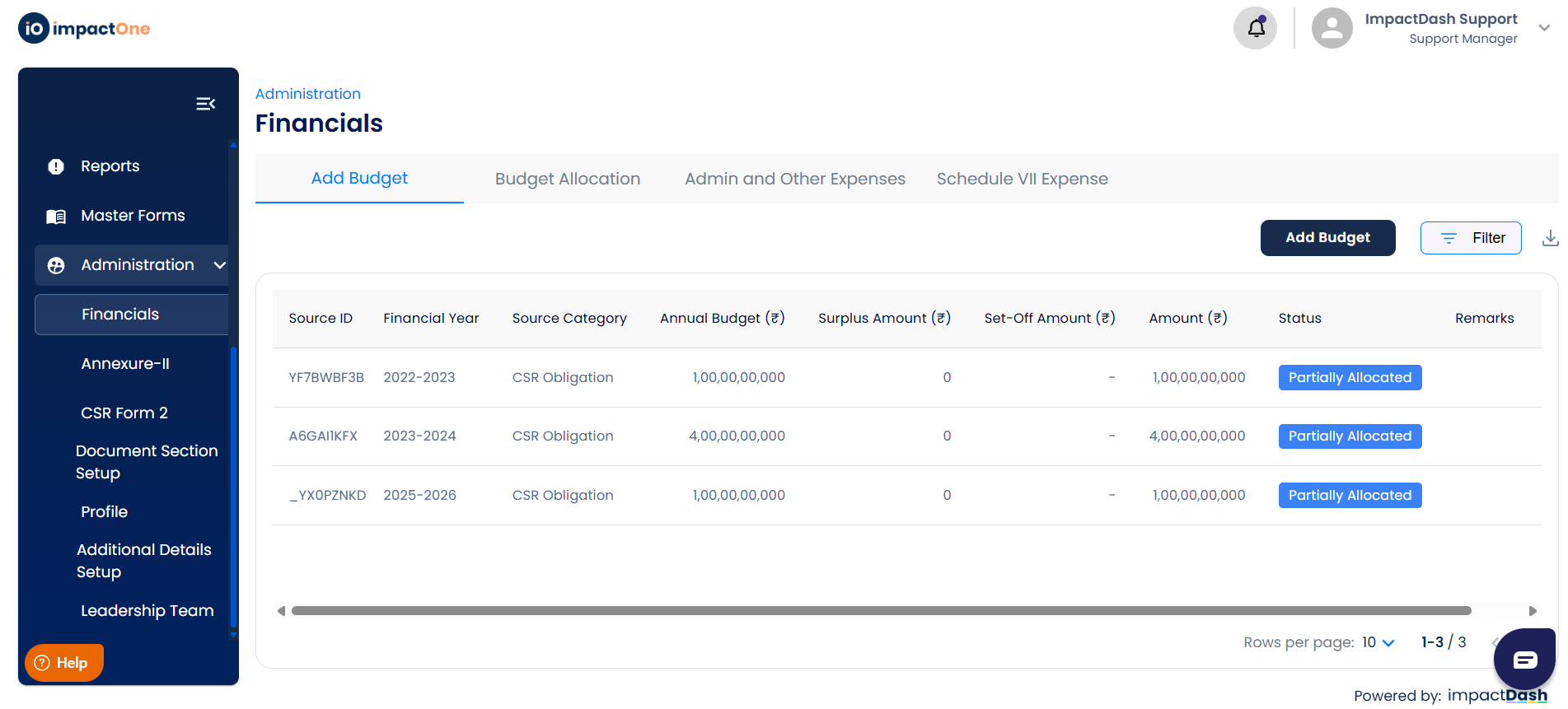
There are different sections inside financials, the add budget, budget allocation, admin and other expenses and schedule vII expenses.
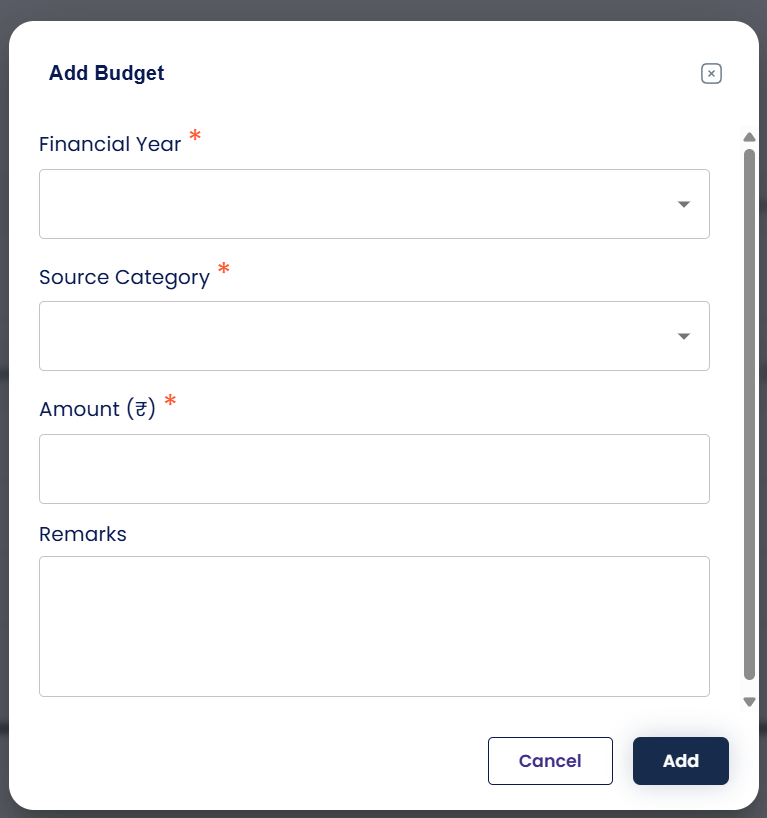
Step1. For add budget, we need to add the budget of the annual financial year, click on add budget button on the right side a pop up appears, fill in the details and add the budget details and save it. Here the budget can be of three types. CSR obligation, unspent amount and in excess to CSR obligation.
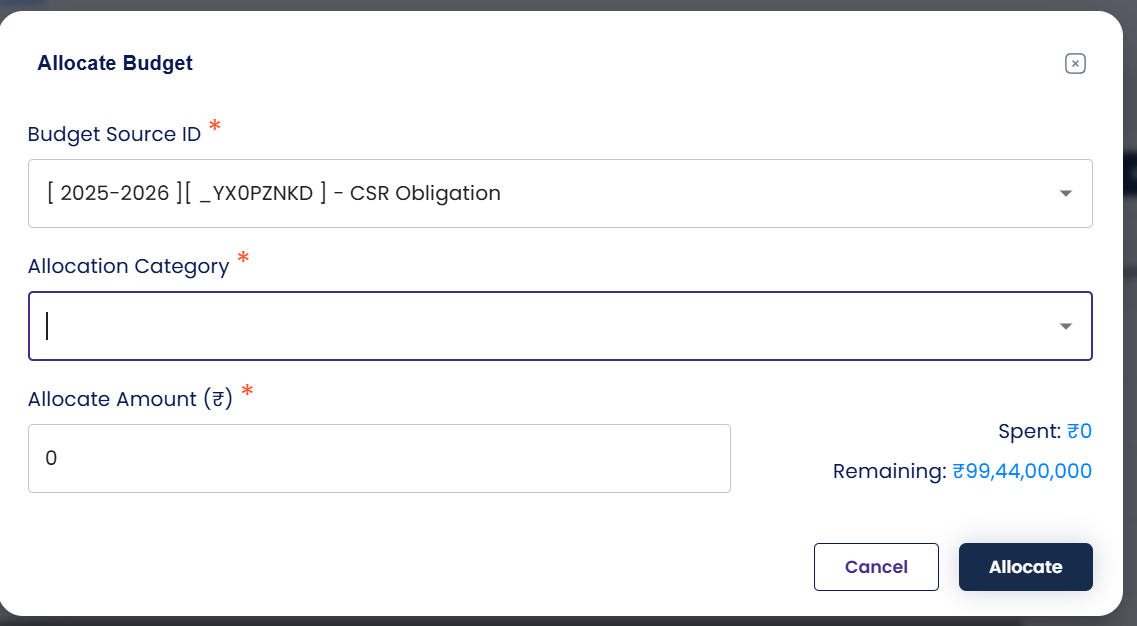
Step2: Then allocate this budget to the projects and admin and other expenses. Select the projects which are live from the drop down and then allocate the budget amount.