
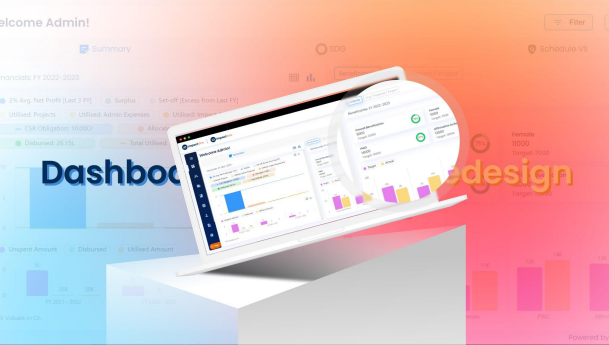
��Release Notes
Introducing Our Latest Product Release!
We're thrilled to unveil the newest update to our product designed to elevate your experience. This release is the culmination of our dedication to innovation and your feedback, ensuring that our platform continues to meet and exceed your expectations. Let's explore what's new!
�� Introduction:
We are excited to announce the latest release of ImpactOne. This release includes a number of new features, improvements that will enhance your experience and help you achieve your goals more efficiently.
We appreciate your feedback and suggestions, and we have listened carefully to your needs and preferences to bring you the best possible product. We hope you enjoy the new features and enhancements, and we look forward to continuing to improve our product to meet your needs.
⚙️ Features & Enhancements:
Dashboard Upgrade
Project Dashboard : Display the main dashboard as the project dashboard with Project Filter.
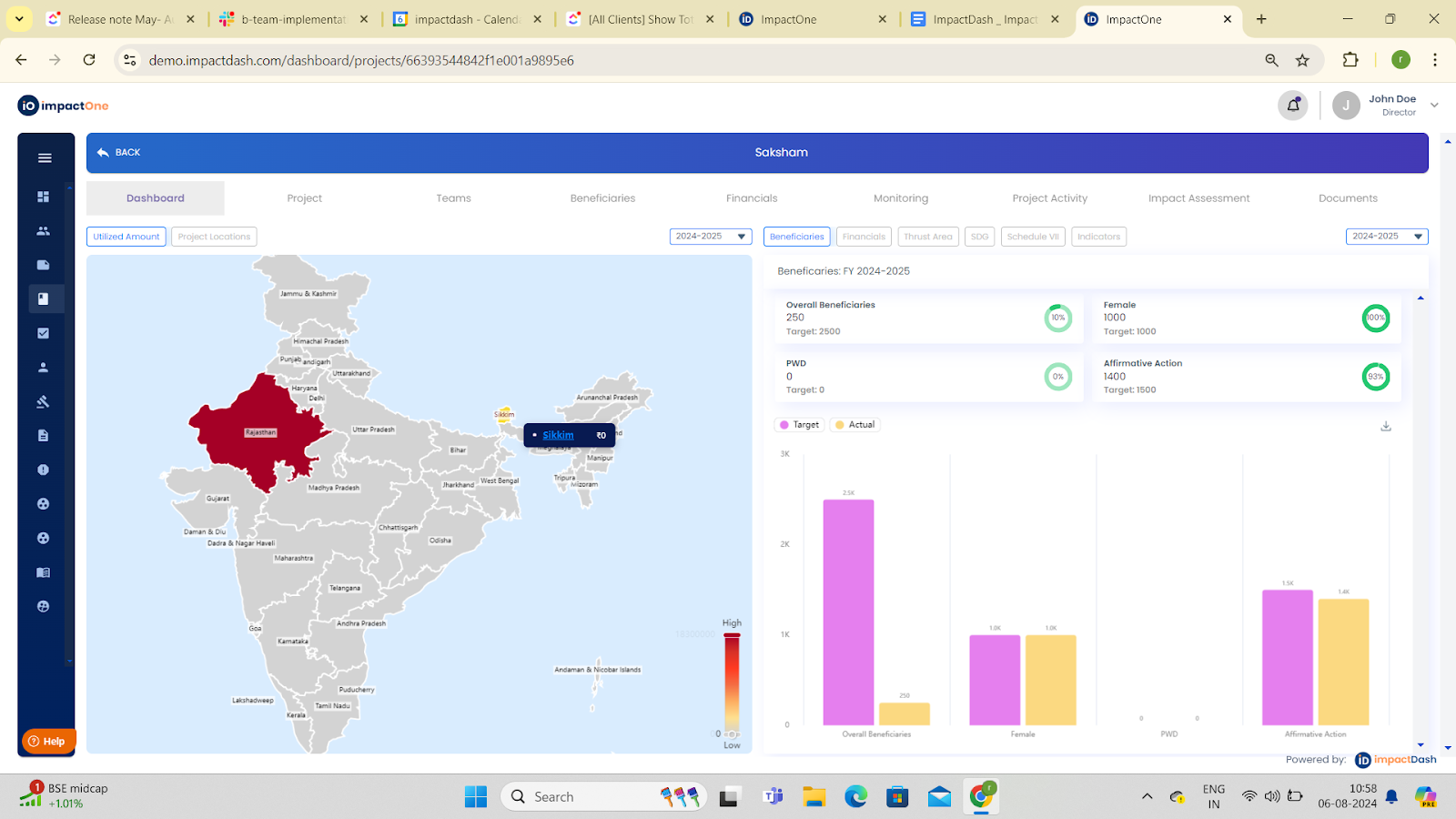
Modifications
Summary> Map > new tab: Locations> Show the states and districts in which the project is implemented.
Summary>Activities > auto apply and freeze Project Filter.
Summary>Assets> auto apply and freeze Project Filter.
Summary>Financials> Allocated vs Disbursed vs Utilized graph [shown combined allocated/disbursed/utilized from all source categories and a source category filter]
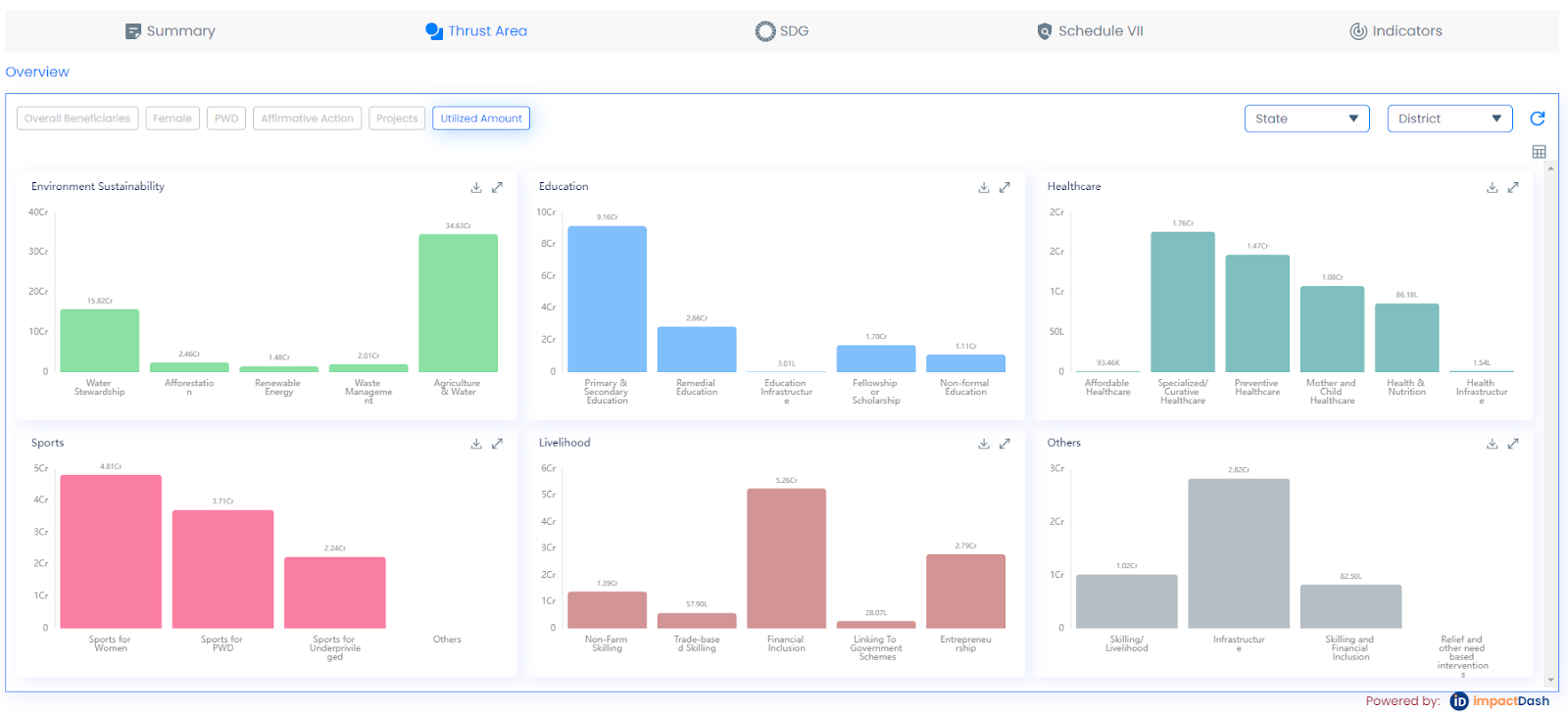
2. Utilized Amount for Thrust Area.
Total "utilized amount" and "Projects" as per 'thrust area' in the thrust area tile is shown.
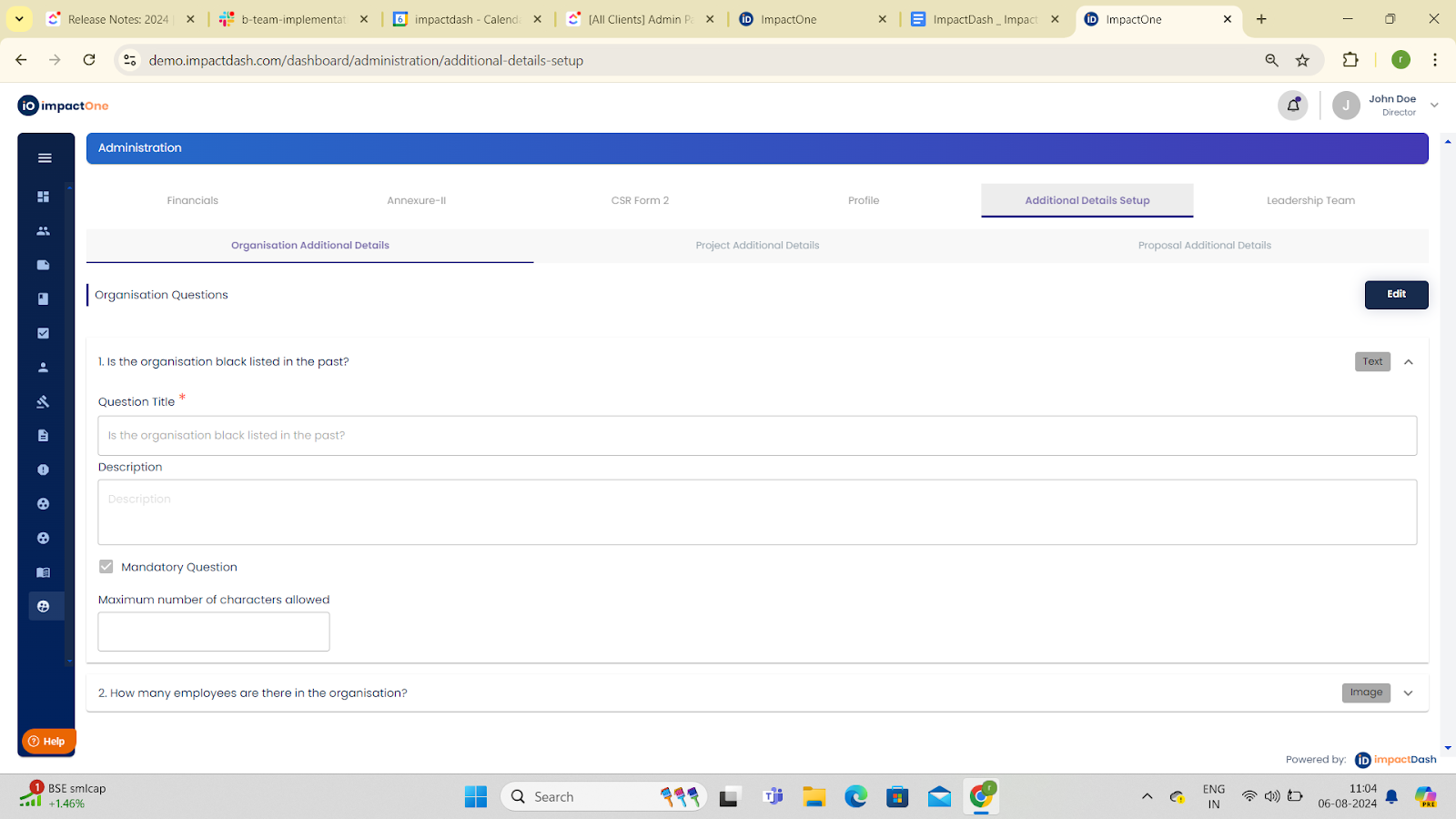
3. Additional Details Set up
4. Financial Reports
Fund Utilisation Report [Quarter-wise]
4.1 Report Description: This report displays the quarter-wise fund utilisation in each project in a financial year as entered under financial monitoring section in projects.
4.2 Fund Disbursal Report [Quarter-wise]
Report Description: This report displays quarter-wise funds disbursed in each project in a financial year.
4.3 Fund Disbursal Report [Tranche-wise]
Report Description: This report displays tranche-wise funds disbursed in each project in a financial year, along with the usage certificate.
4.4 Fund Utilisation Report [Quarter-wise]
Report Description: This report displays the fund utilisation with utilisation certificate in each project in a financial year.
5. Leadership Approvals: Leadership Approval section under official use page is shown only when active Leaders are added in admin section.
6. Logs Feature: Master Logs Screen: [On left navigation bar]
⚙️ Support:
For support, please contact our customer service team at
support@impactdash.com or alternatively you can also reach us through our Help Section within the App!