Monitoring: Financial Monitoring
User: Partner(maker)
Financial Monitoring: The actual budget needs to be inputted against the budgeted targets for each line items.
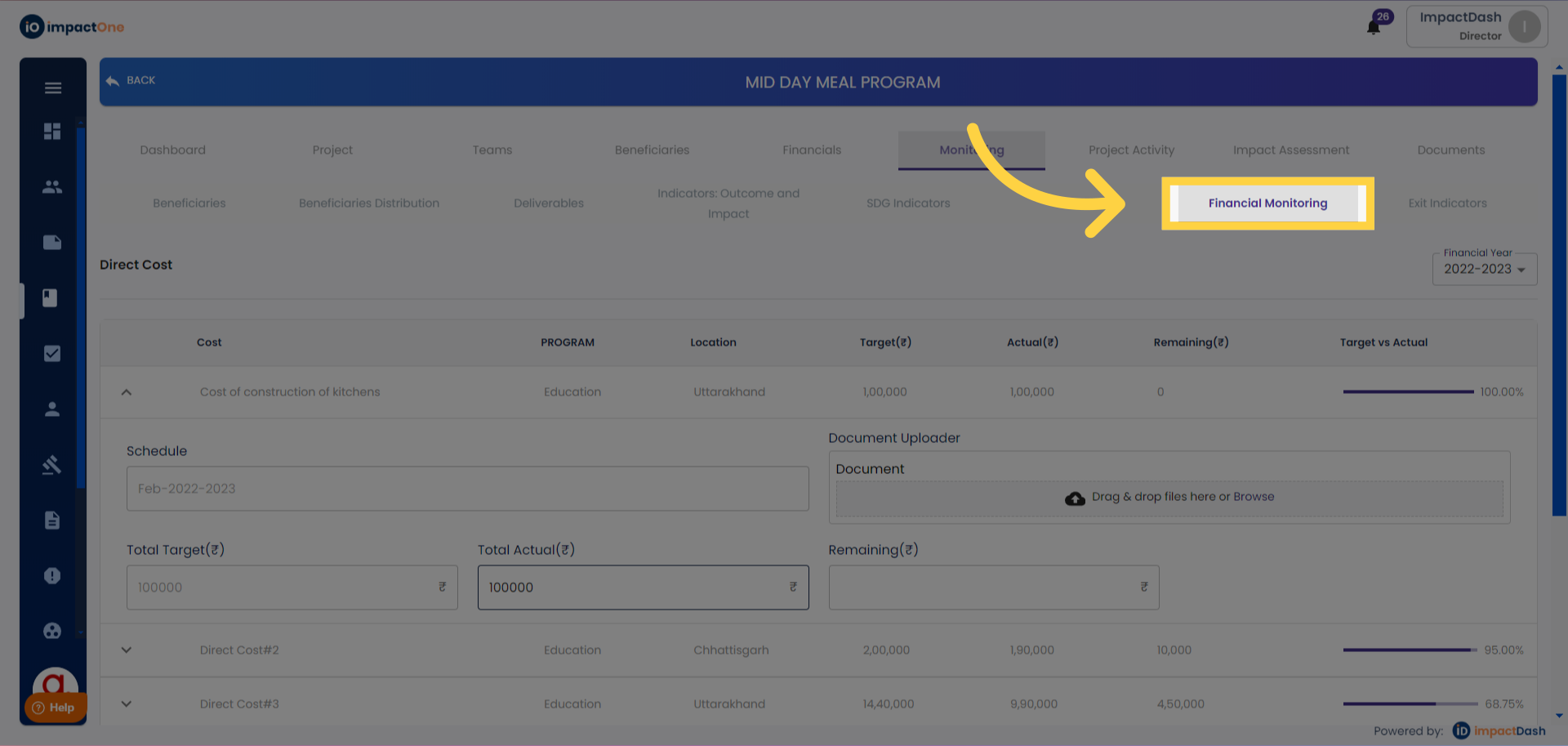
1. Financial Monitoring: Navigate to financial monitoring, under monitoring section.
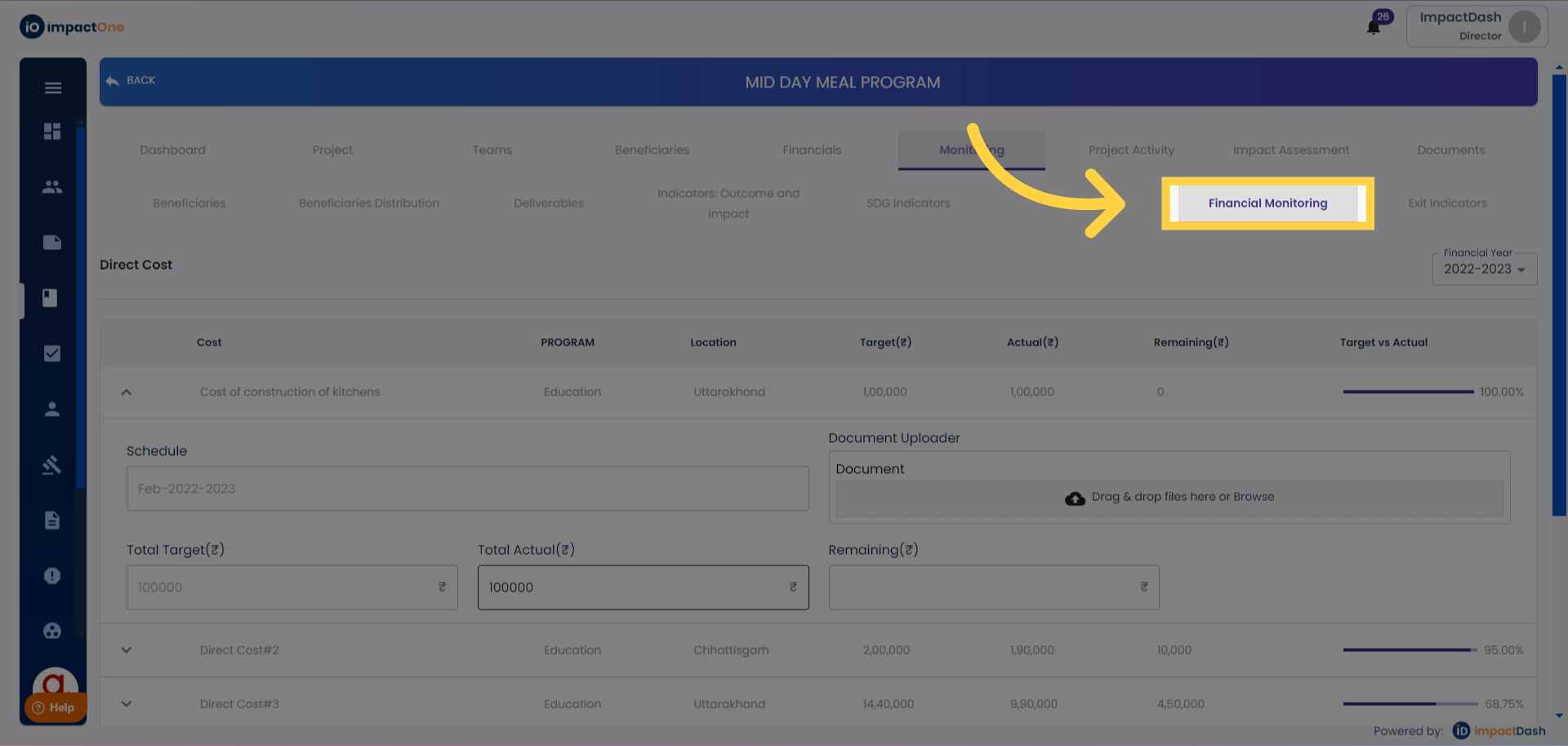
2. Select FY: Select the financial year from the dropdown to start entering the actuals.
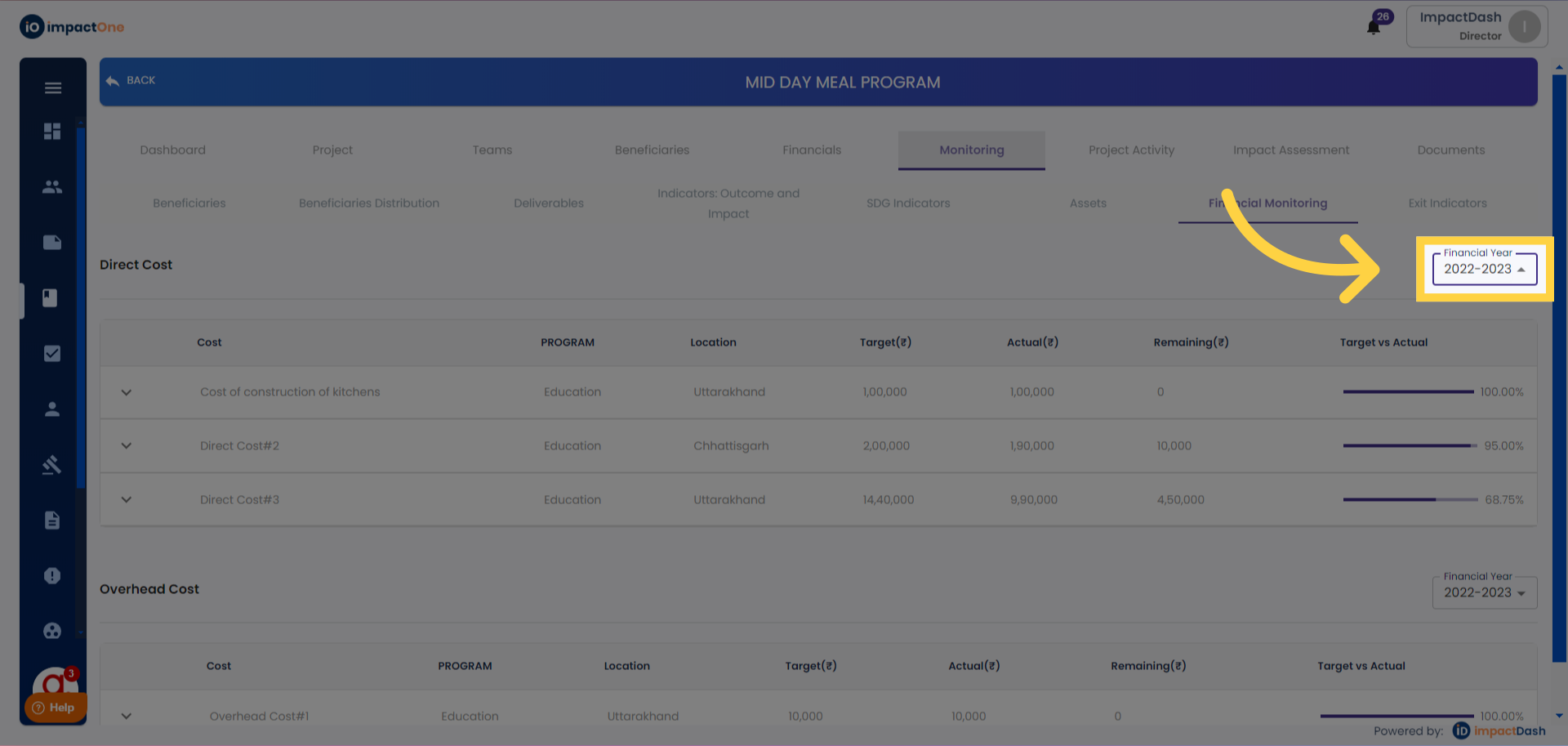
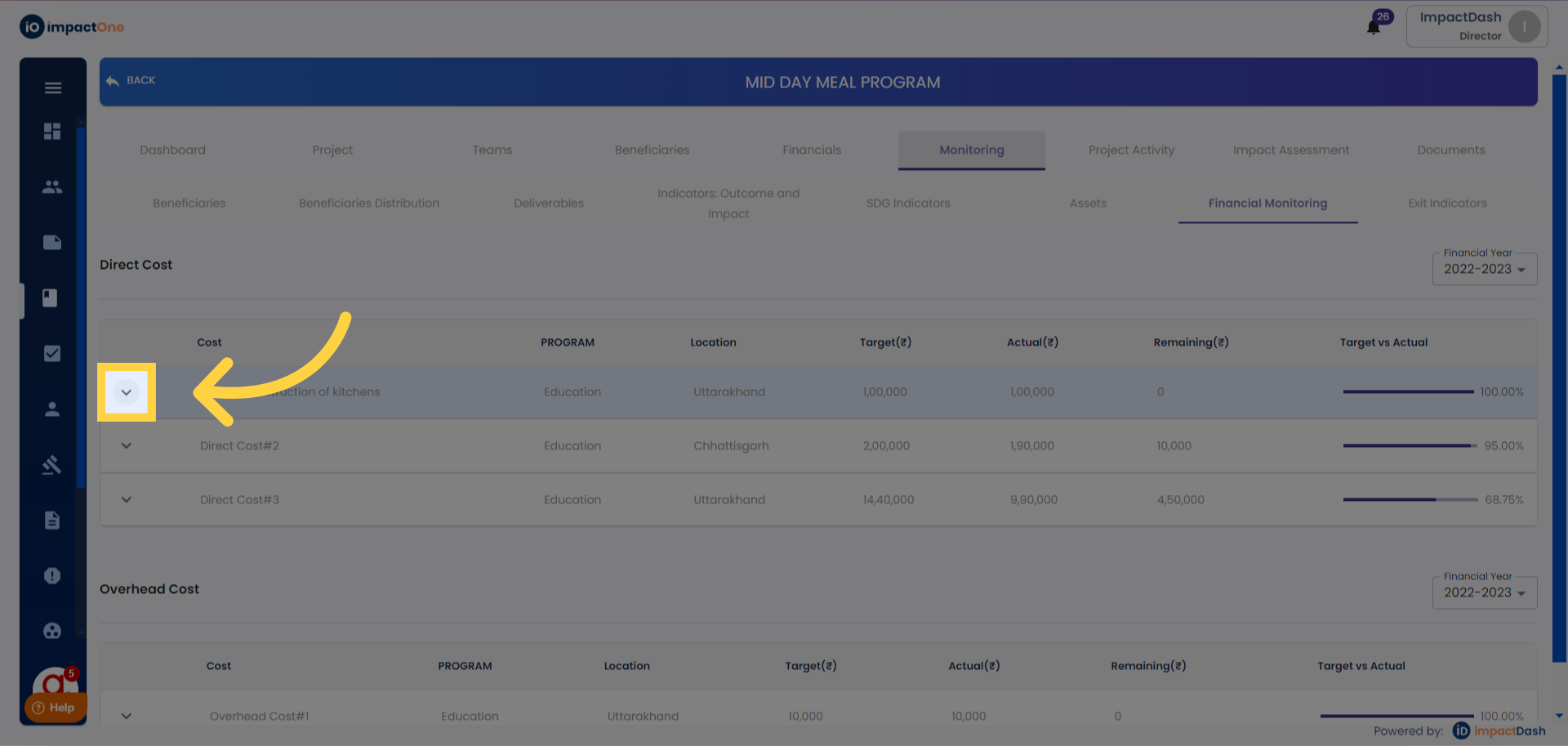
3. Select the Line iteam: Click on the line item for which you want to add the actuals for, and the menu will open.
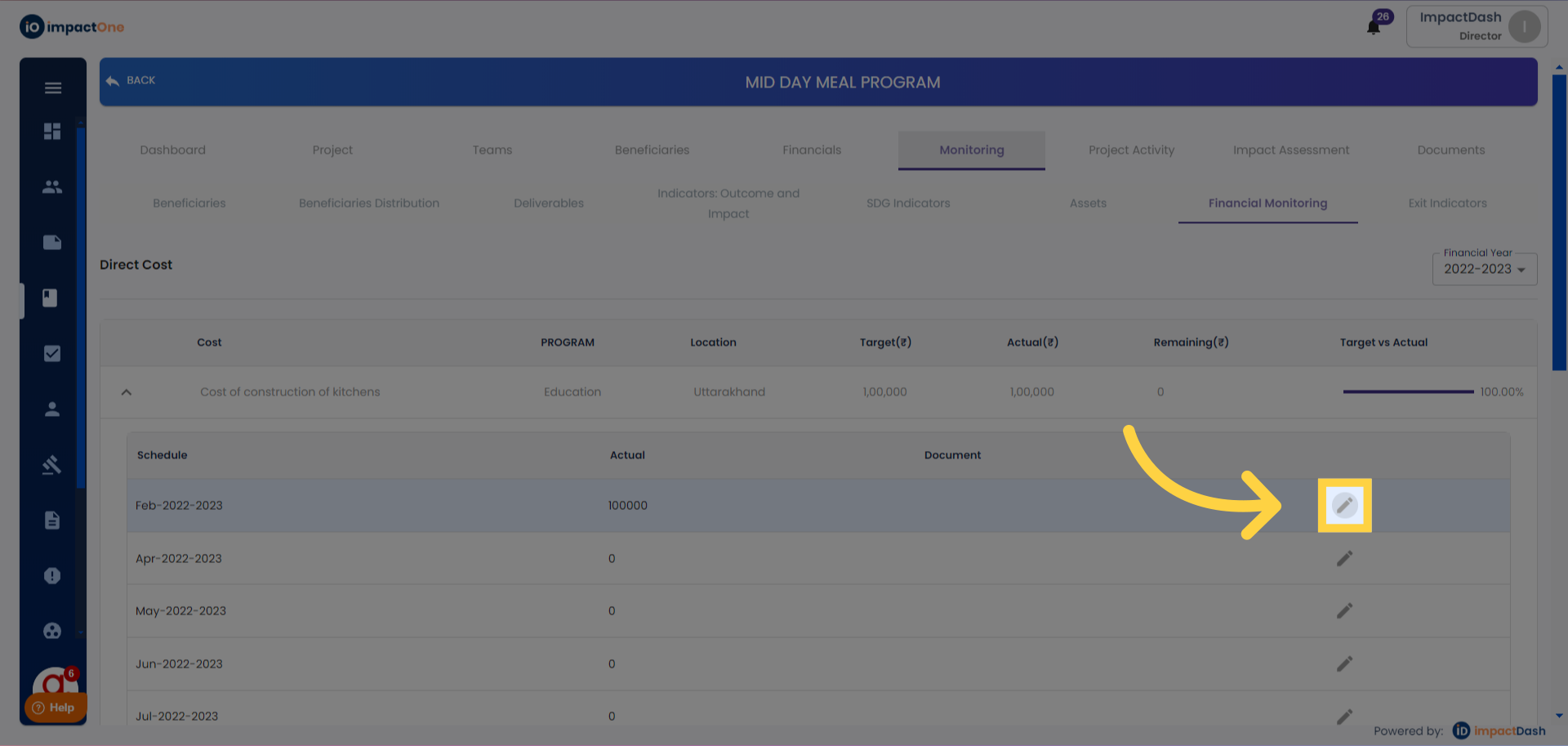
4. Edit: Click on the pencil icon to edit the actuals
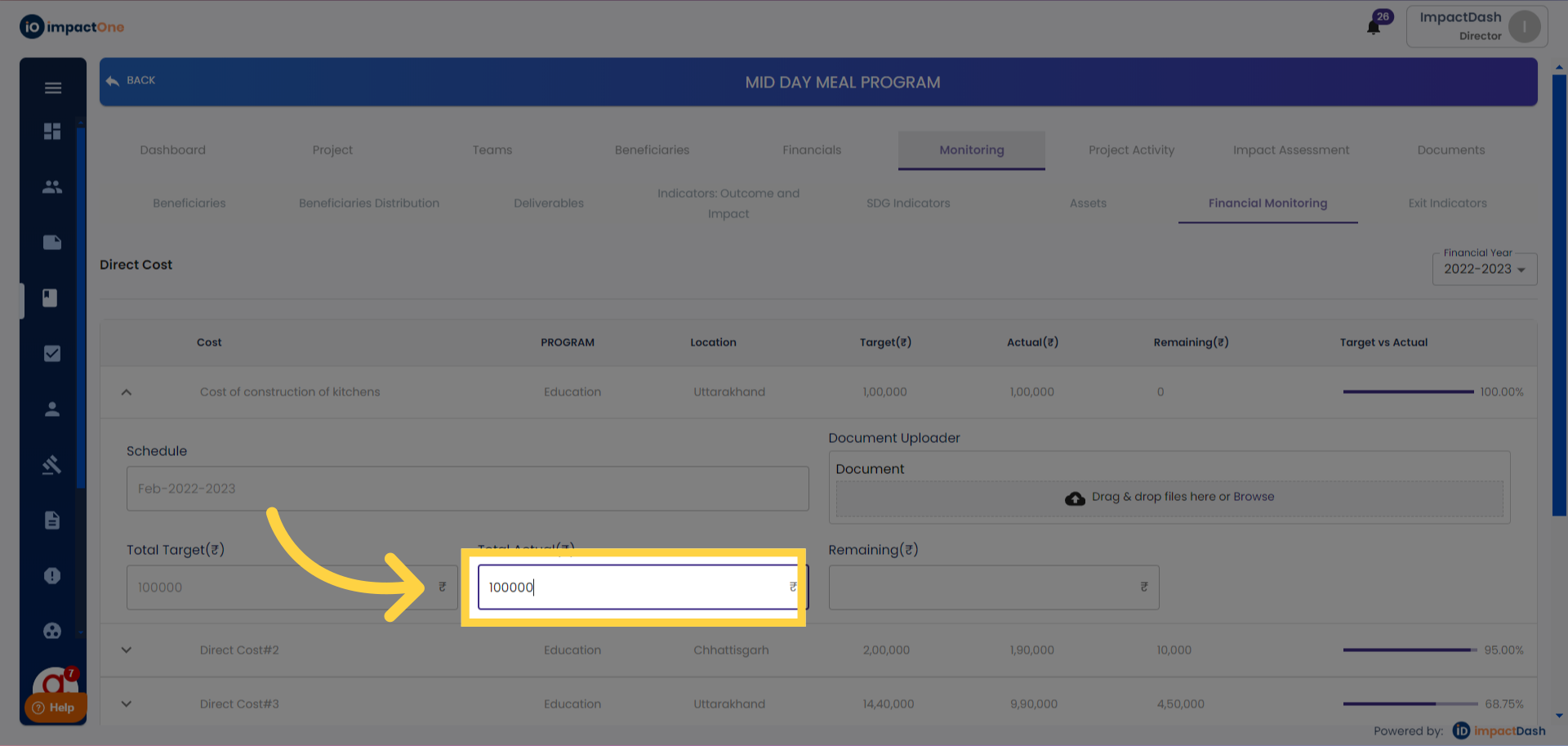
5.Enter Actuals: Enter actual against the targeted budget.
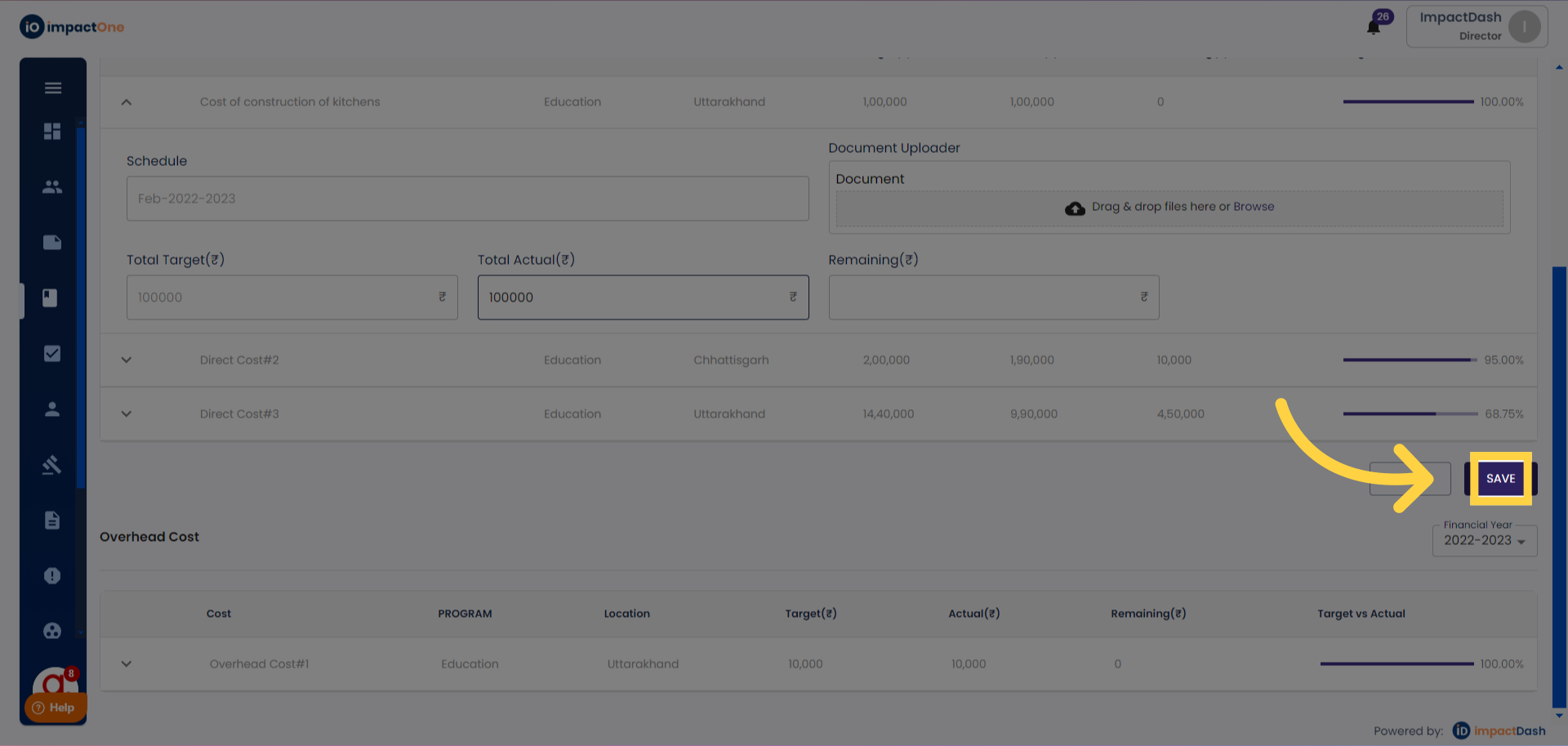
6. Save: Click on "save" button to confirm the action.