Project Activity
User:Partner (Maker)
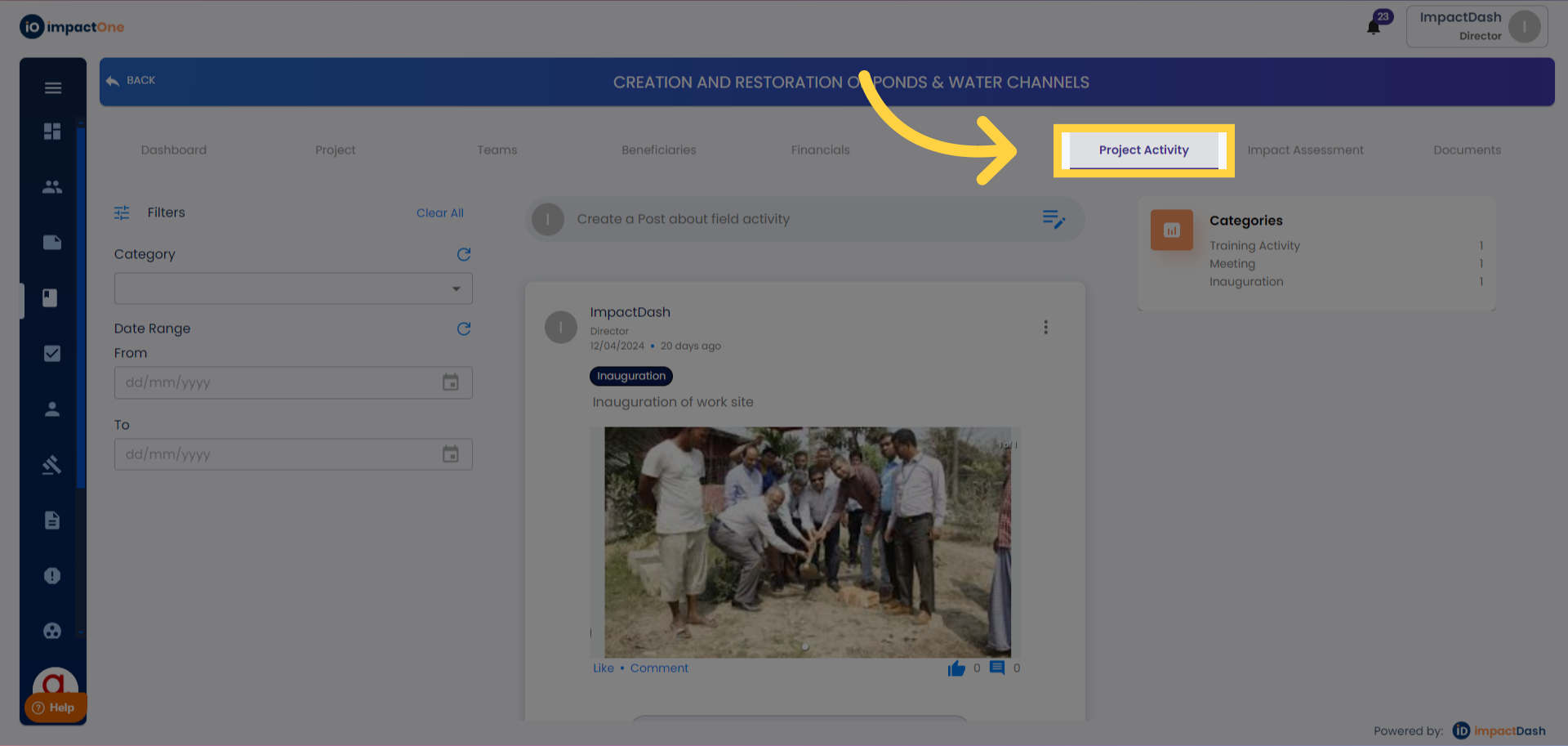
1.Project Activity: Navigate to project activity.
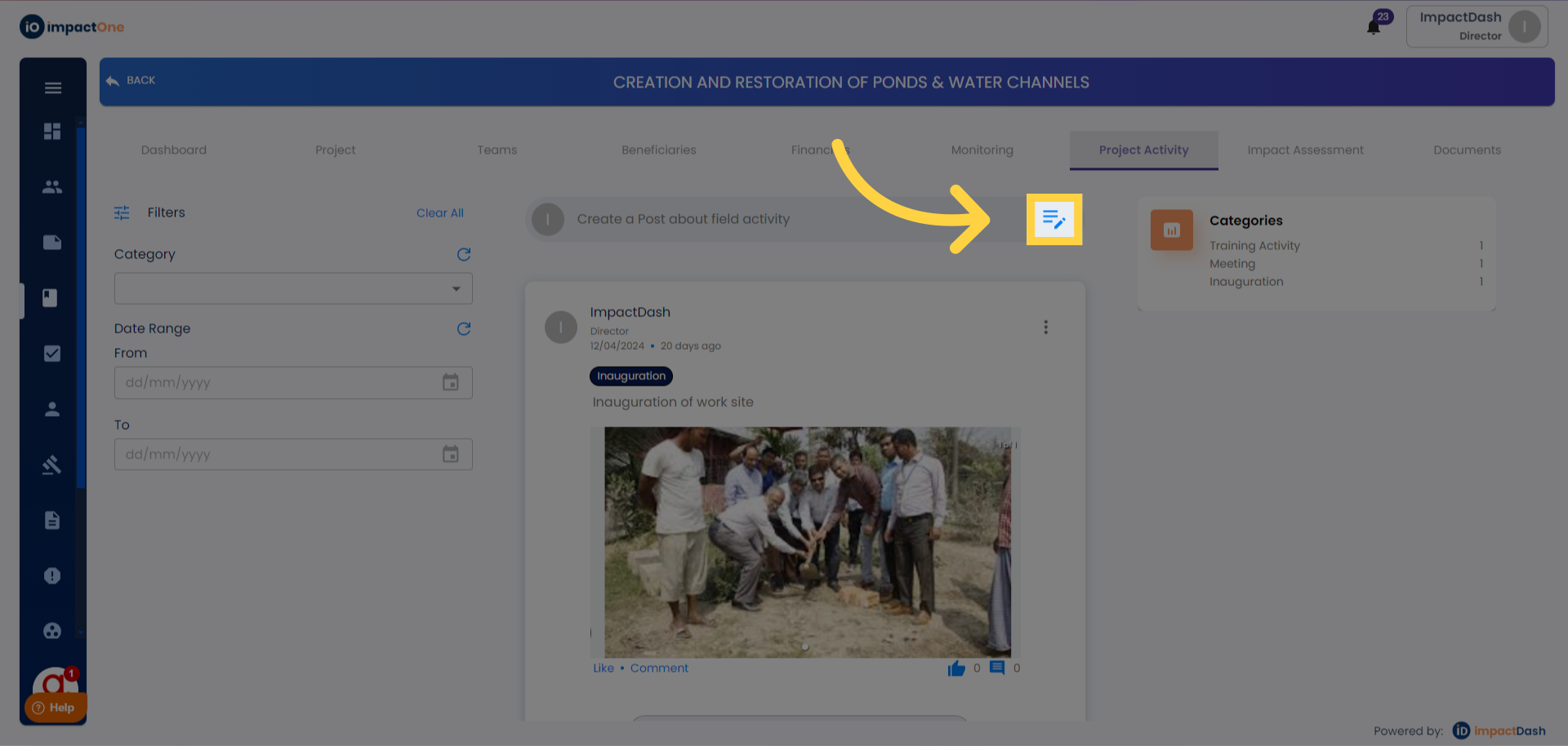
2.Editing Post for Field Activity: Click on the pencil button next to "Create a Post about field activity" to edit and add the project activity.
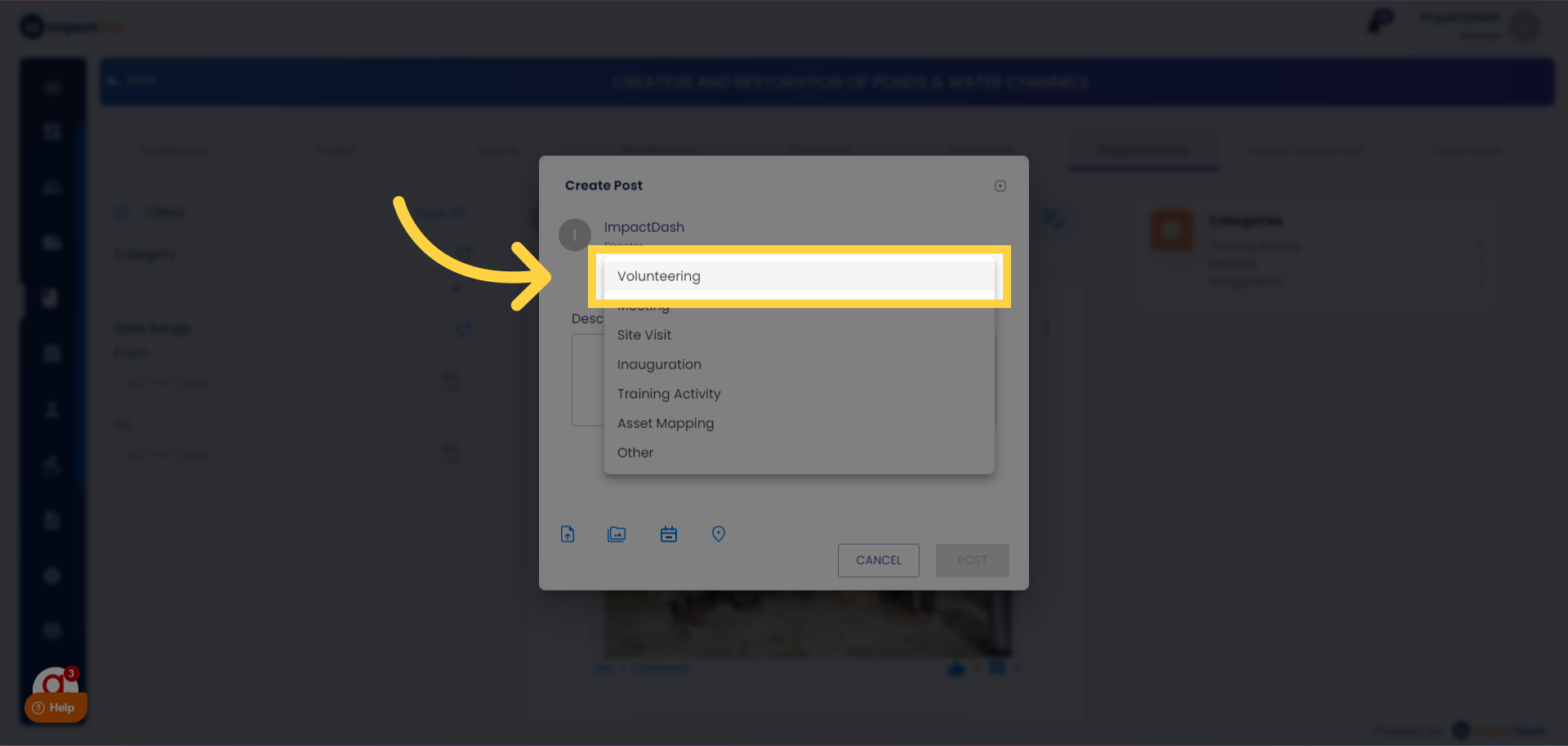
3.Selecting Activity Type: Choose the type of activity from the dropdown menu.
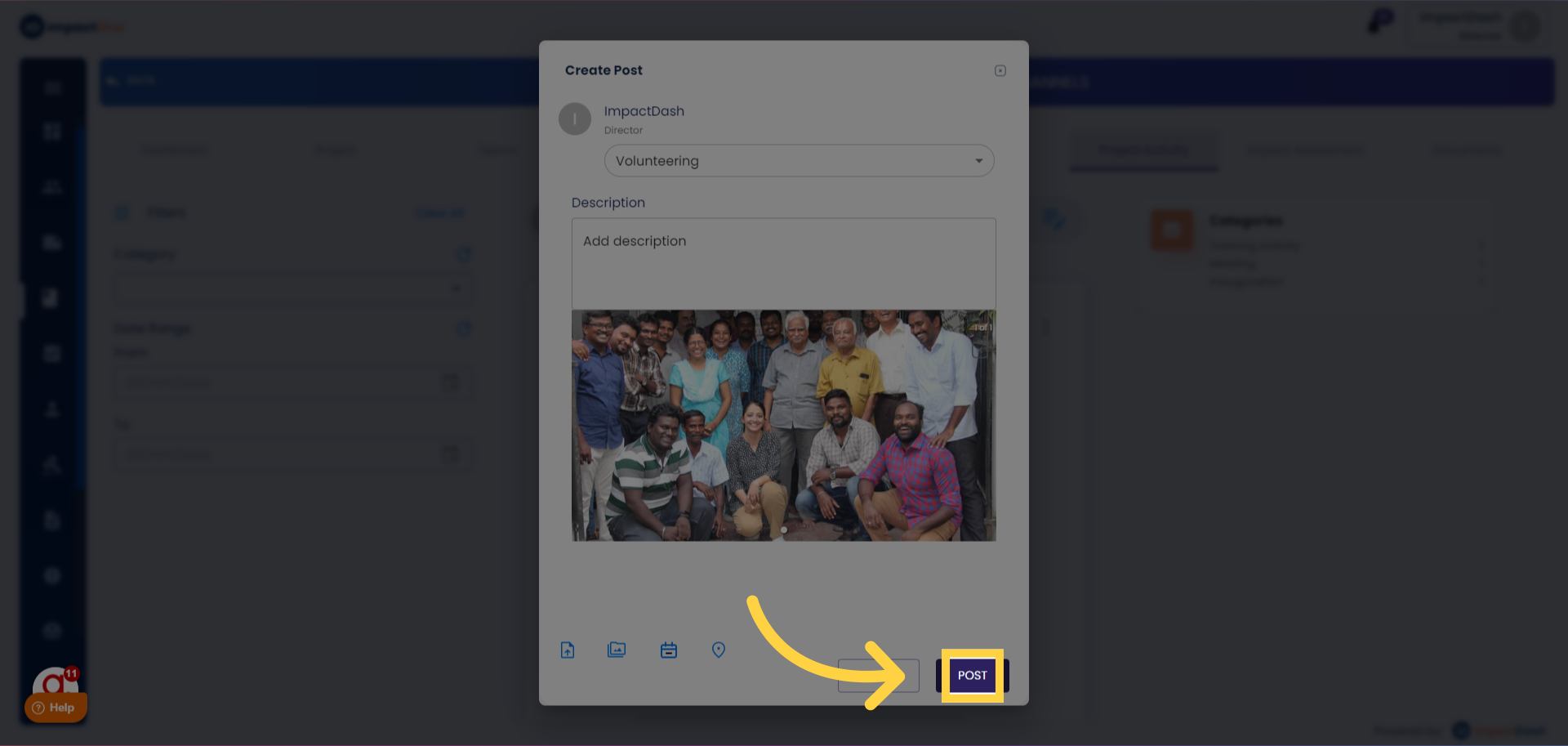
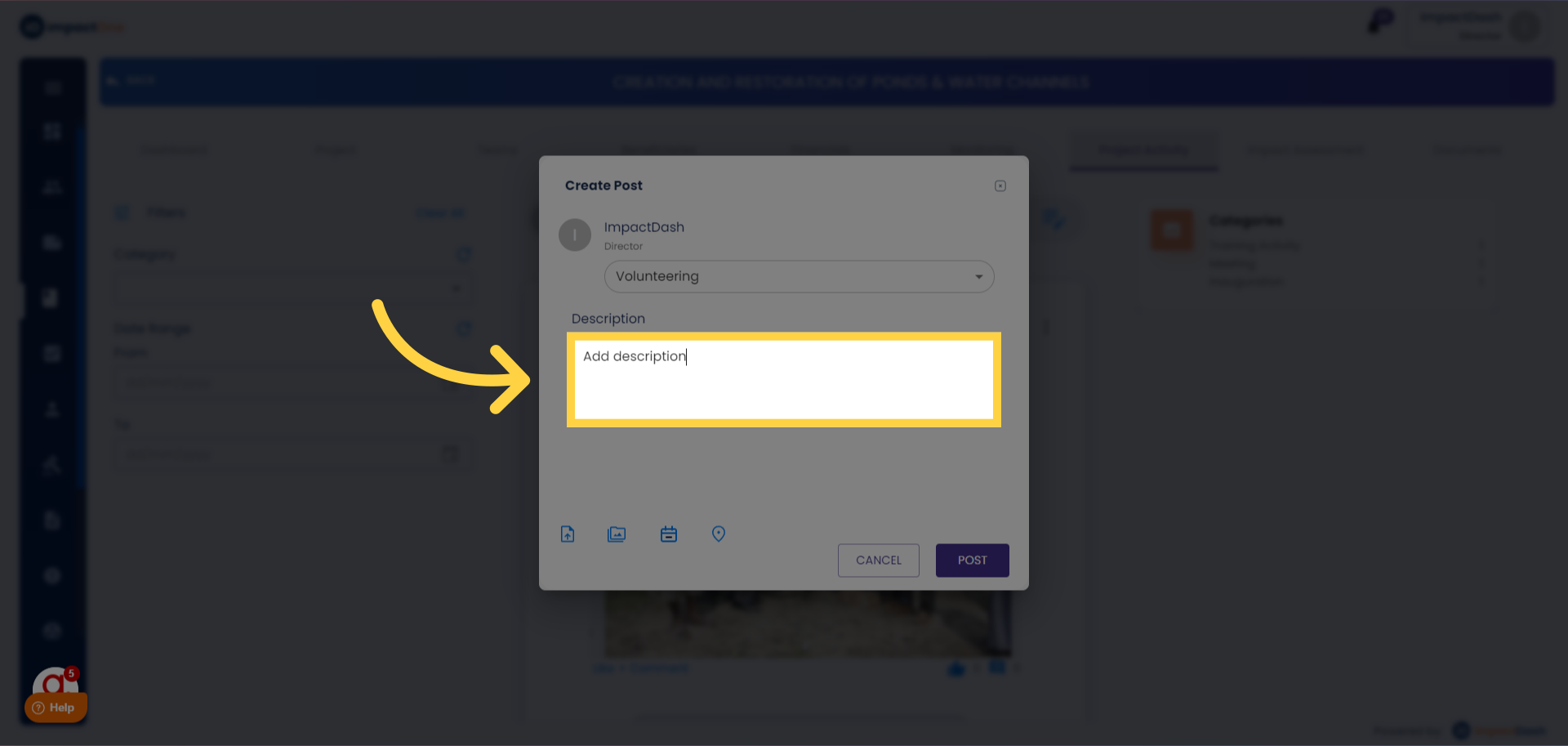
4.Adding Details: Add description about the activity in brief.
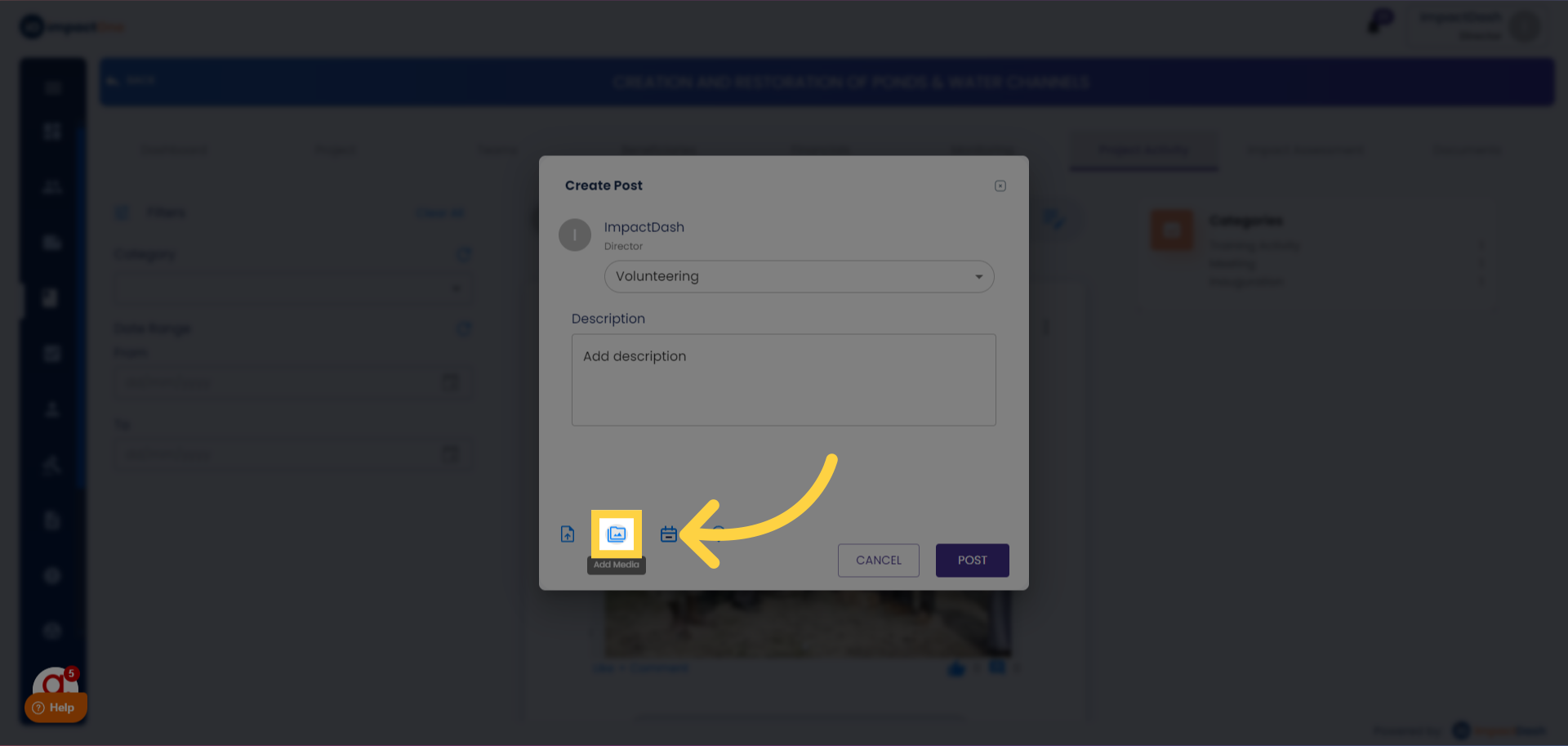
5. Add Documents: Include events, documents, media, and geo-tag the location for the project activity.
6.Posting Activity: Click on the "POST" button to save and publish the activity.