Monitoring: Beneficiary Distribution (if applicable):
Print
Modified on: Fri, 3 May, 2024 at 11:33 AM
Beneficiary Distribution (if applicable):
User: Partner (maker)
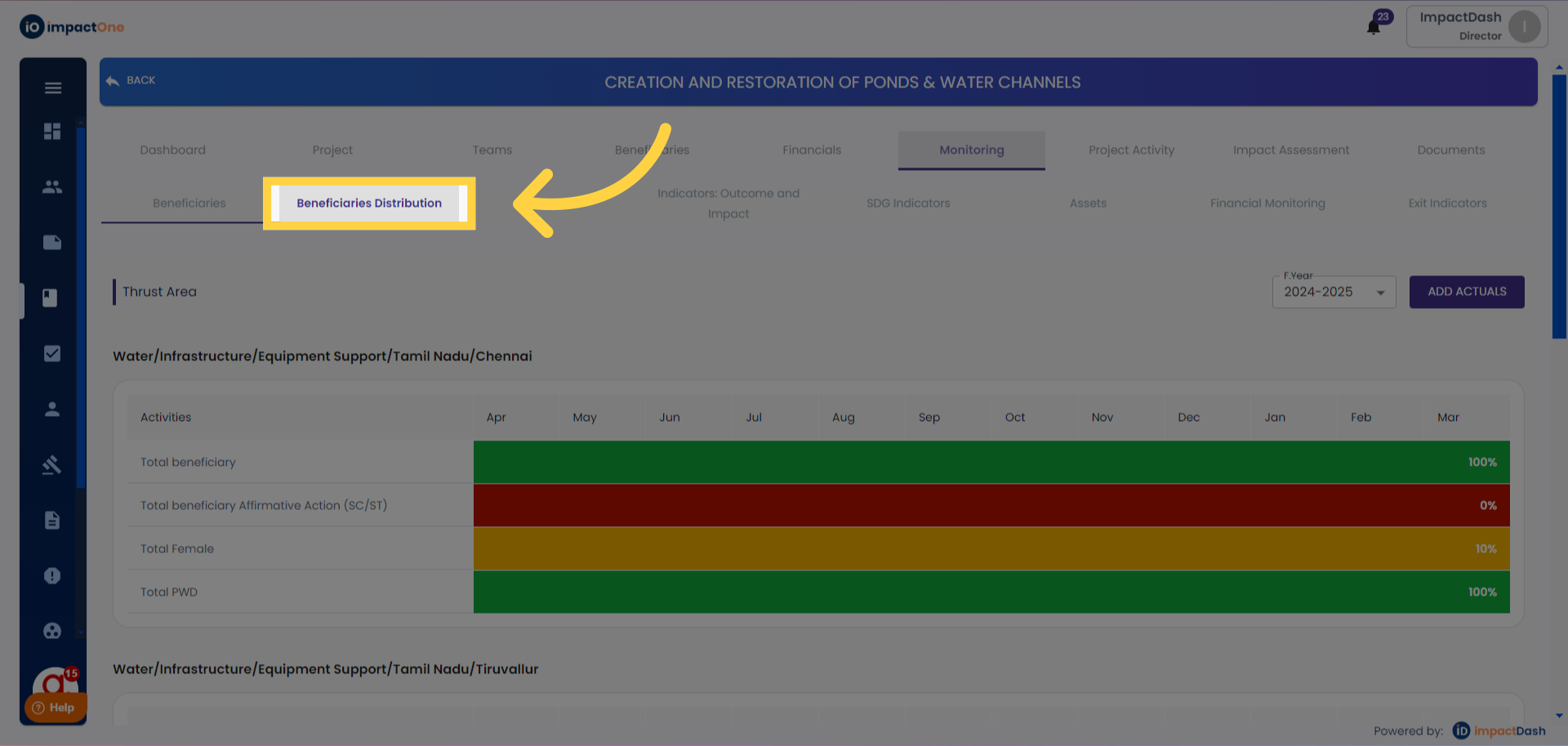
1. Beneficiary Distribution: Navigate to Beneficiary Distribution section under monitoring.
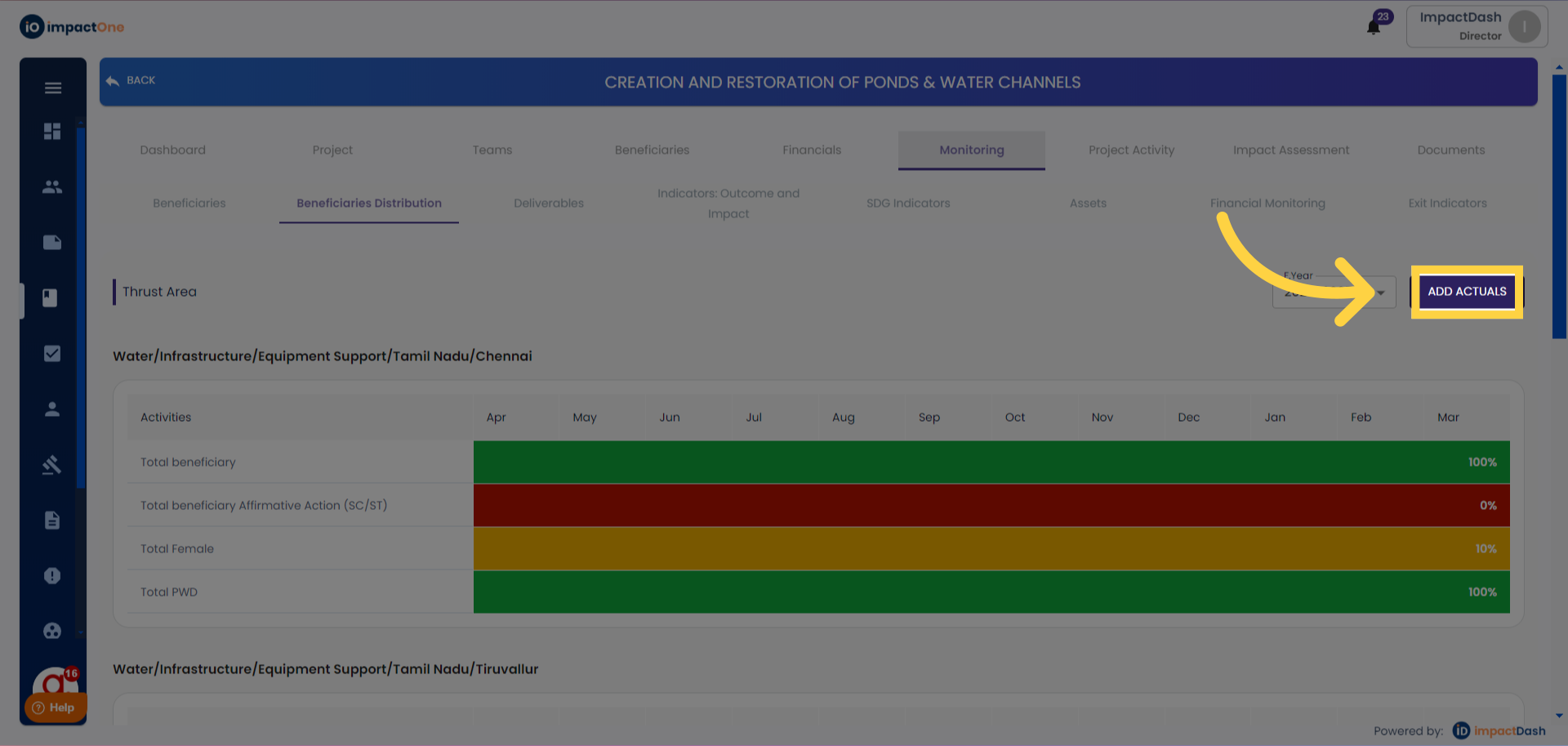
2. Adding Actuals: Click on the "Add Actuals" button on the right side.
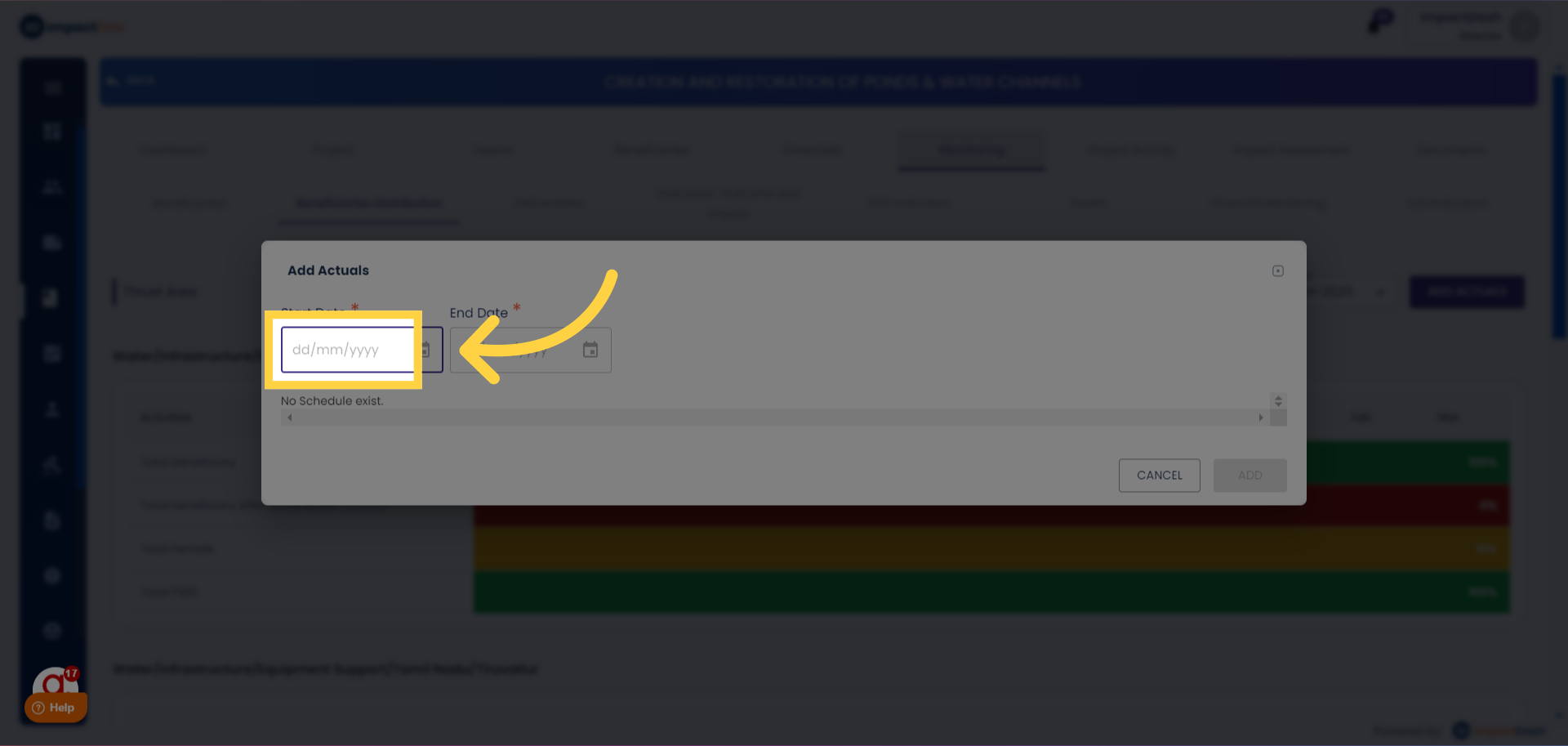
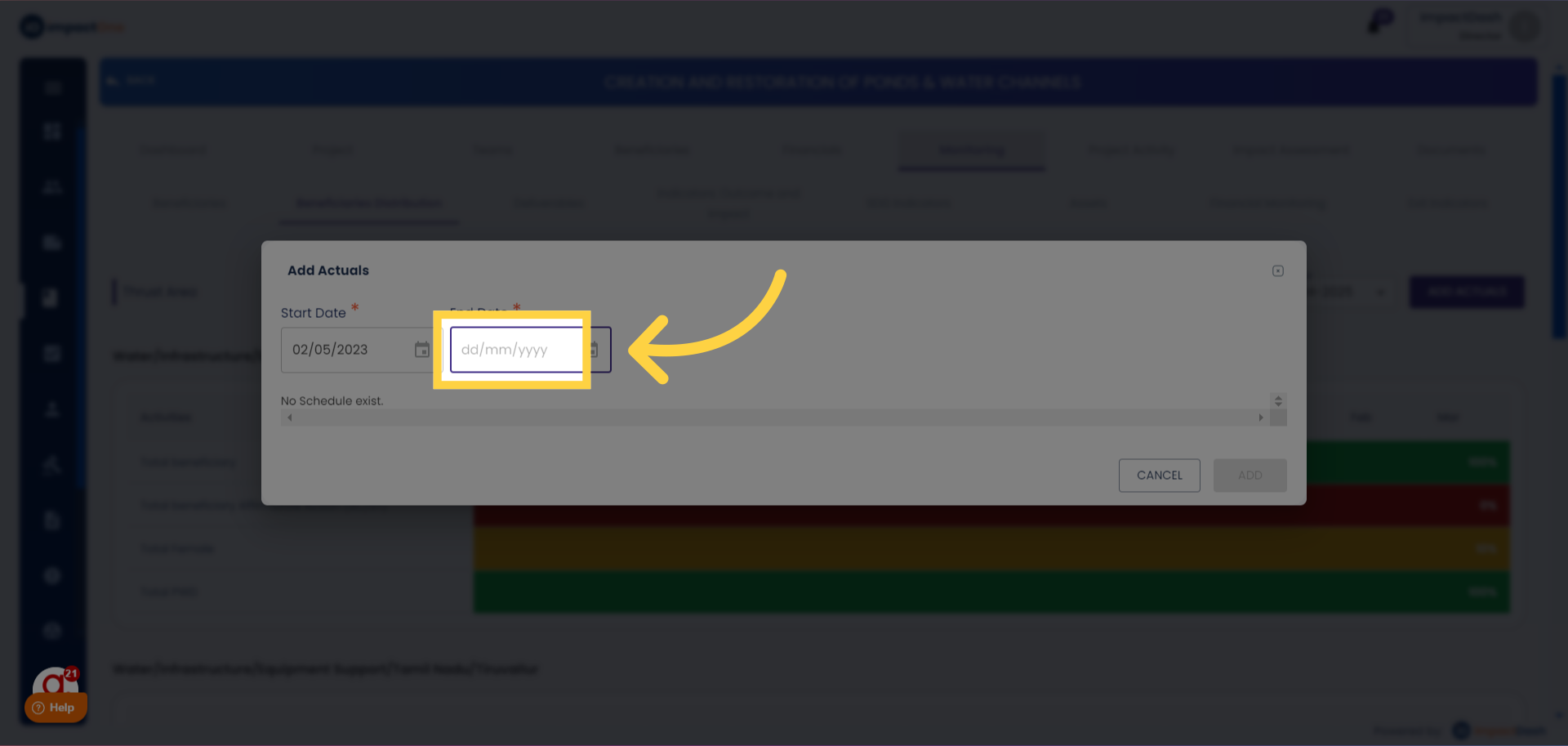
3.Setting Project Dates: Select the start date and end date of the project.
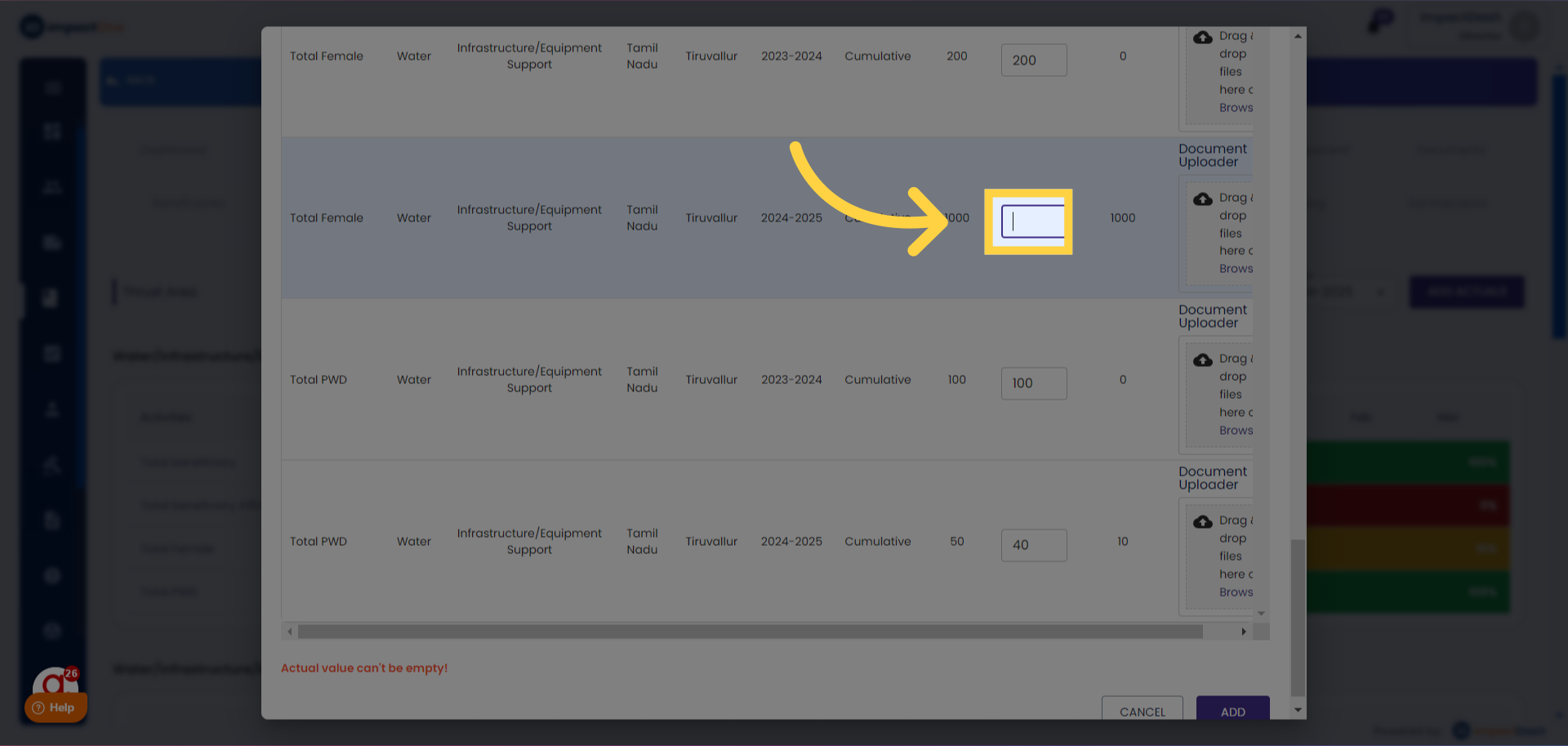
4.Entering Actuals :Add the actuals against the targets in the box given.
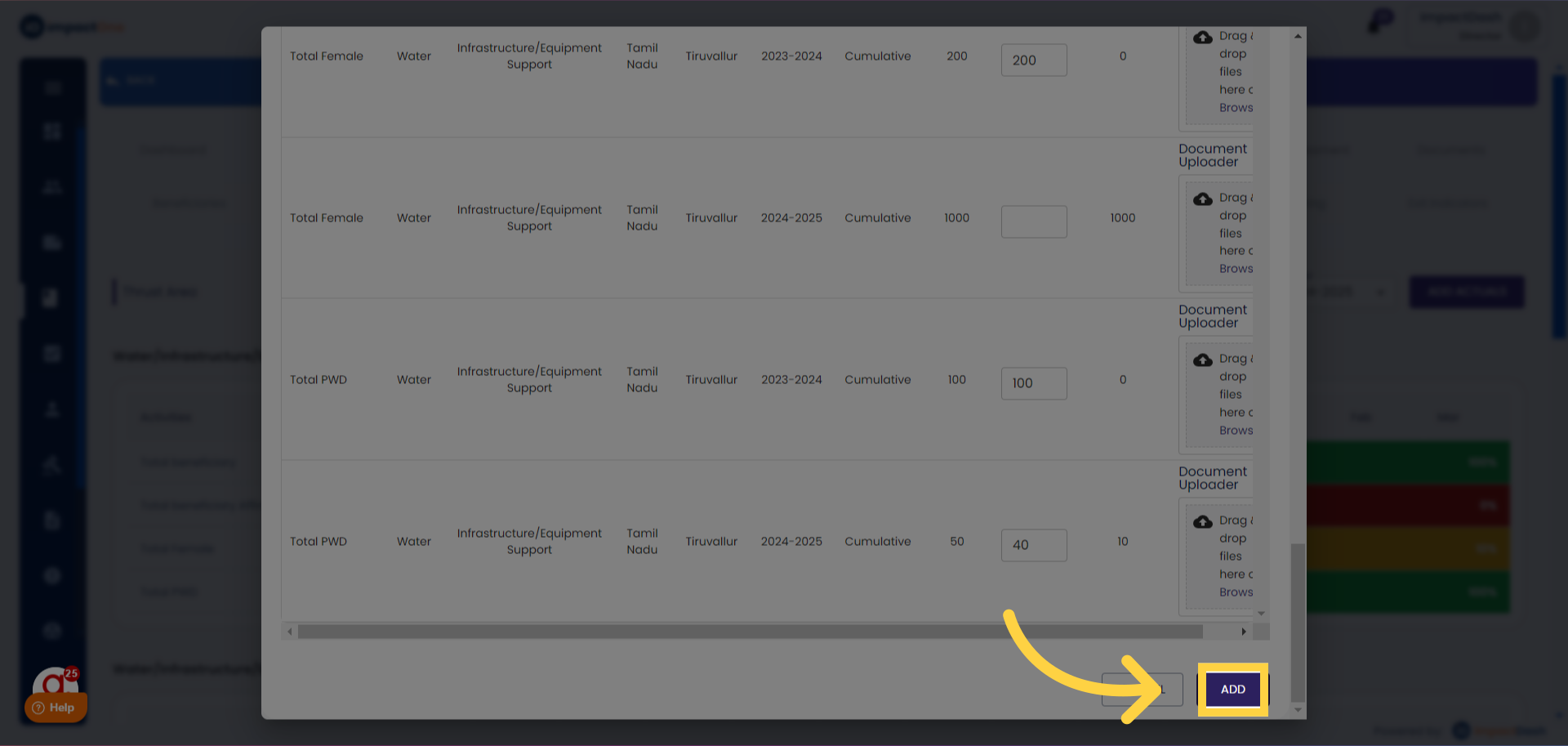
5.Finalizing Entry: Click on the "Add" button below once all actuals are entered.
Did you find it helpful?
Yes
No
Send feedback Sorry we couldn't be helpful. Help us improve this article with your feedback.
