Need Assessment
User: Partner(maker)
A needs assessment in a social project entails identifying and evaluating the specific requirements and challenges faced by the target community or population to inform the development of tailored interventions and strategies for sustainable positive change.
1.Accessing Editing Mode: Click on the "Edit" button located at the top right side of the screen to initiate data entry.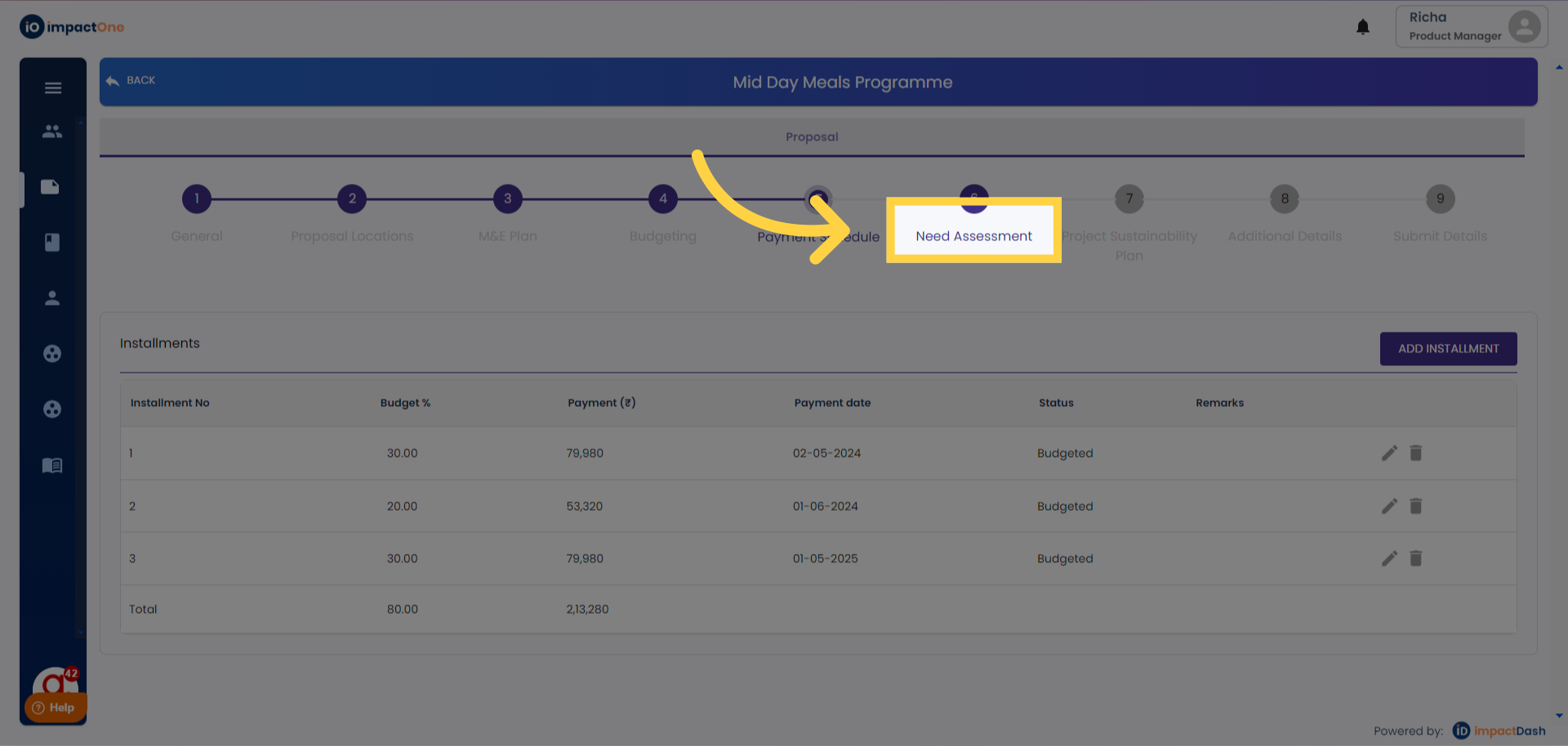
2.Filling Background and Introduction: Begin by providing a comprehensive background and introduction to the project, outlining its objectives and context.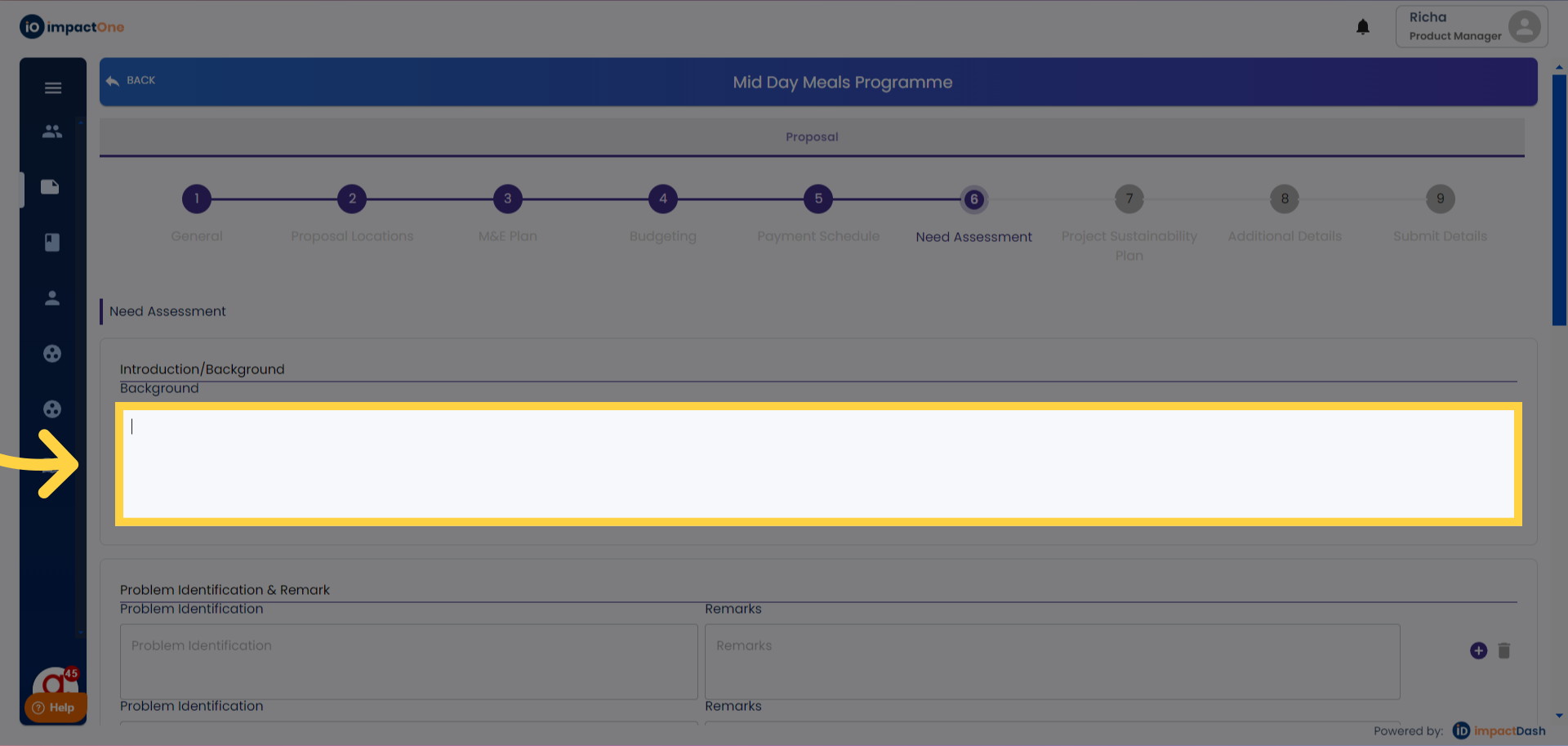
3.Identifying Problems and Needs: Proceed to identify and articulate the specific problems and needs that the project aims to address. Provide remarks on the need assessment findings.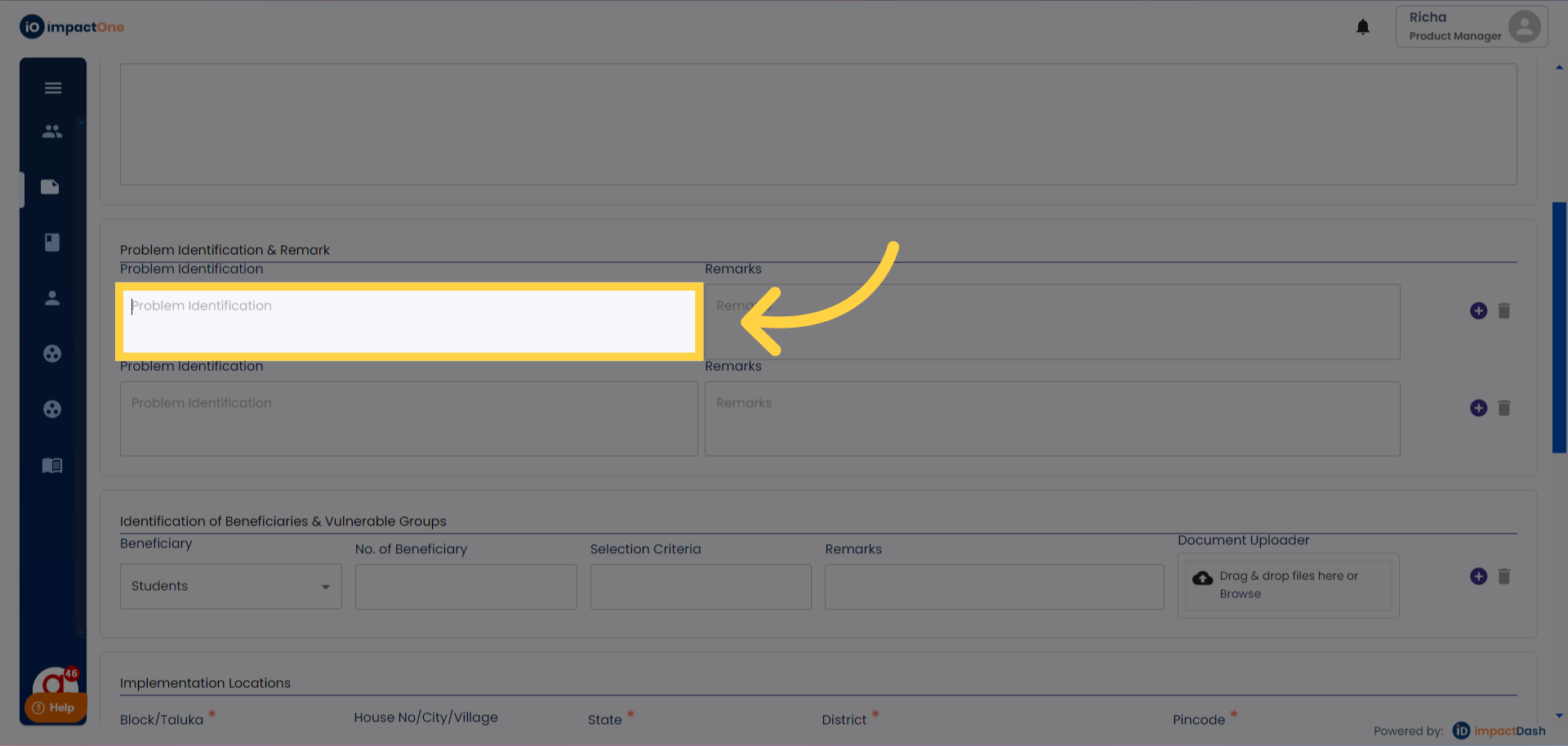
4.Identification of Beneficiaries & Vulnerable Groups: Click on the "+" sign to add beneficiaries and vulnerable groups one by one. Fill in details for each group, including demographics and specific vulnerabilities, by clicking on the corresponding fields.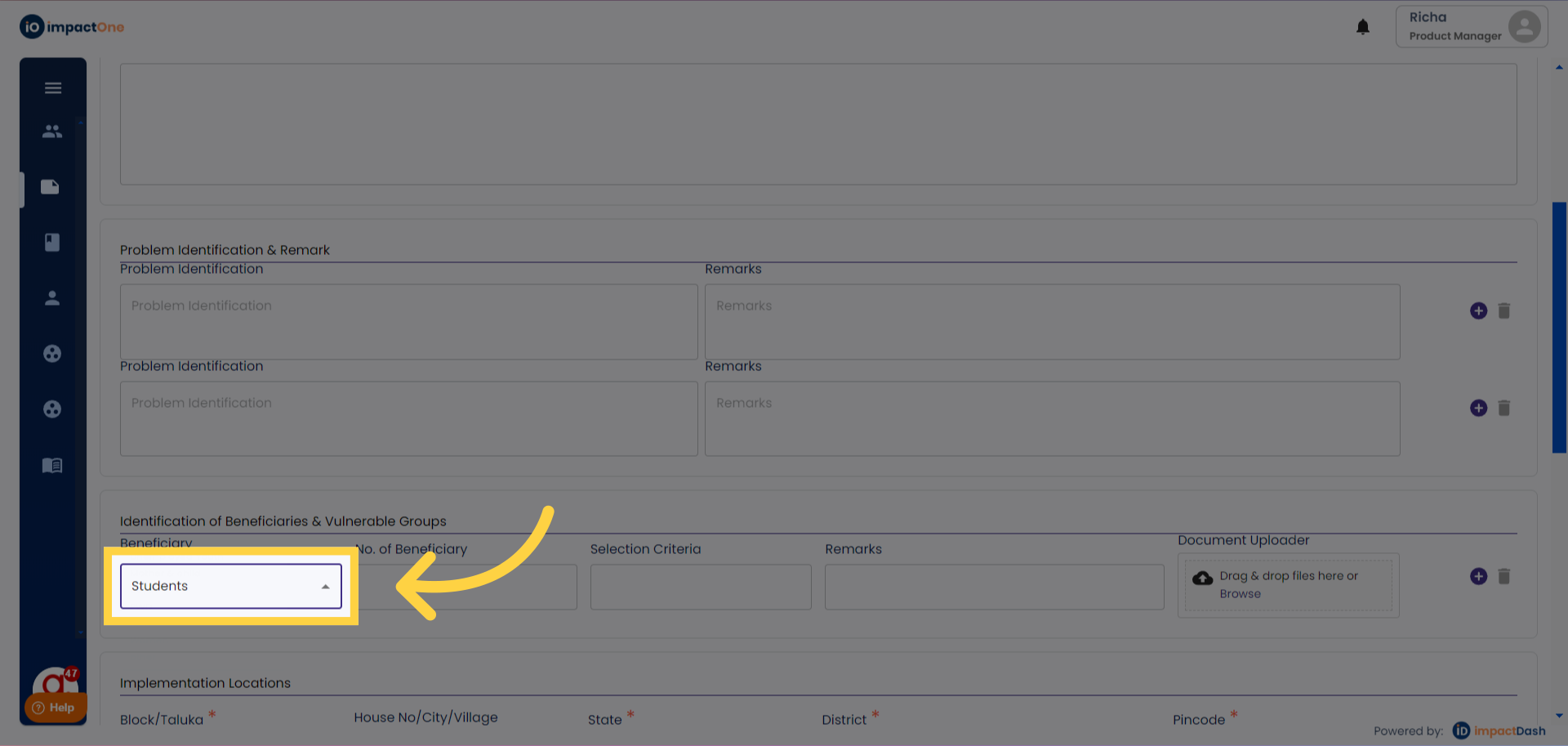
5.Adding Acronyms: Enter any acronyms used within the project by clicking on the "+" sign to add them. Provide explanations or definitions for each acronym added to ensure clarity and understanding.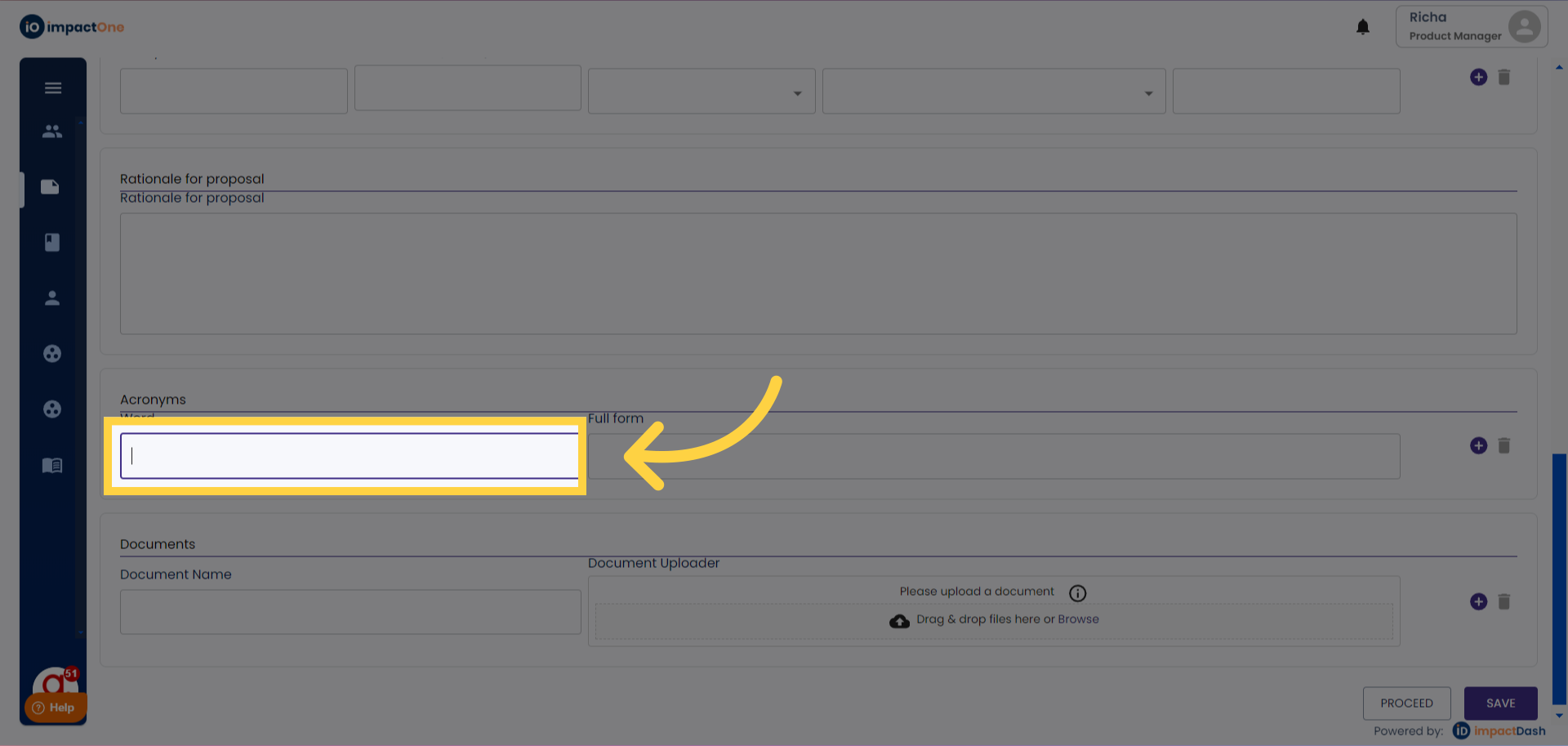
6.Document Repository: In this section, upload any additional documents relevant to the project as a repository for reference and documentation purposes.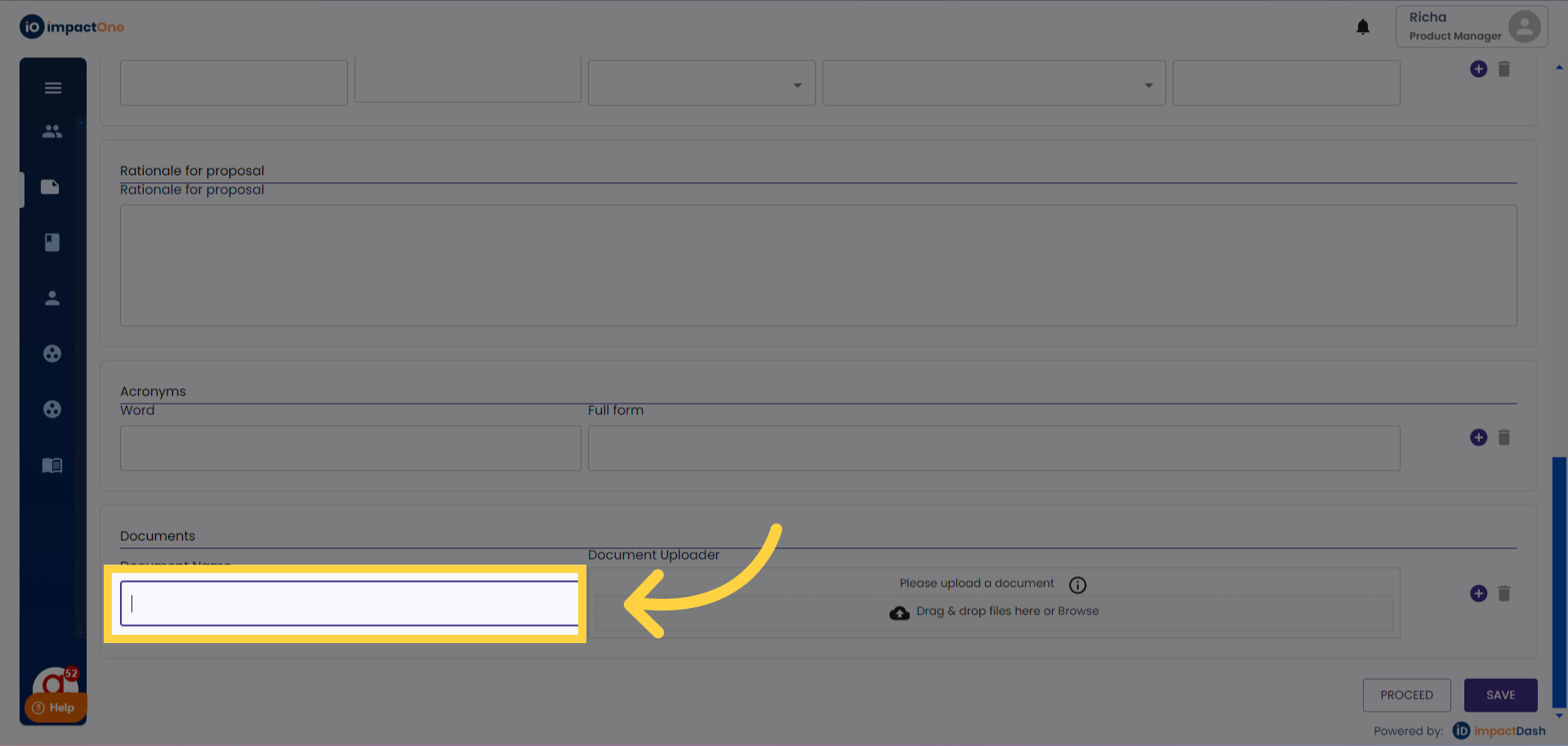
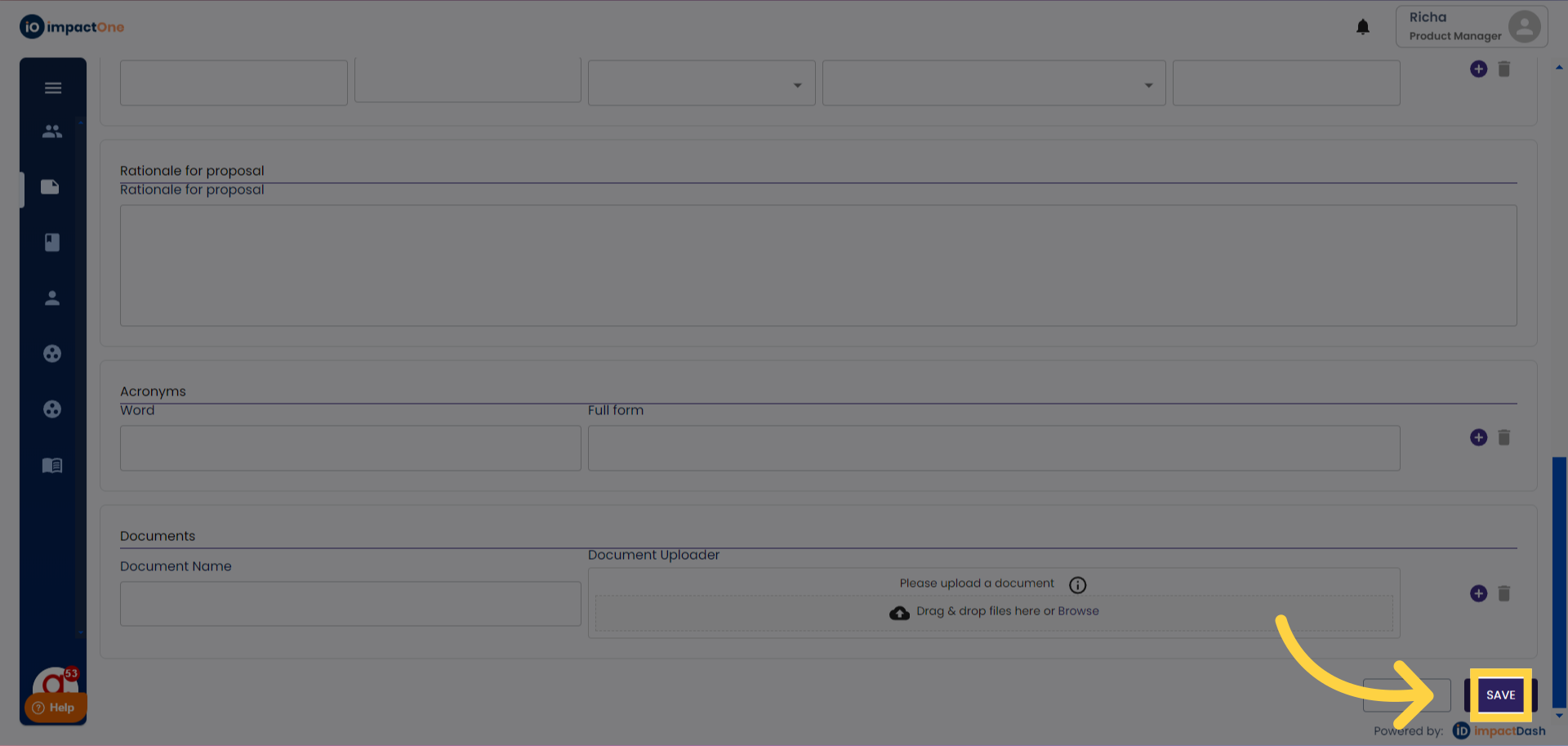
7.Saving and Proceeding: After entering all necessary details, click on the "SAVE" button located at the bottom right corner of the screen. Ensure that the information is saved successfully before proceeding to the next section of the project.