Step 5. Payment Schedule
User: Partner(Maker)
After the budget of the project is created, now we need to schedule the budget into different installment of payments.
1.Adding Installment: Click on the "Add Installment" button located on the right side.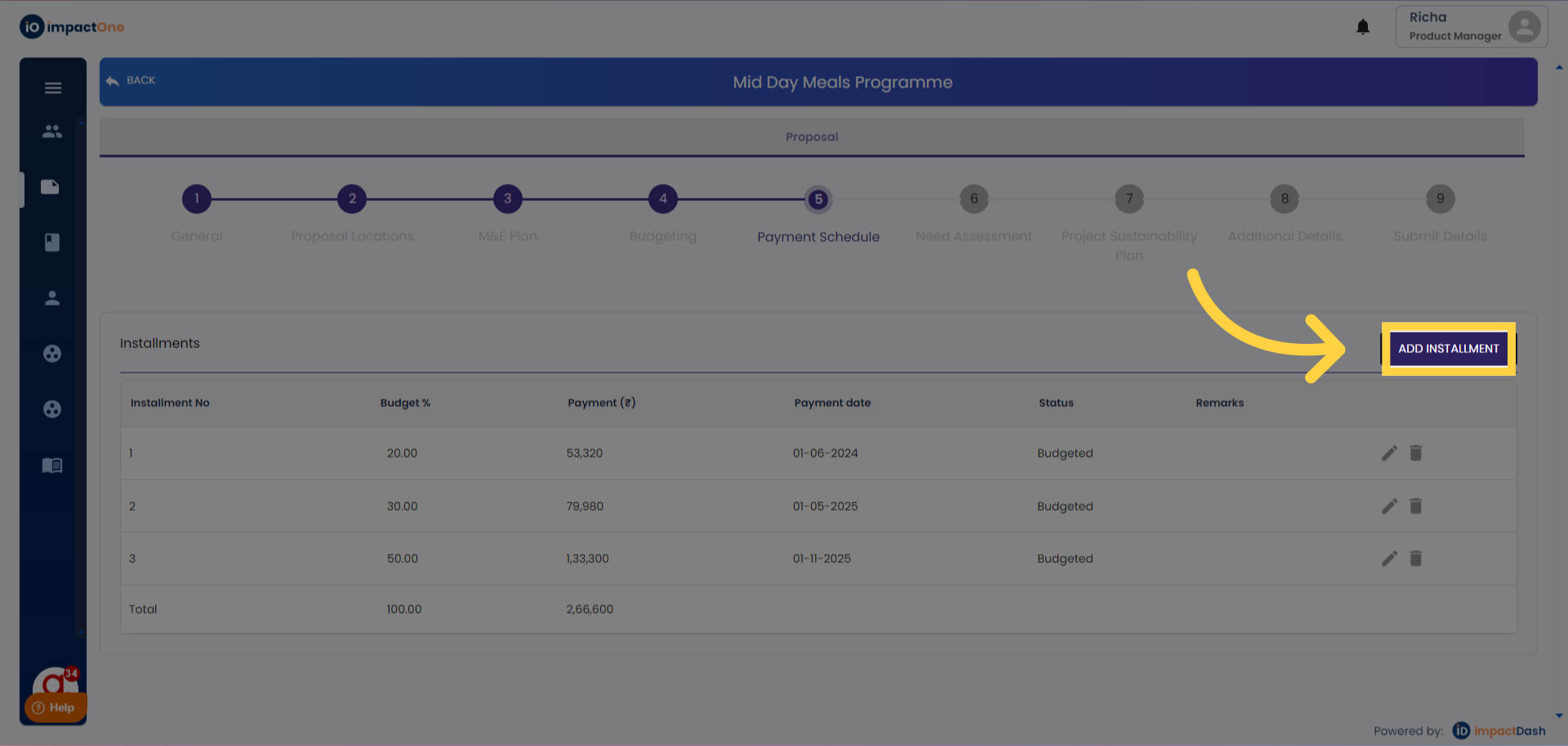
2.Budget Entry: Enter the budget amount; the budget percentage will be auto-calculated.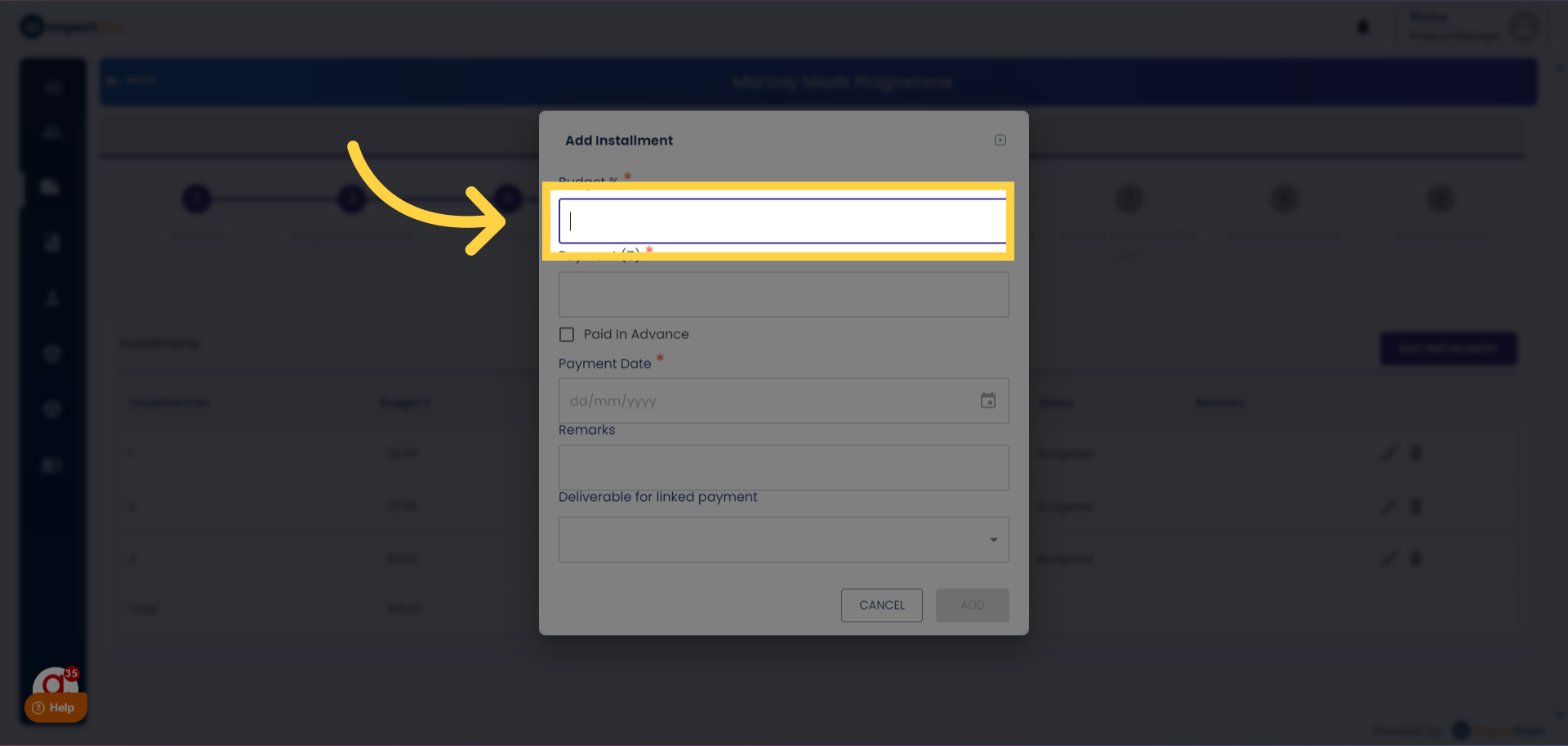
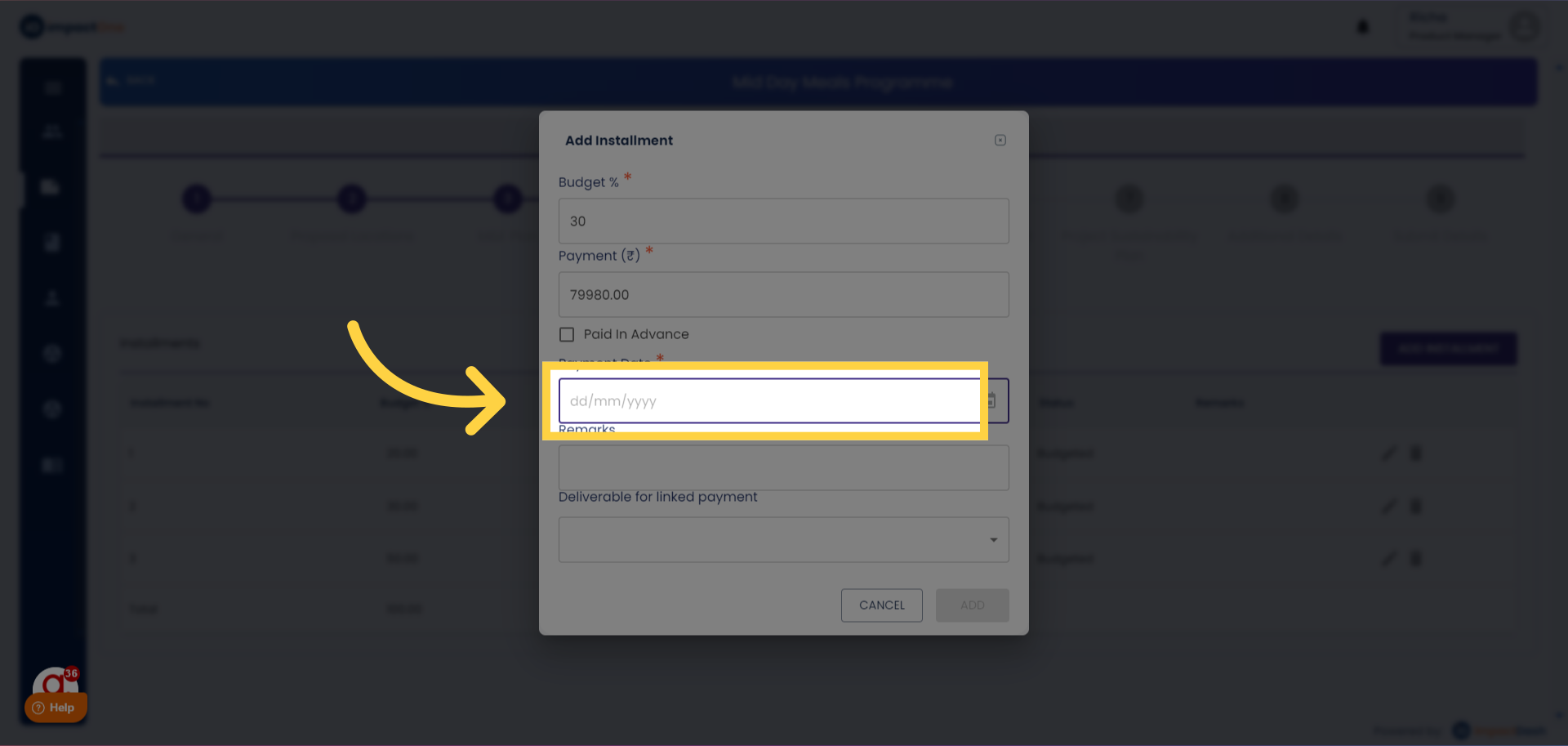
3.Date Entry: Enter the date of the installment.
4.Remarks (Optional): Add remarks, if any, in the provided box.
5.Linking Payment to Deliverables (Optional): Link the payment to deliverables if applicable.
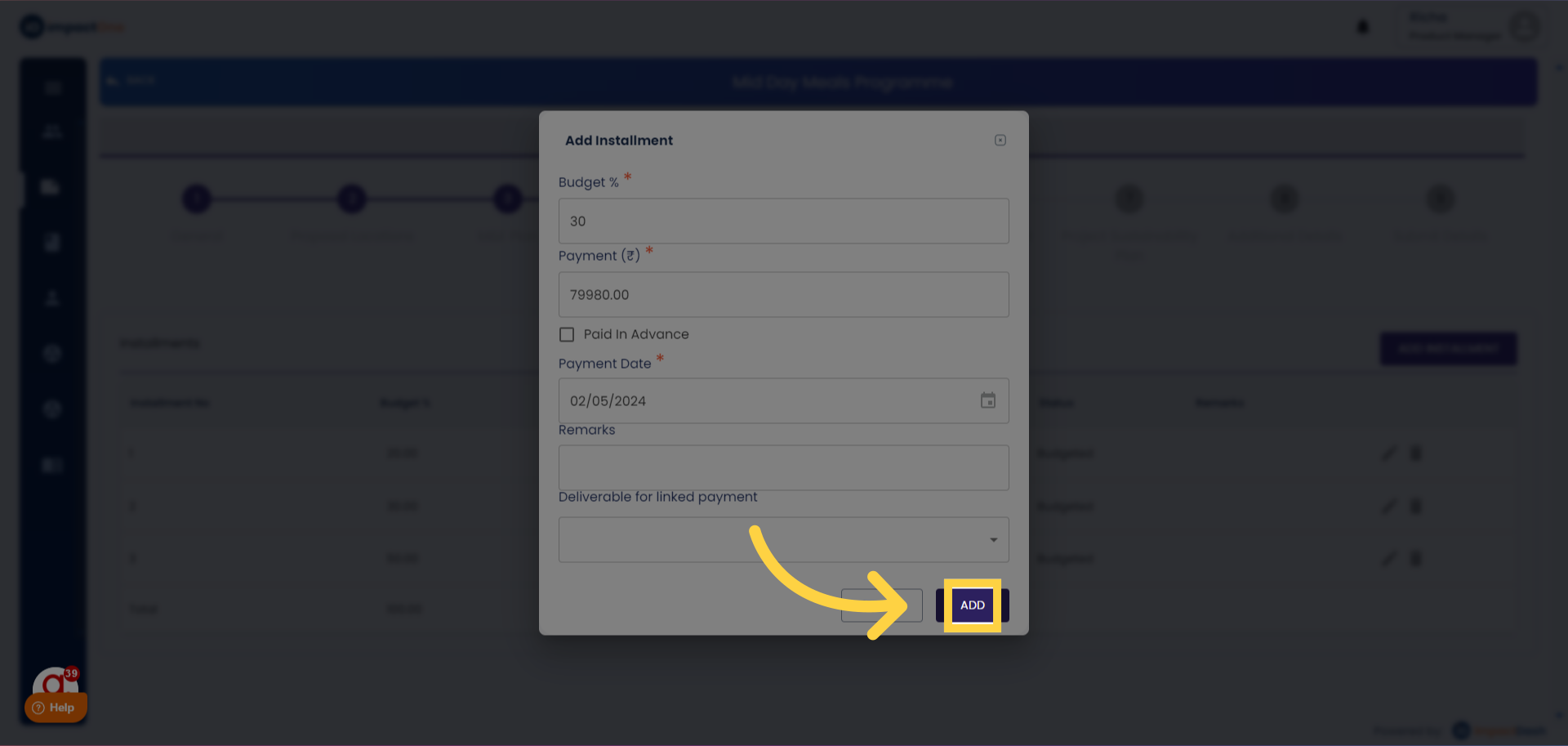
6.Adding Installment: Click on the "ADD" button below to enter the installment.