
Budget Line items
User: Partner(maker)
Budgeting: Budgeting for a project line item wise involves breaking down the overall project budget into specific categories or line items to accurately estimate and allocate costs. There are two types of costing, direct cost and overhead cost.
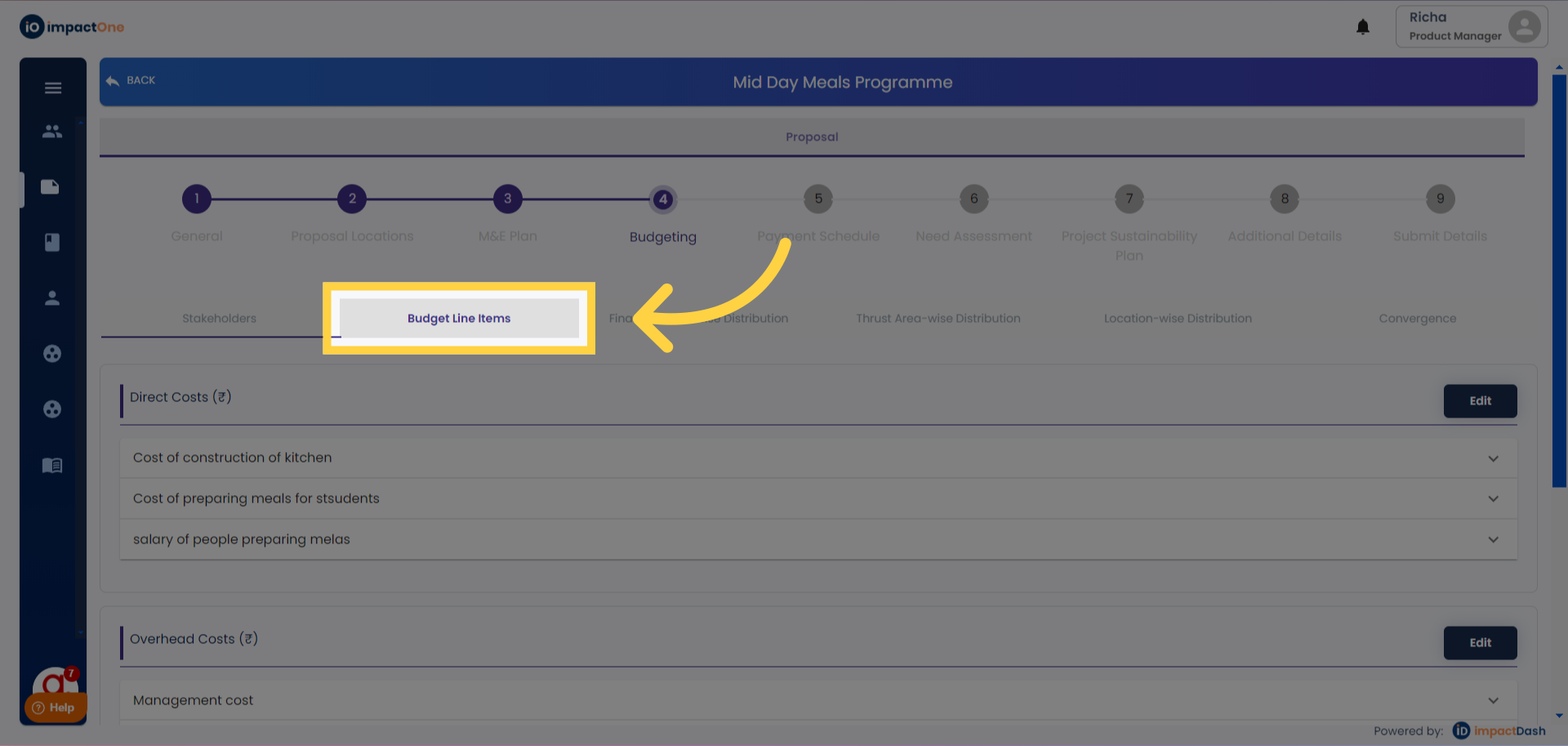
1.Budget line items: Navigate to Budget line items under budgeting section of project
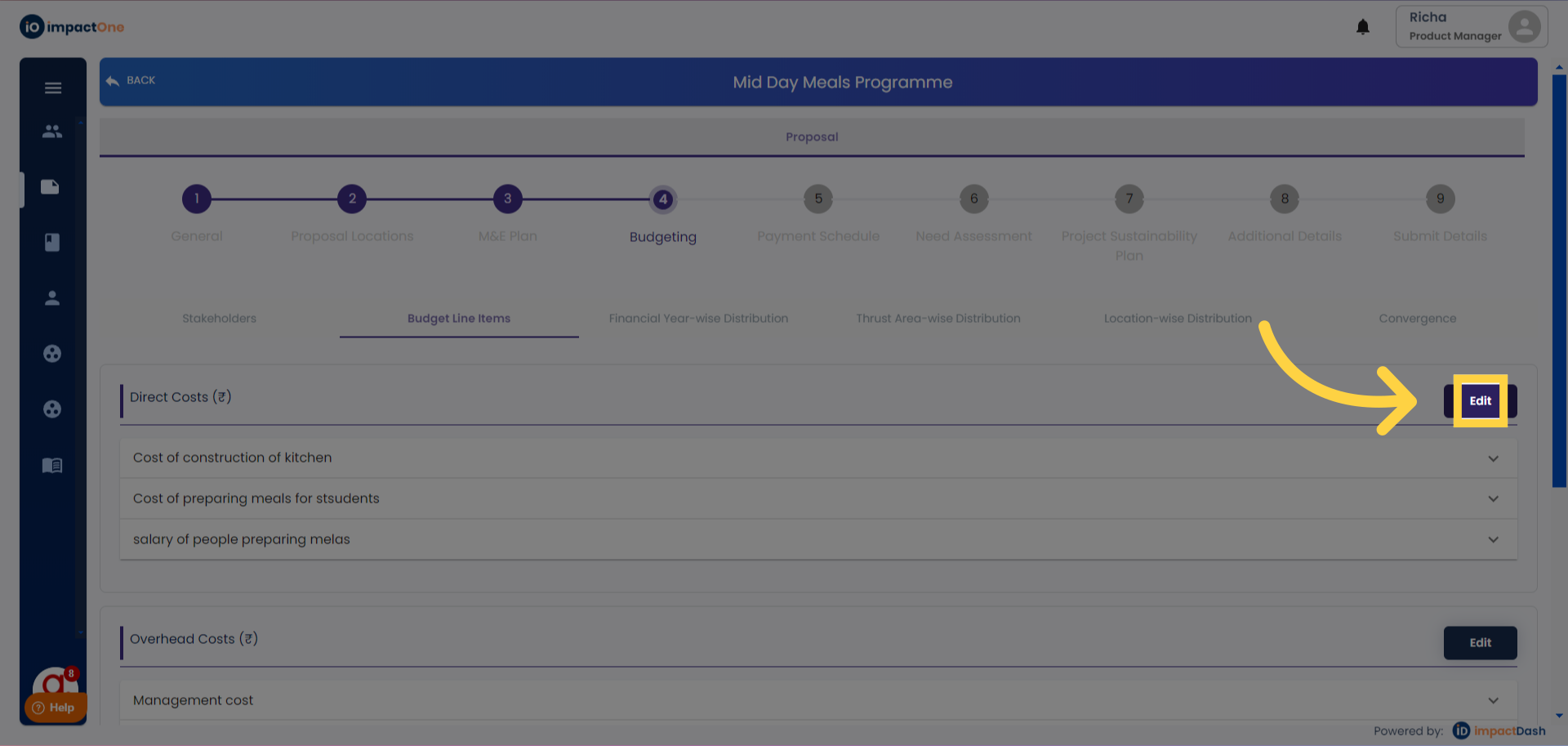
2.Editing Direct Cost: Begin by editing the direct cost section.
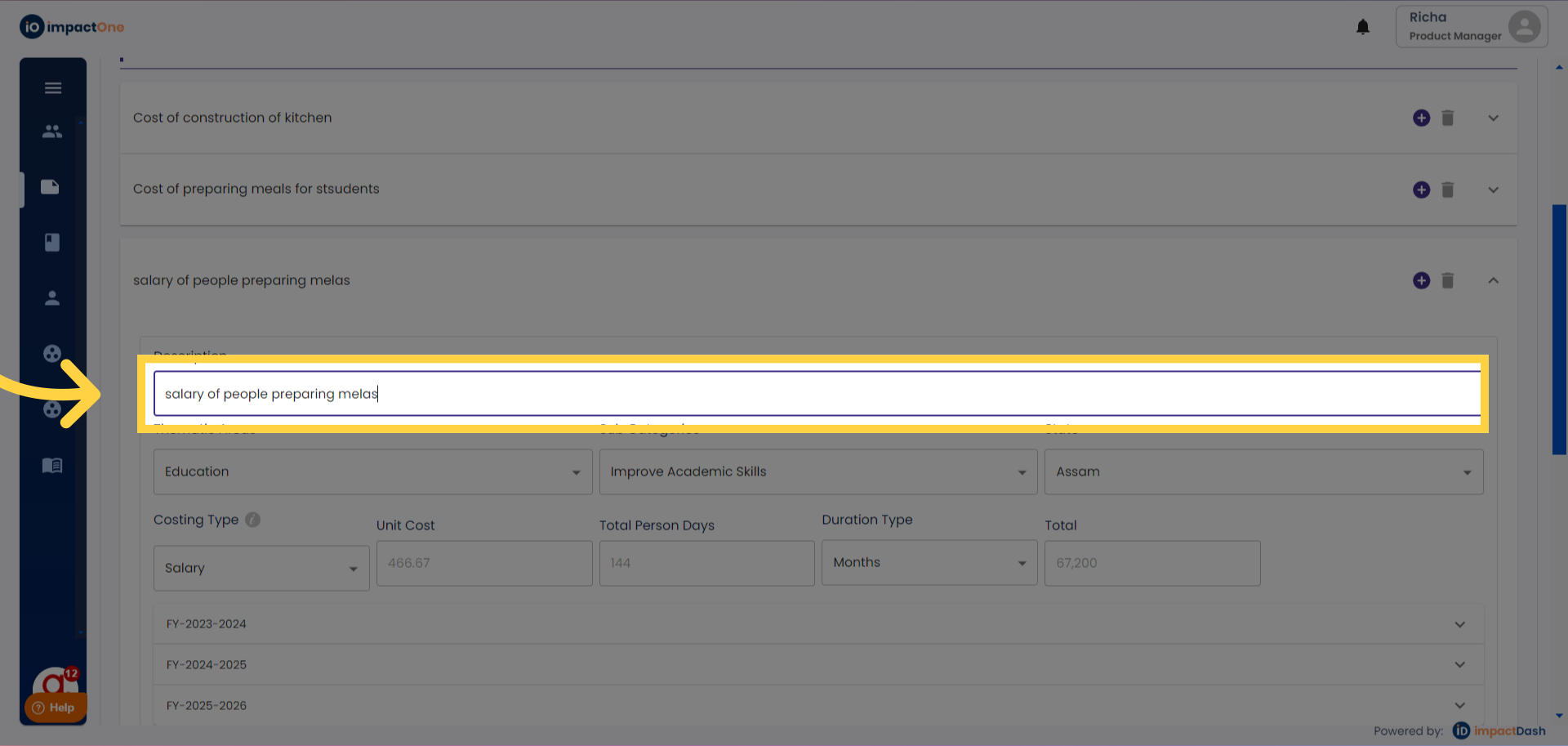
3.Defining your line item: Define your line item for the particular cost you are adding.
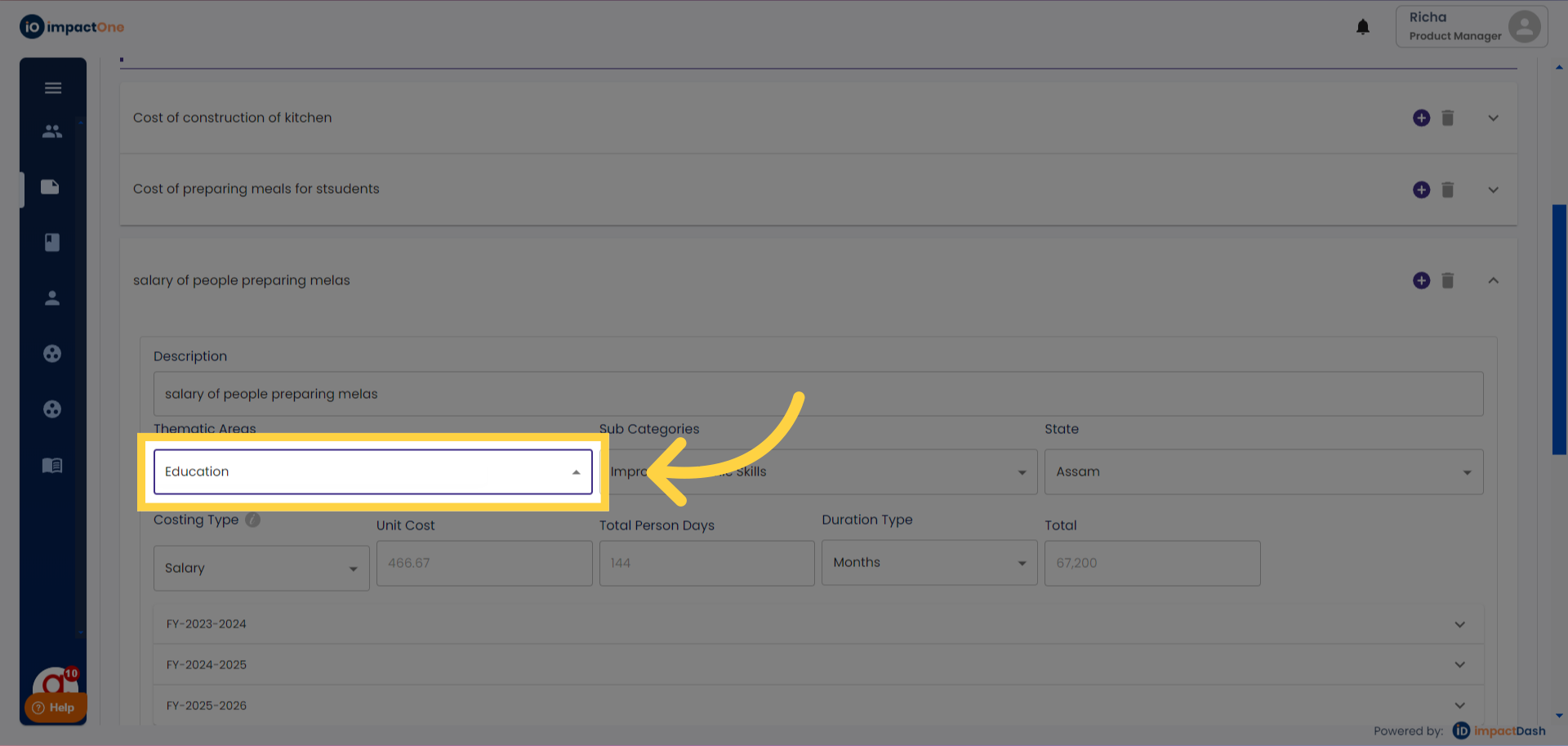
4.Selecting Thrust area: Select the thrust area and sub category from the dropdown menu.
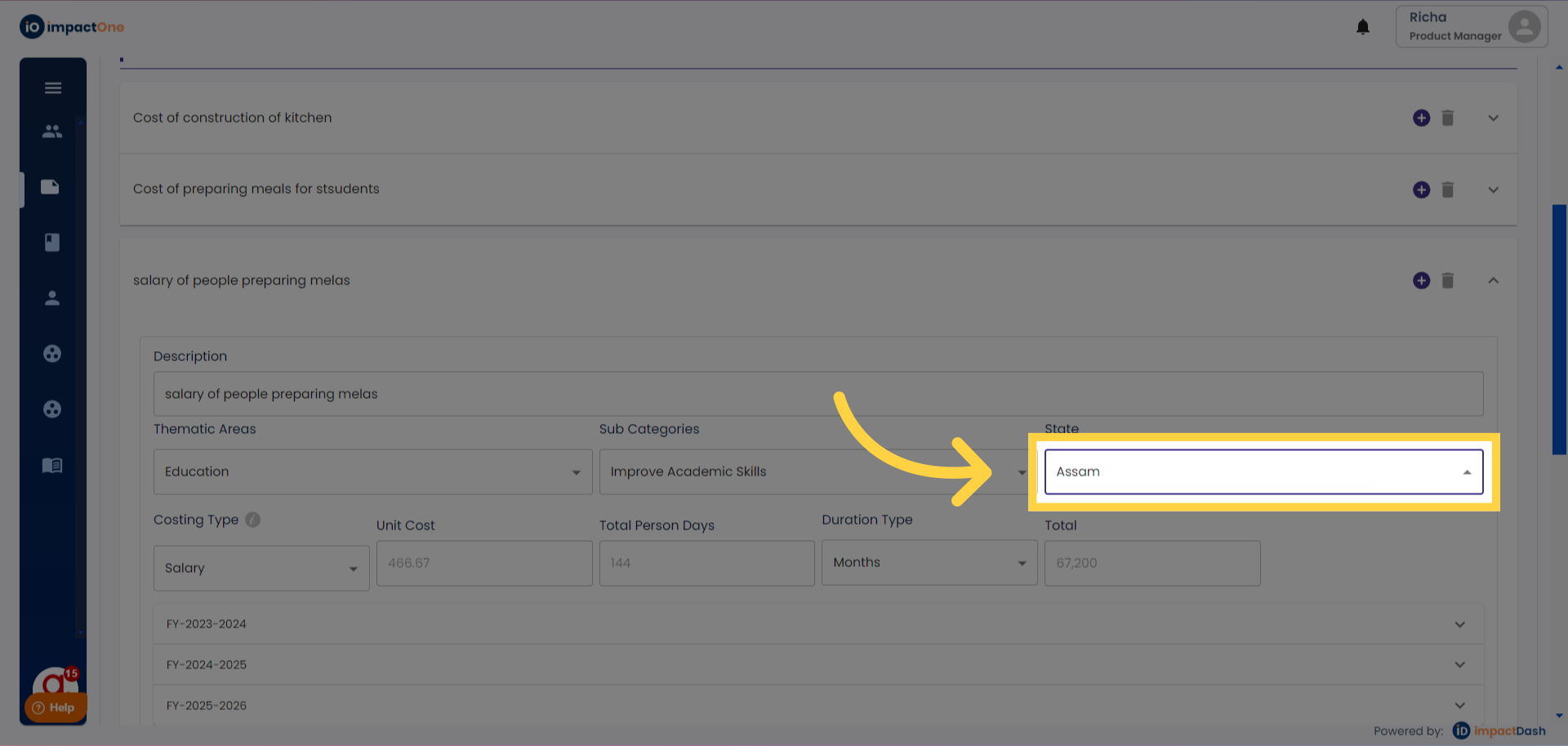
5.Selecting State: Choose the location (state) from the dropdown for the particular line item.
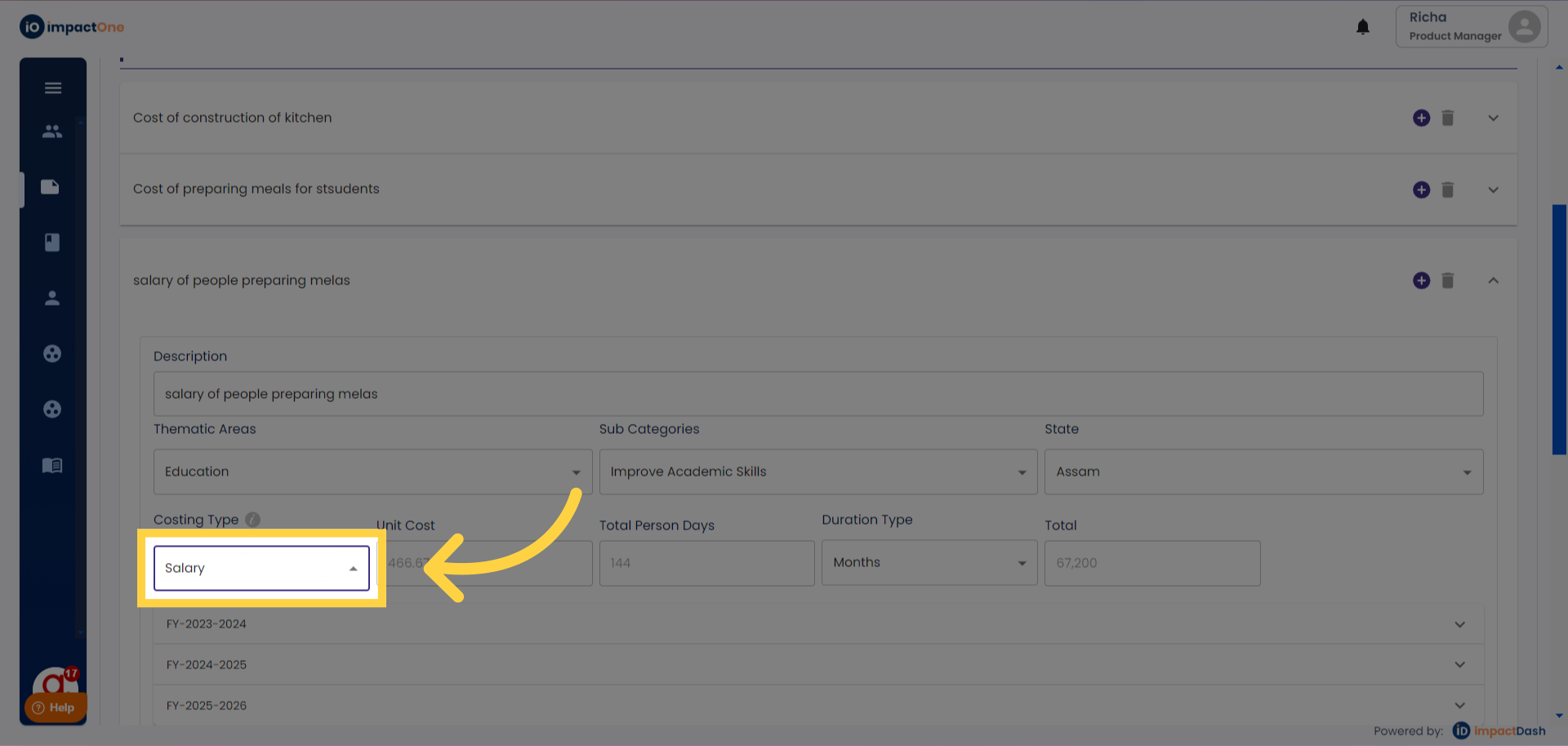
3.Selecting Costing Type: Choose the costing type: Lump sum, Unit Cost, or Salary from the dropdown menu.
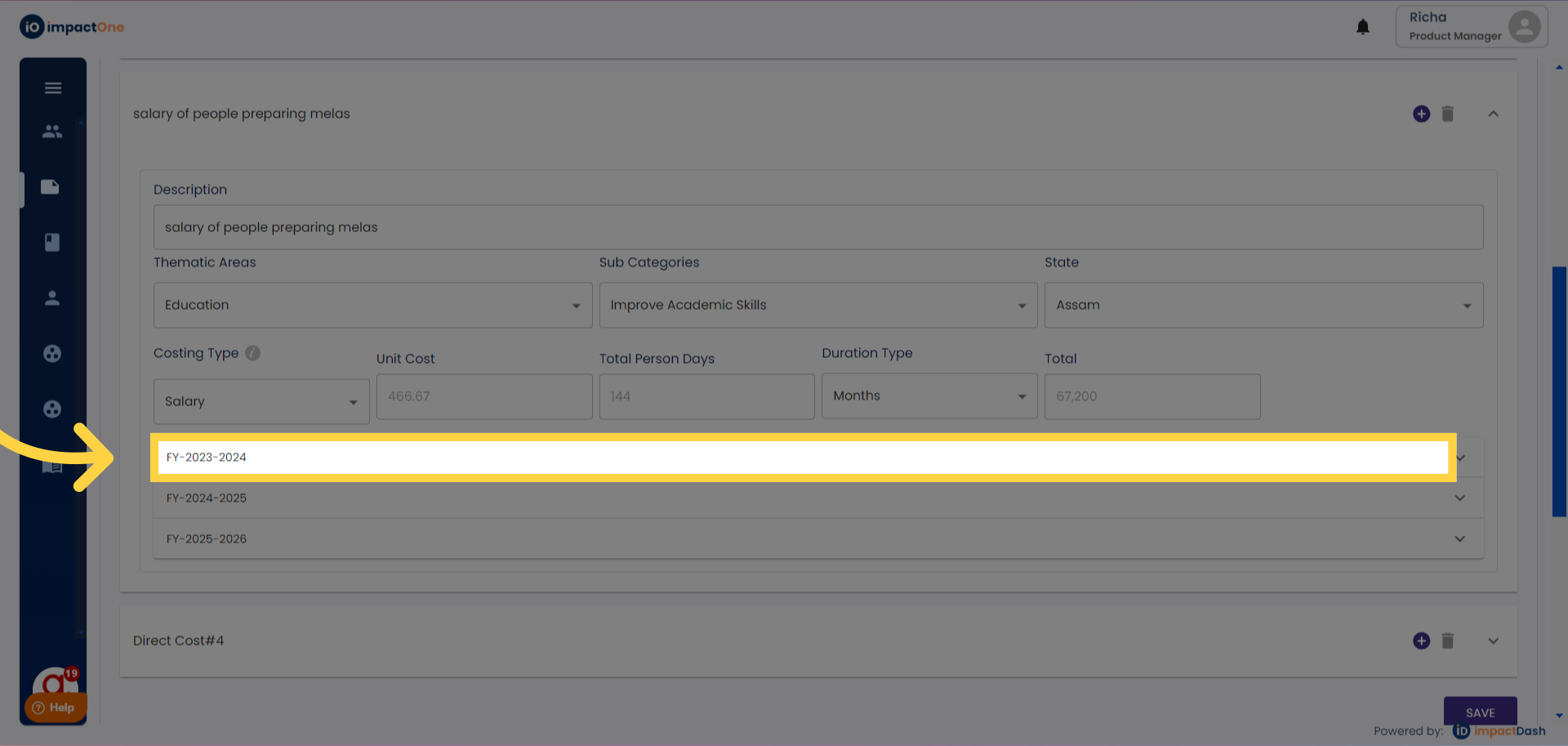
4. Select the FY: Select the financial year for which you want to enter the data for.
Salary Entry: For Salary, input the salary amount, along with months and duration.
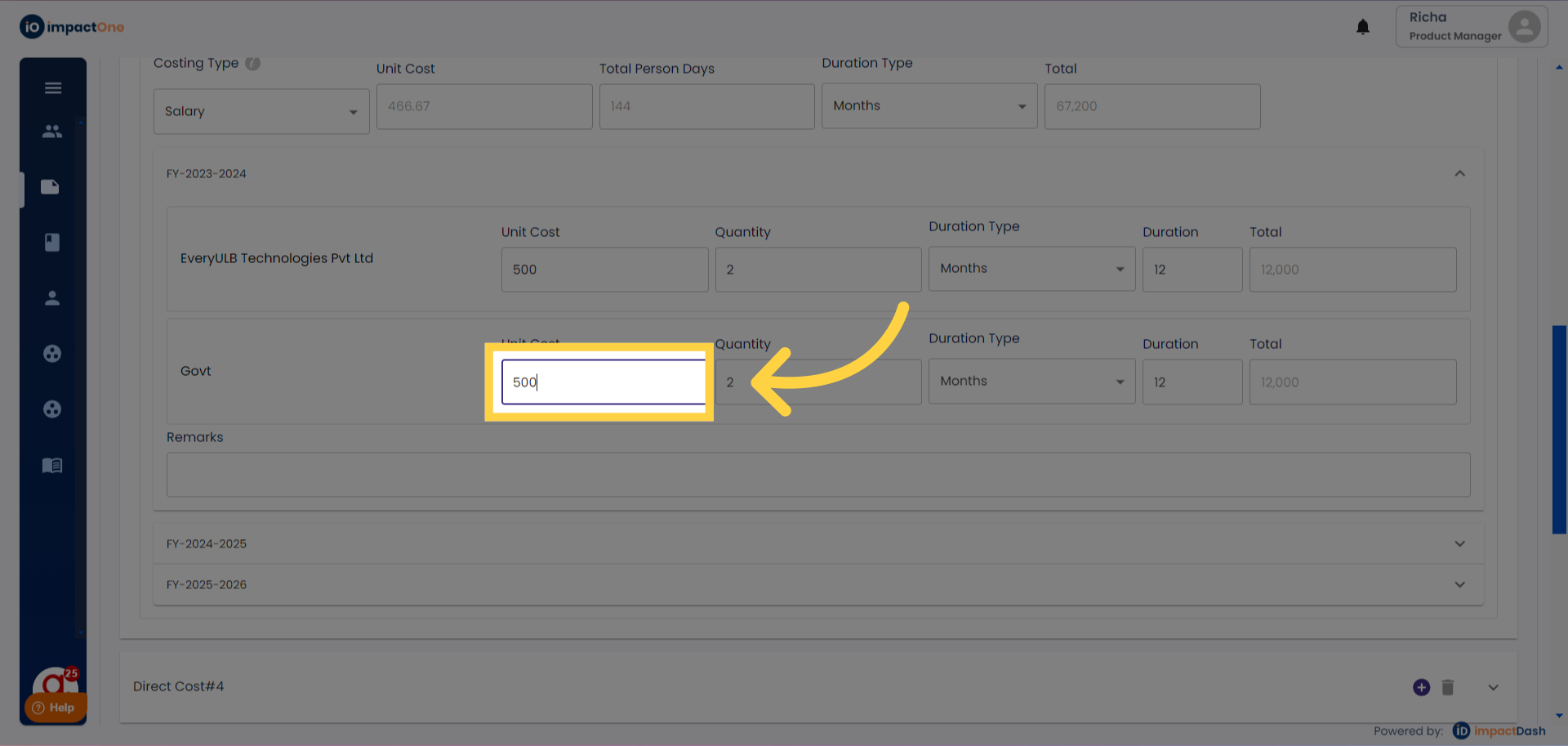
5.Enter target: Enter the unit cost, quantity, duration type, duration of the costing you have entered and the total will be auto calculated.
5.Enter target: Enter the unit cost, quantity, duration type, duration of the costing you have entered and the total will be auto calculated.
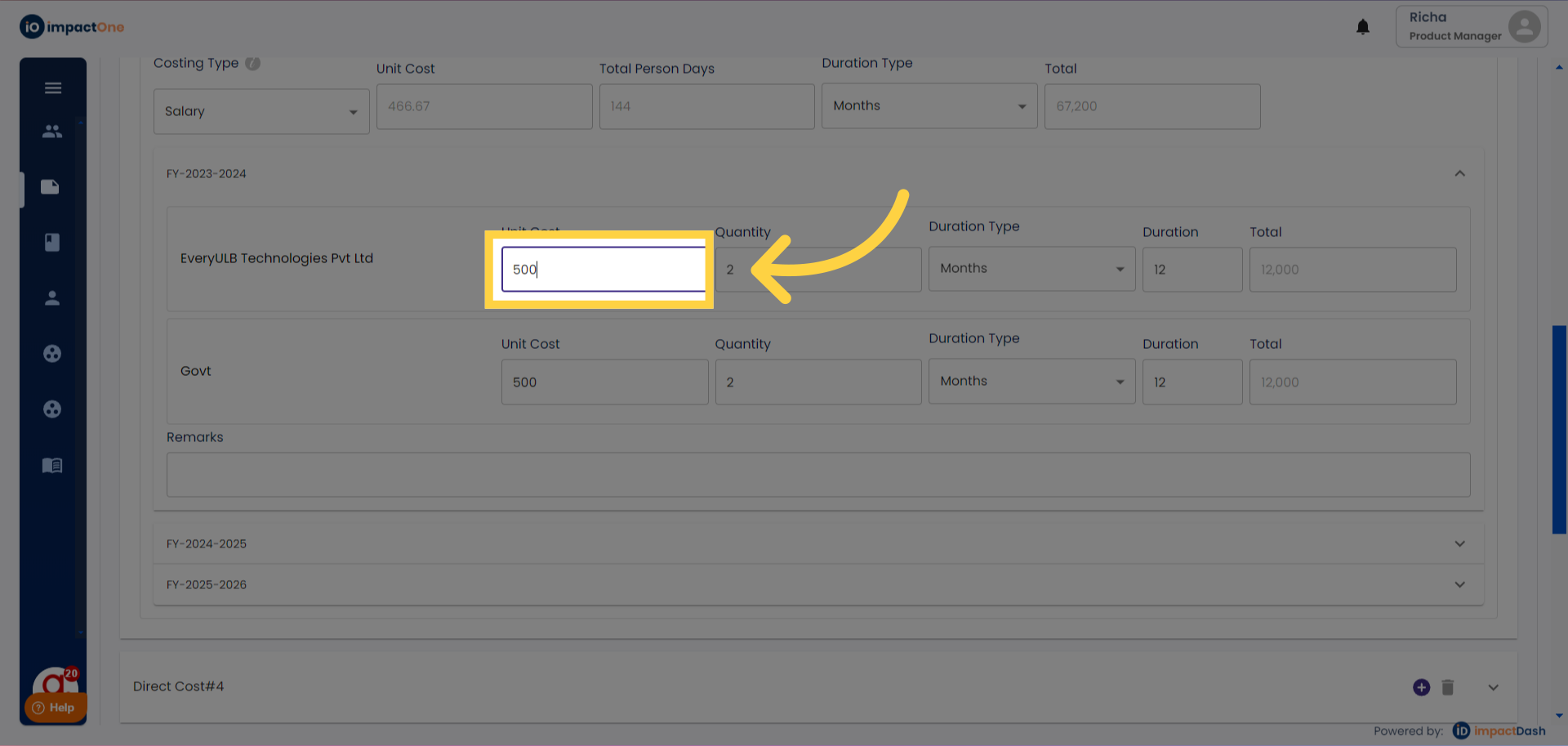
6. Add another target: Add target for the other stakeholders, if any in the similar manner as above.
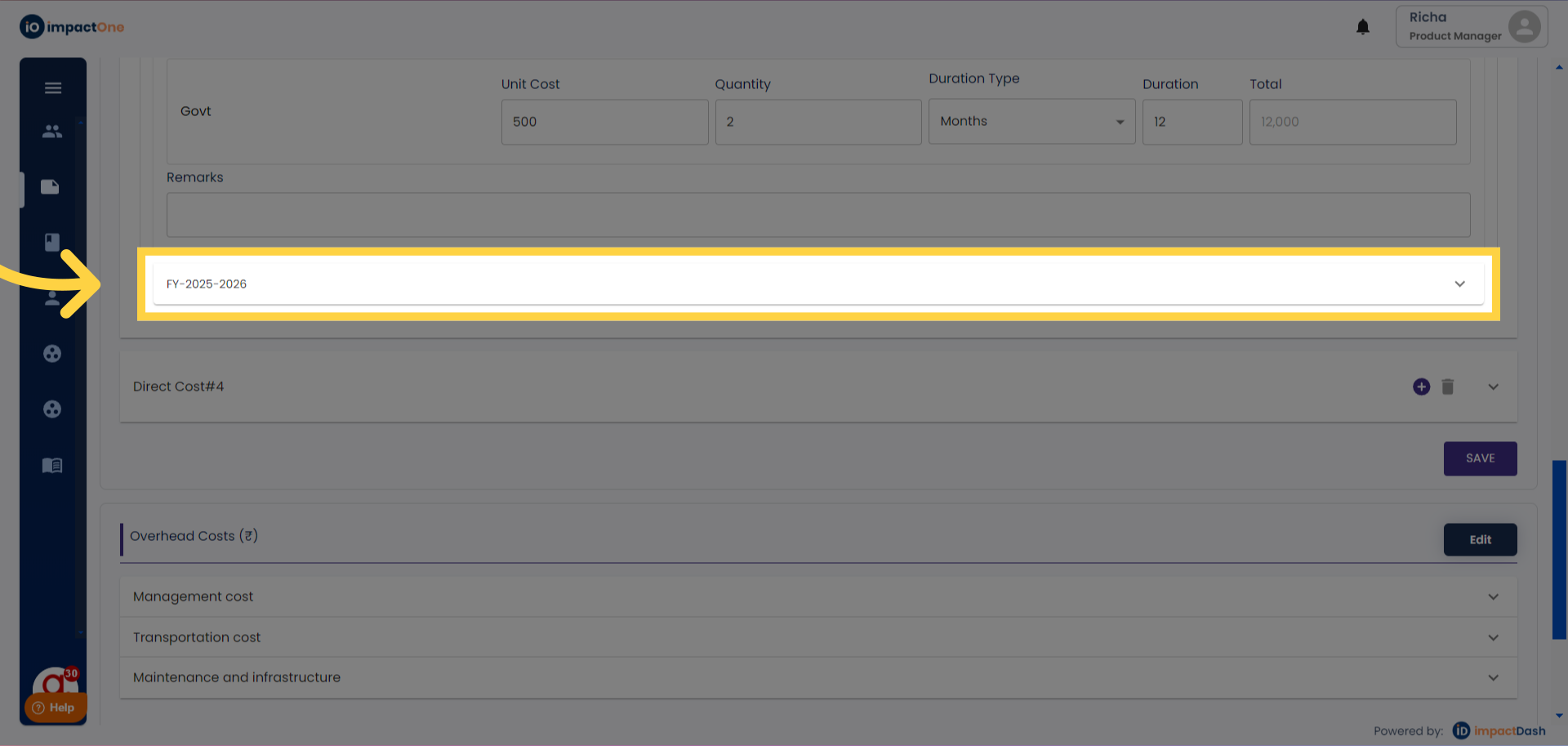
7.Similarly add for the other financial years as well if any.
8. Click Save: Click on the "SAVE" button once you have entered the data.
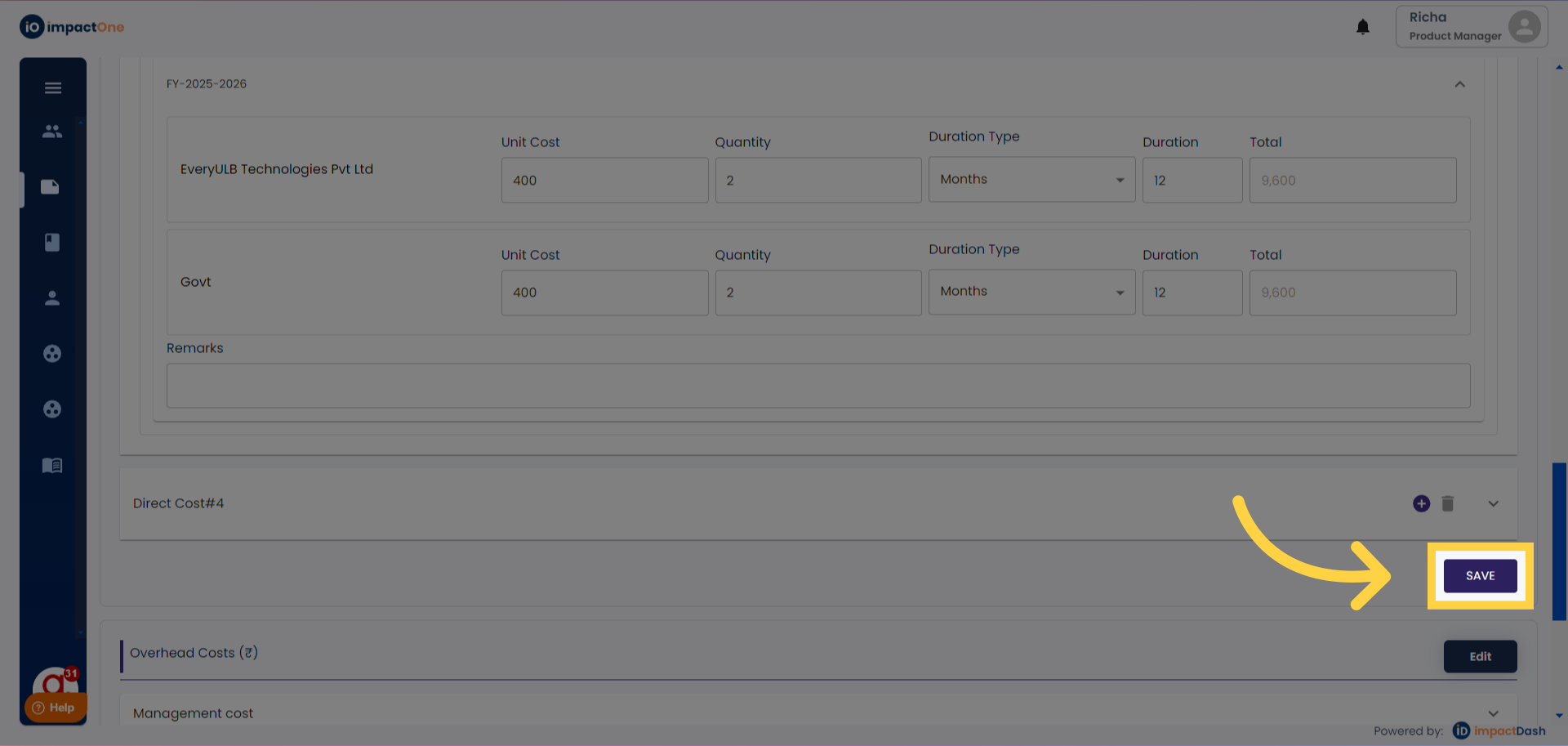
To add multiple line items, click on the '+' sign on the right corner
Note: Lump Sum: For Lump Sum, enter the total amount for each financial year; the total will be auto-calculated.
Unit Cost Entry: For Unit Cost, enter costing per unit along with the quantity for each financial year.
9.Proceeding to Overhead Cost: After entering direct costs, proceed to the next step to add the overhead cost in the similar manner.