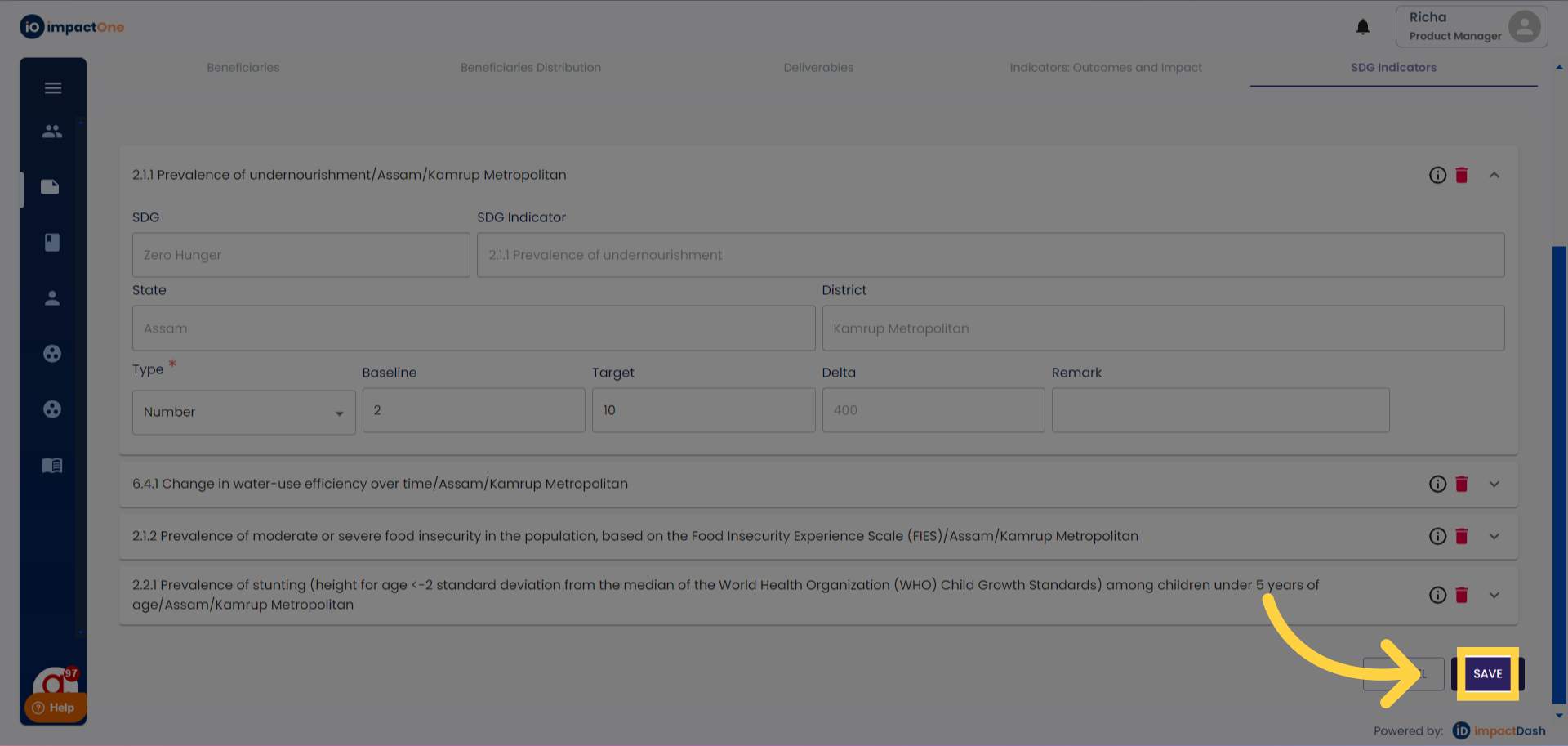
SDG Indicators
User: Partner (maker)
SDG indicators, or Sustainable Development Goal indicators, are specific metrics used to track progress towards achieving the targets set out in the United Nations' Sustainable Development Goals (SDGs). Each of the SDGs has a set of indicators associated with it to monitor and evaluate progress
1.SDG Indicator: Navigate to SDG indicator under M&E plan of the project.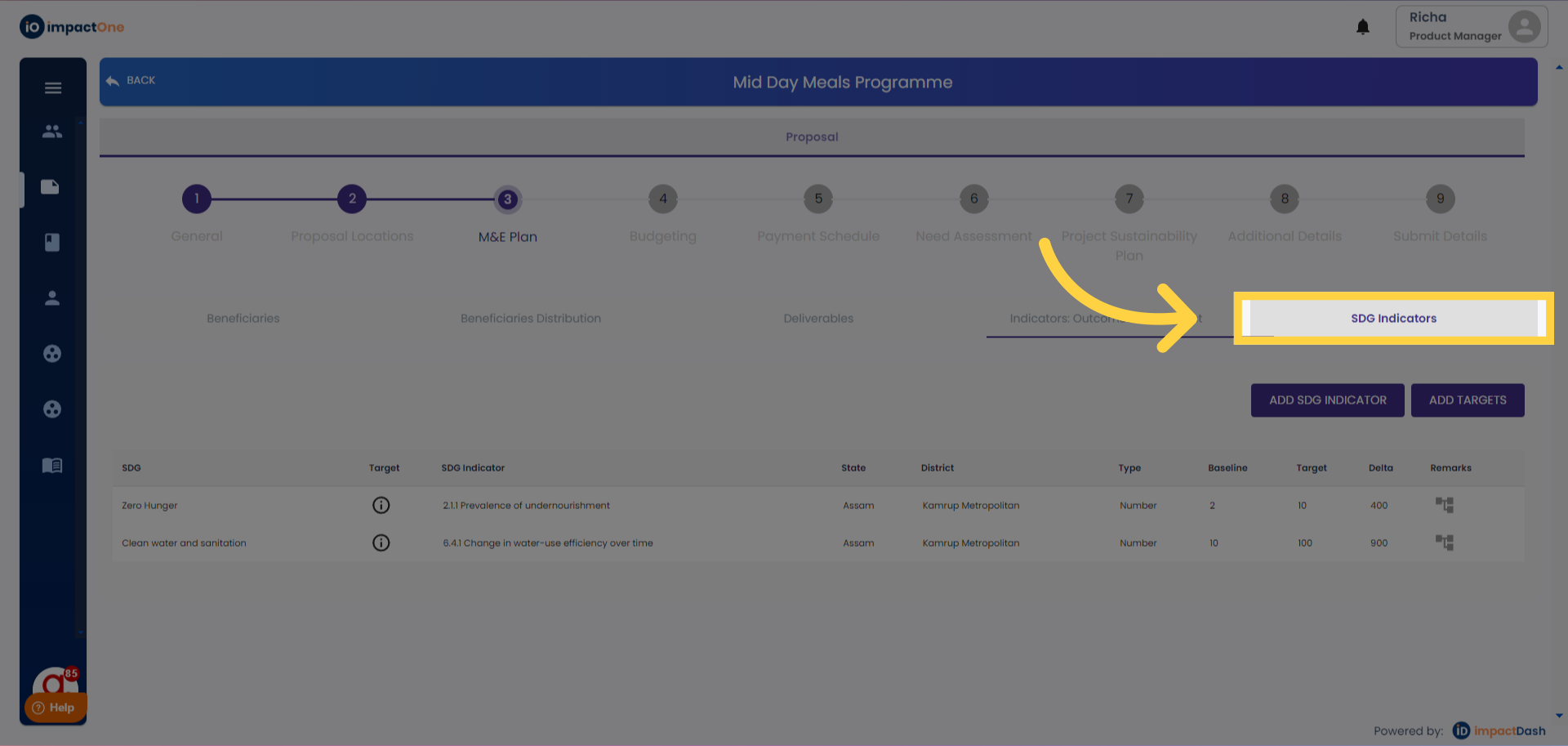
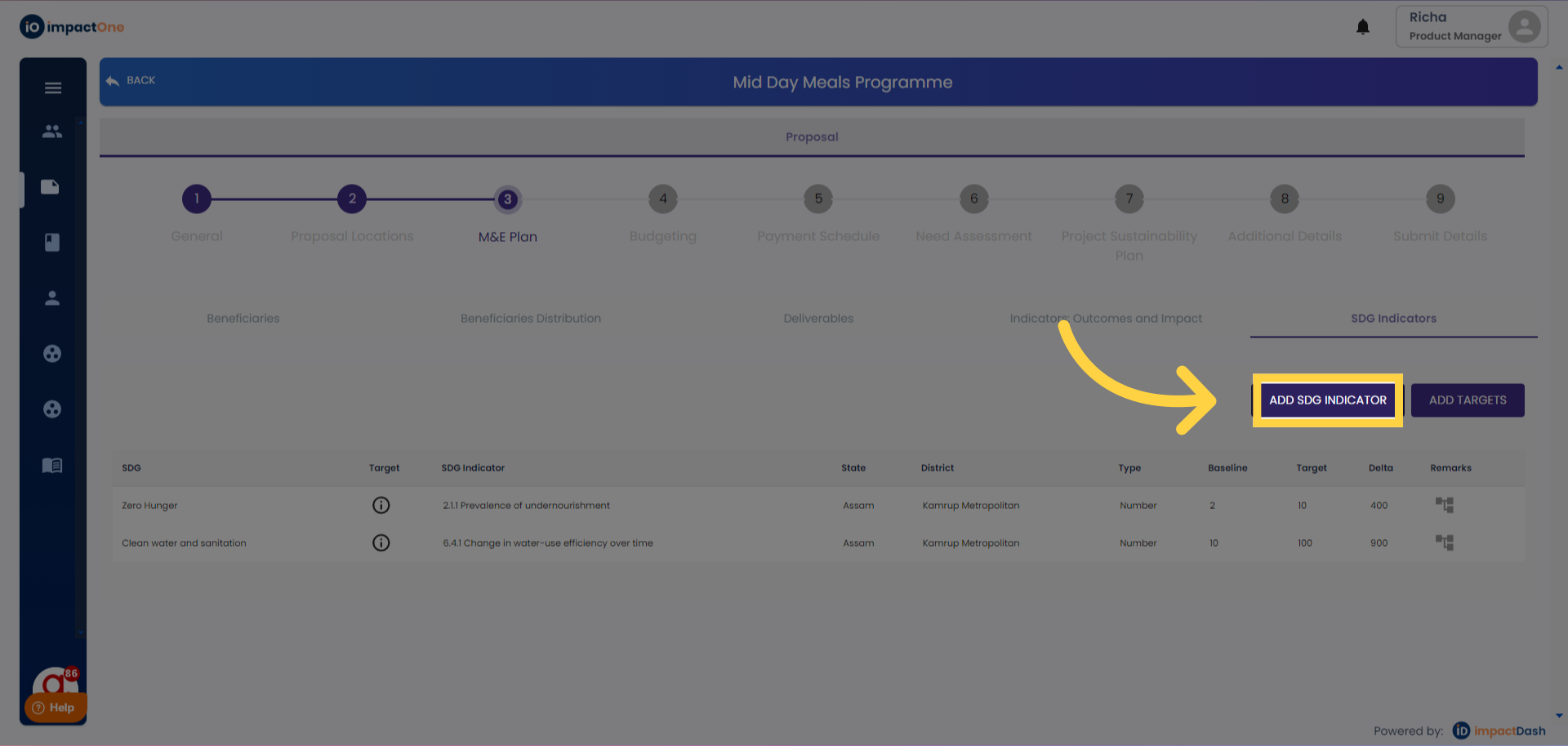
2.Accessing Editing Option:. Click on the 'Add SDG Indicator' button to start editing.
3. Select Indicator: Select the SDG indicator aligning to your project from the listing.
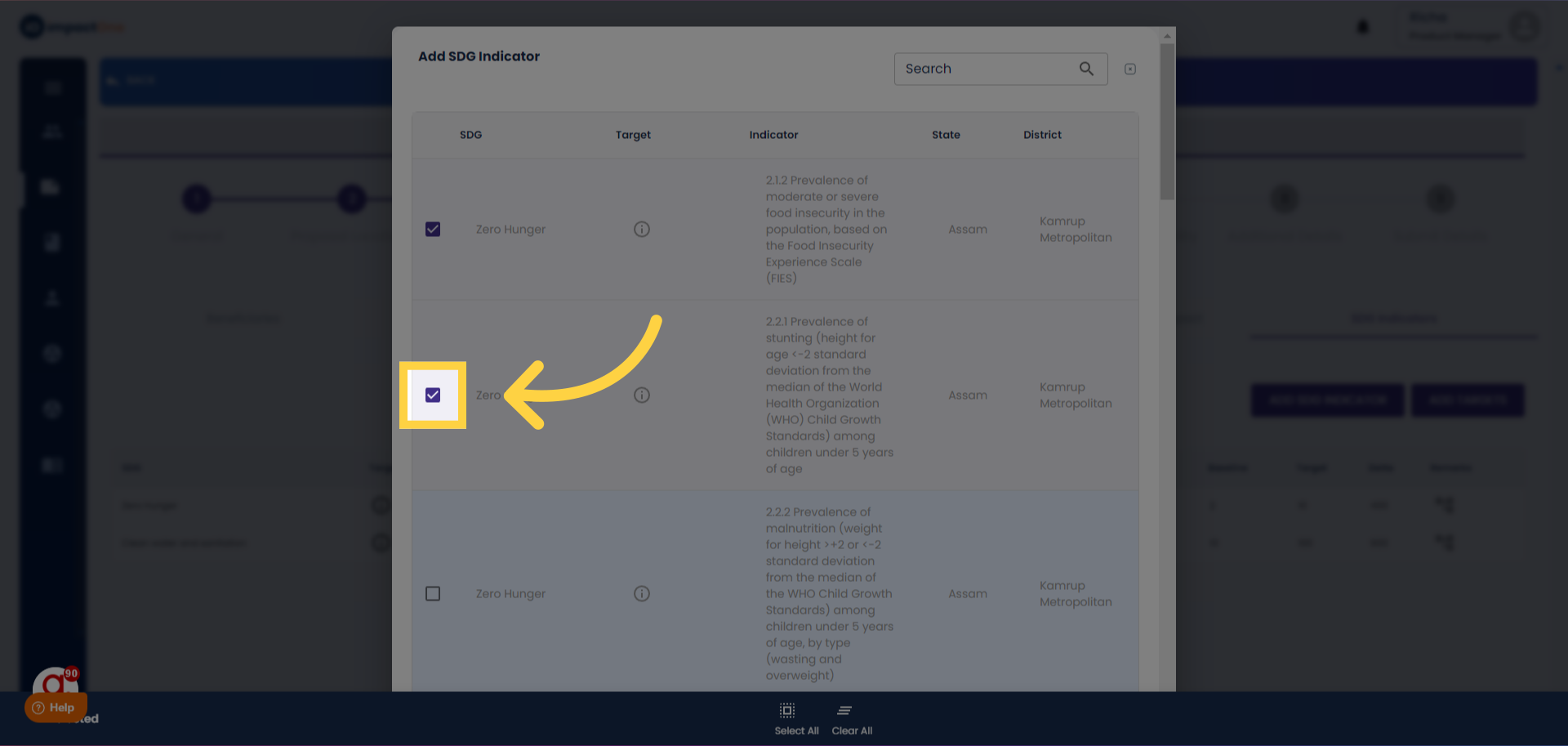
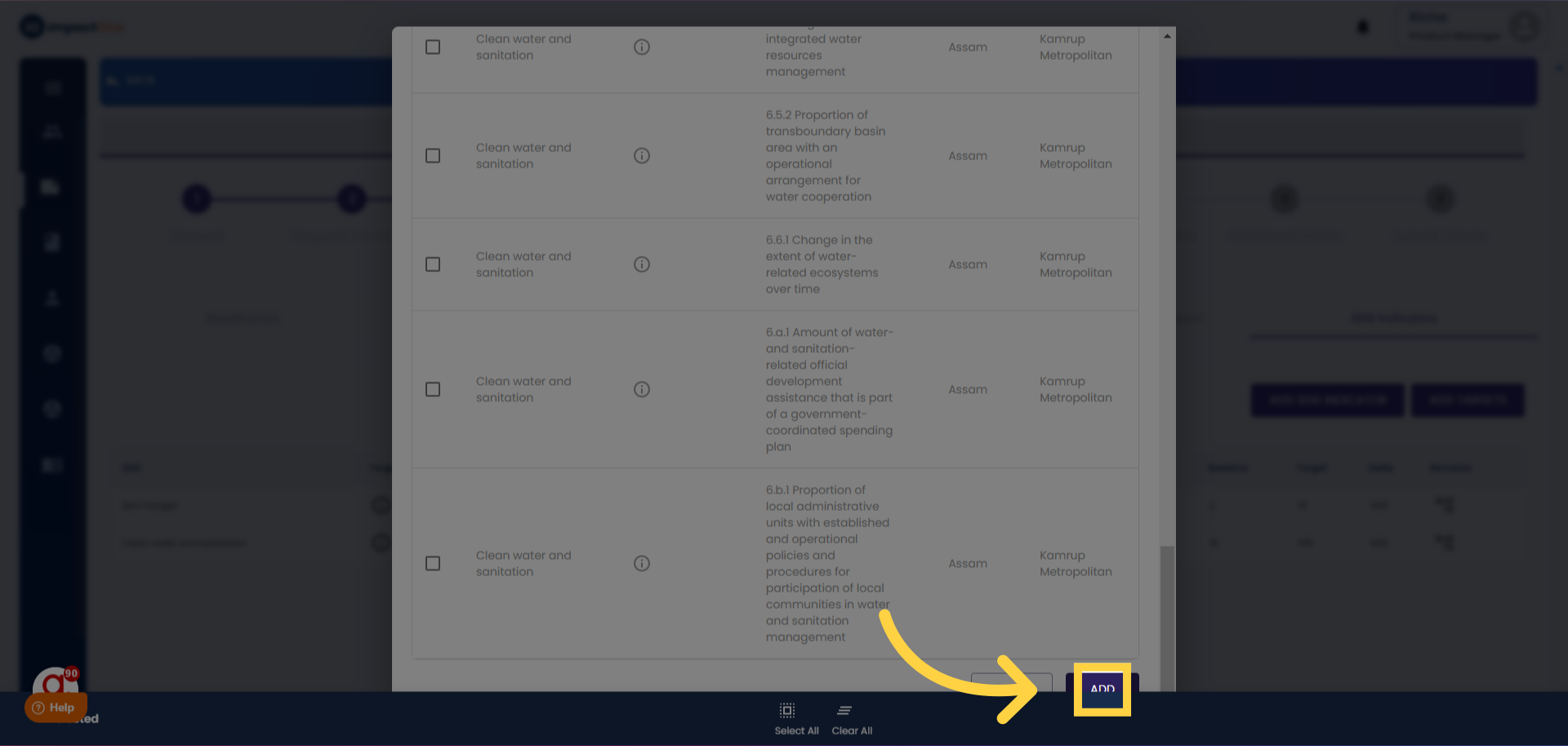
4. Confirm Indicators: After selecting the indicators, click on the 'Add' button to add the same.
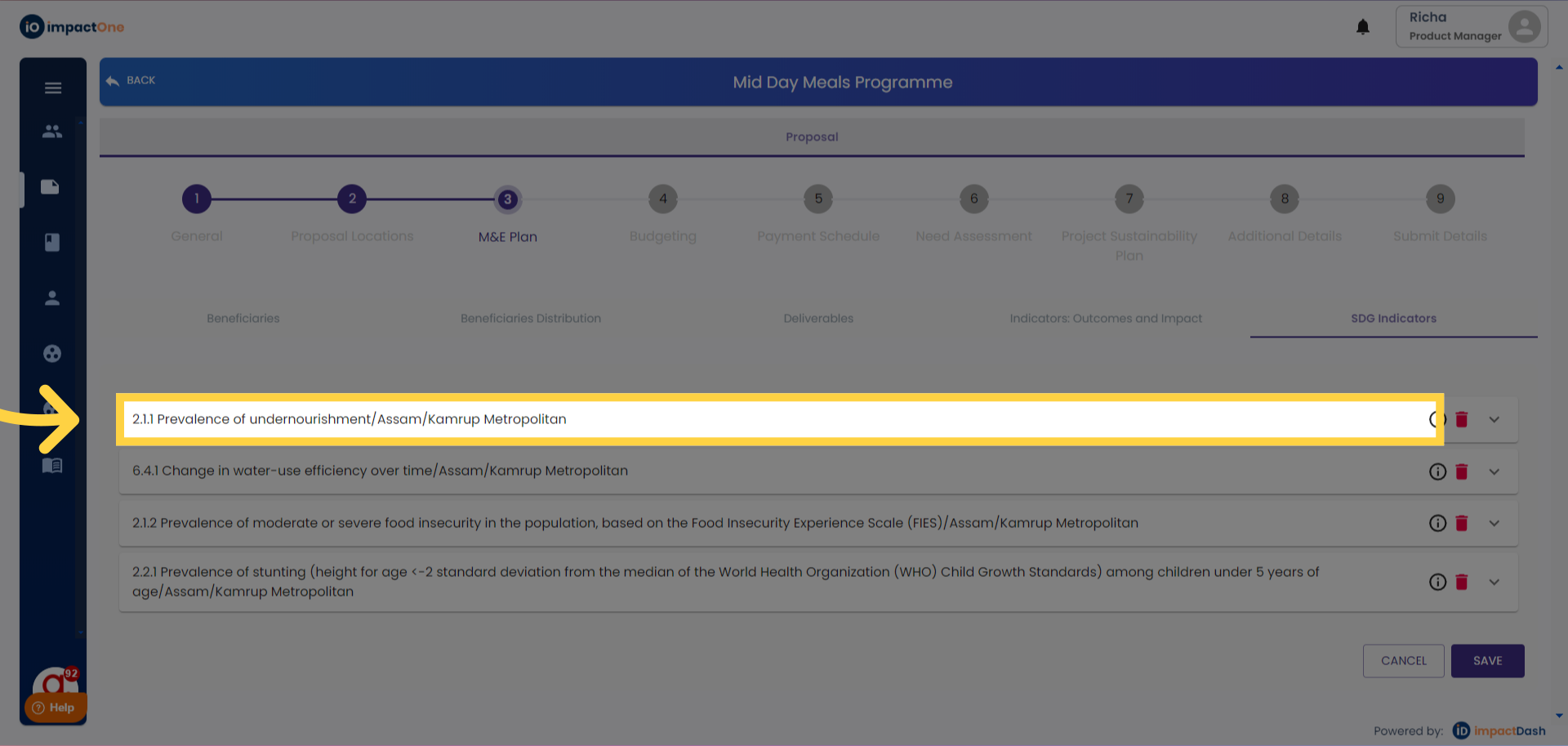
5. Access Editing option: Click on 'add target' button to start editing. Then select the indicator added to add the details.
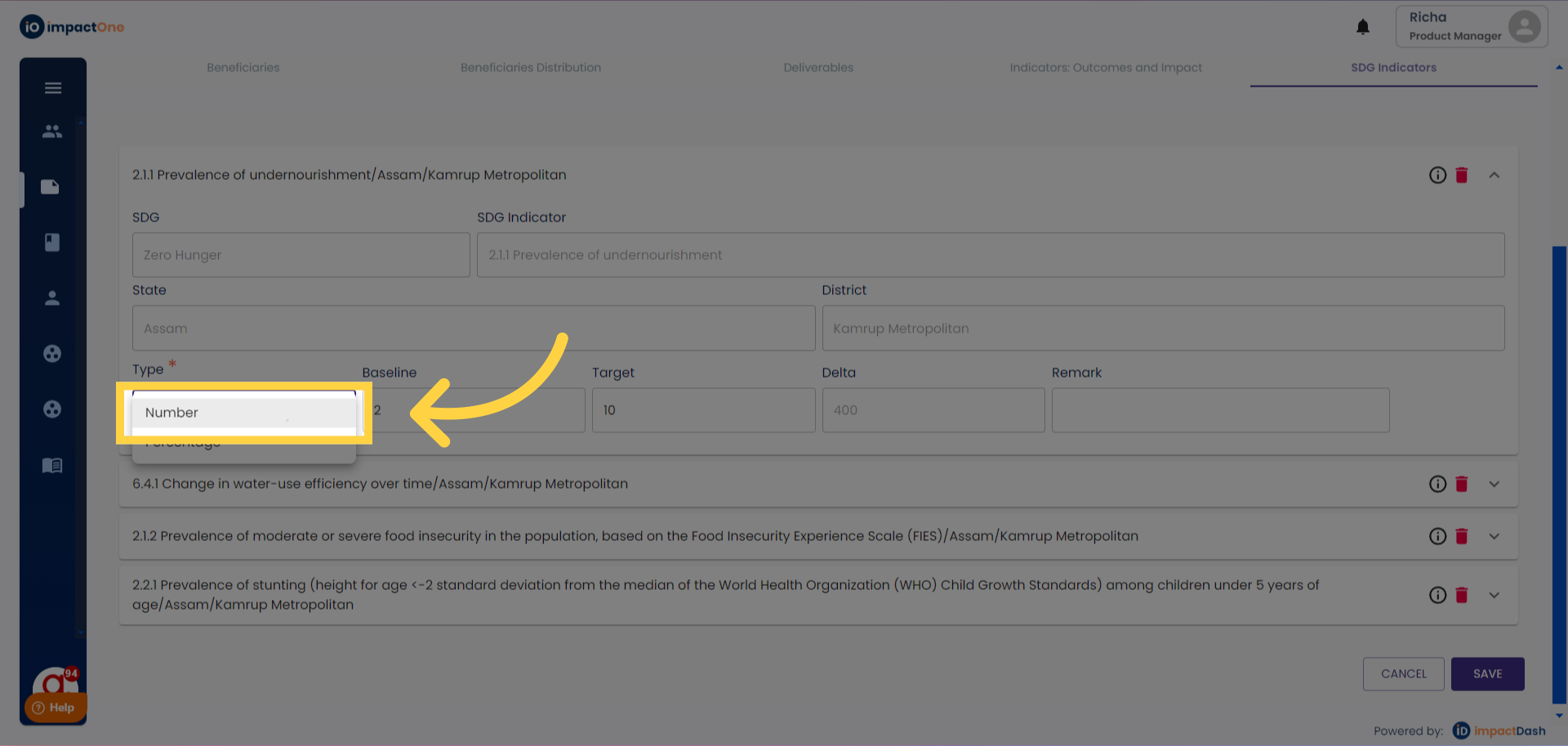
6.Select Type: Start by selecting the type as number/percentage from the dropdown menu.
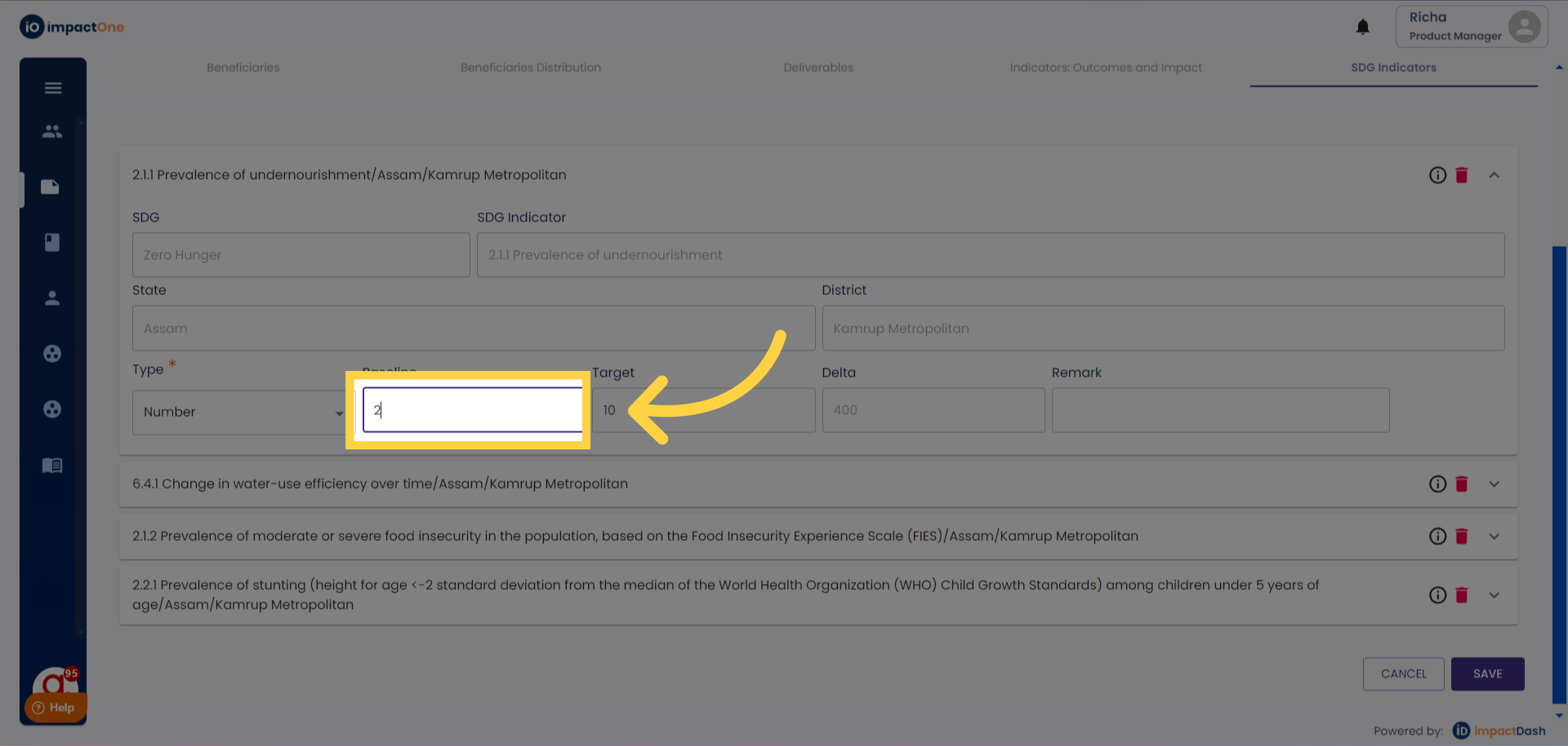
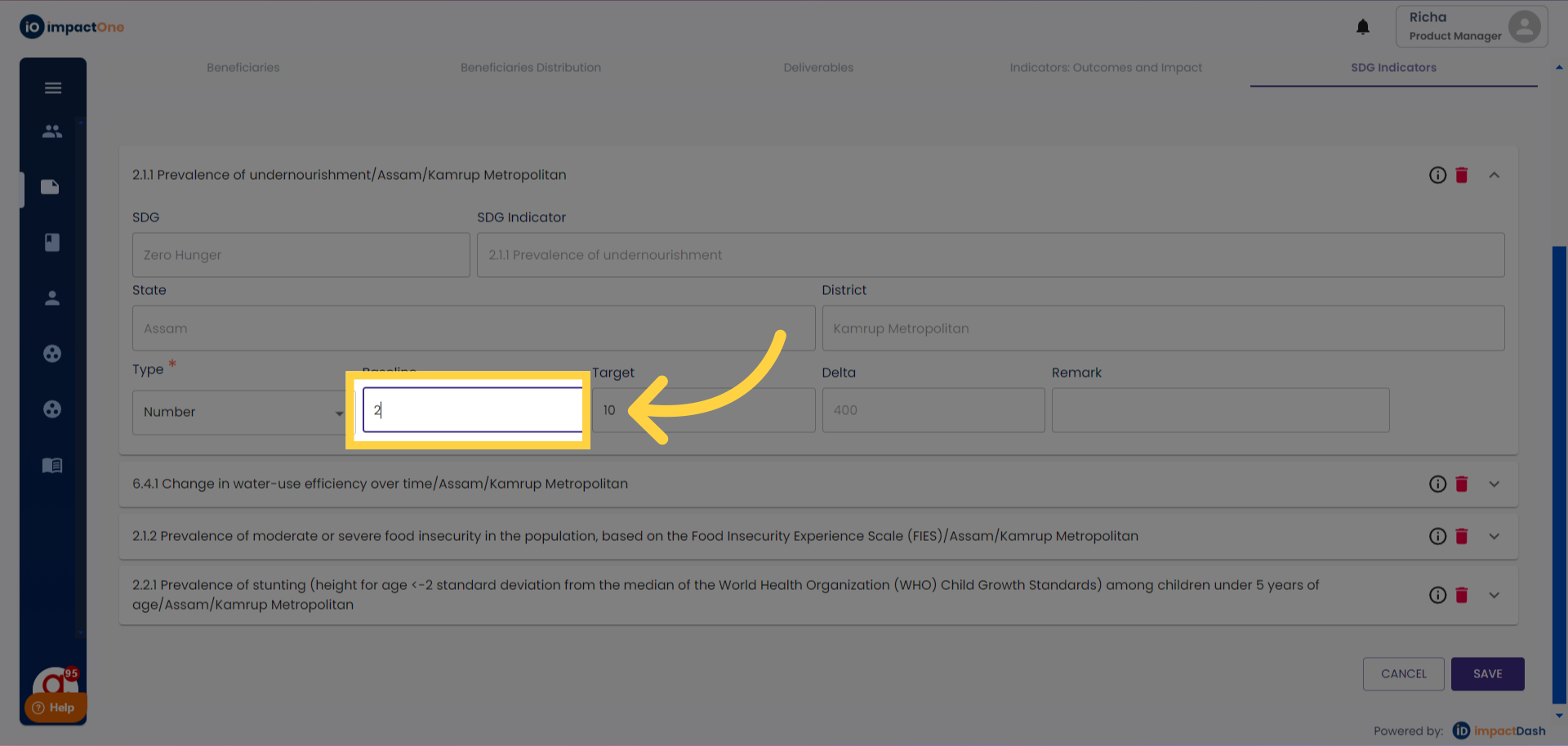
7.Add Baseline: Add the baseline of the indicator in the box given.
8.Add Target: Add the target of the indicator in the box given.
9. Save: Click on "SAVE" button to confirm.