Indicators:Outcomes and impact
User: Partner (maker)
Indicators of a project are measurable parameters used to assess progress, performance, and success. They encompass various aspects of the project, including scope, risk, resource utilization, and performance against key metrics. These indicators provide with valuable insights into whether the project is meeting its objectives, delivering high-quality outputs, managing risks effectively.
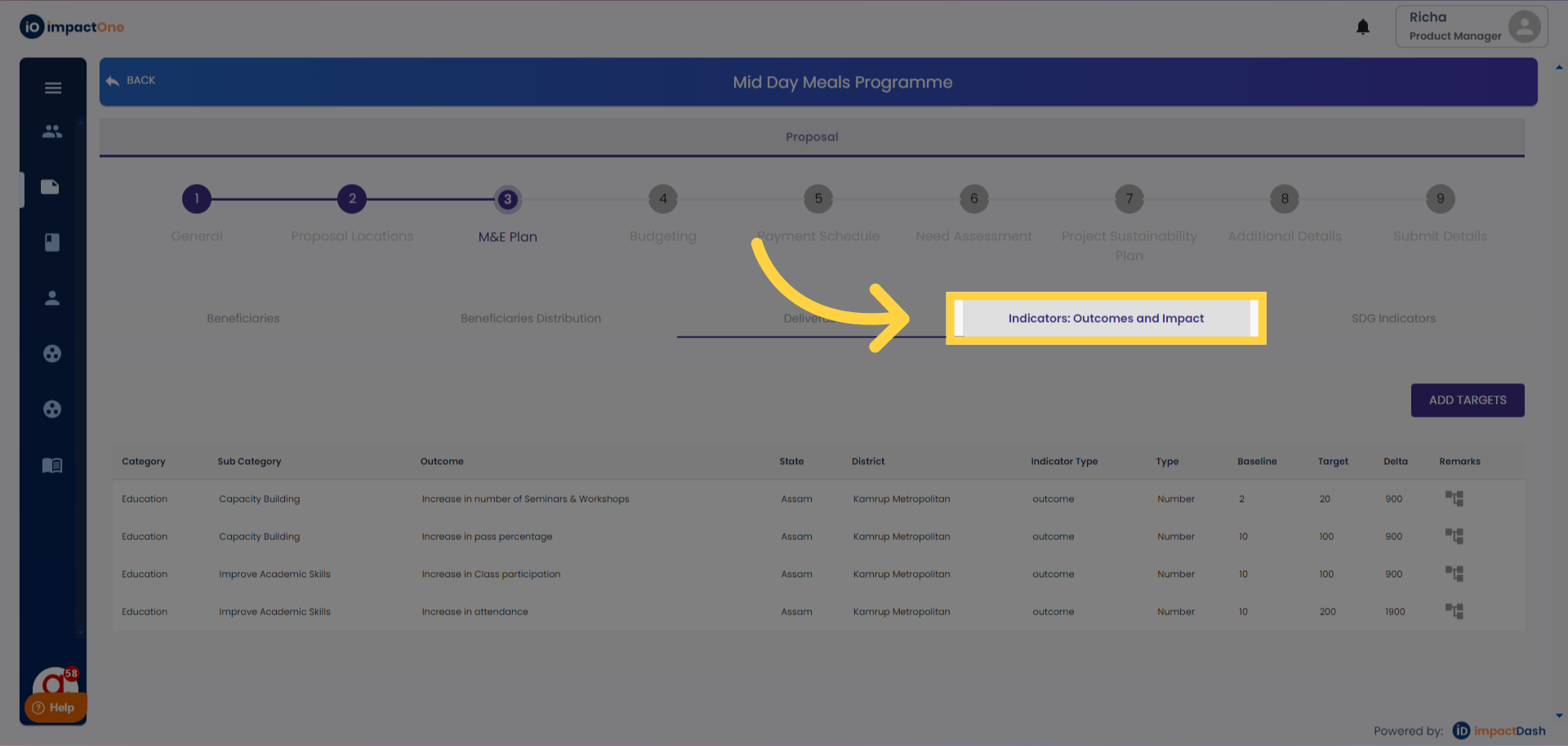
1.Indicators:Outcomes and impact: Navigate to the Indicators: Outcomes and impact tab under M&E plan of the project.
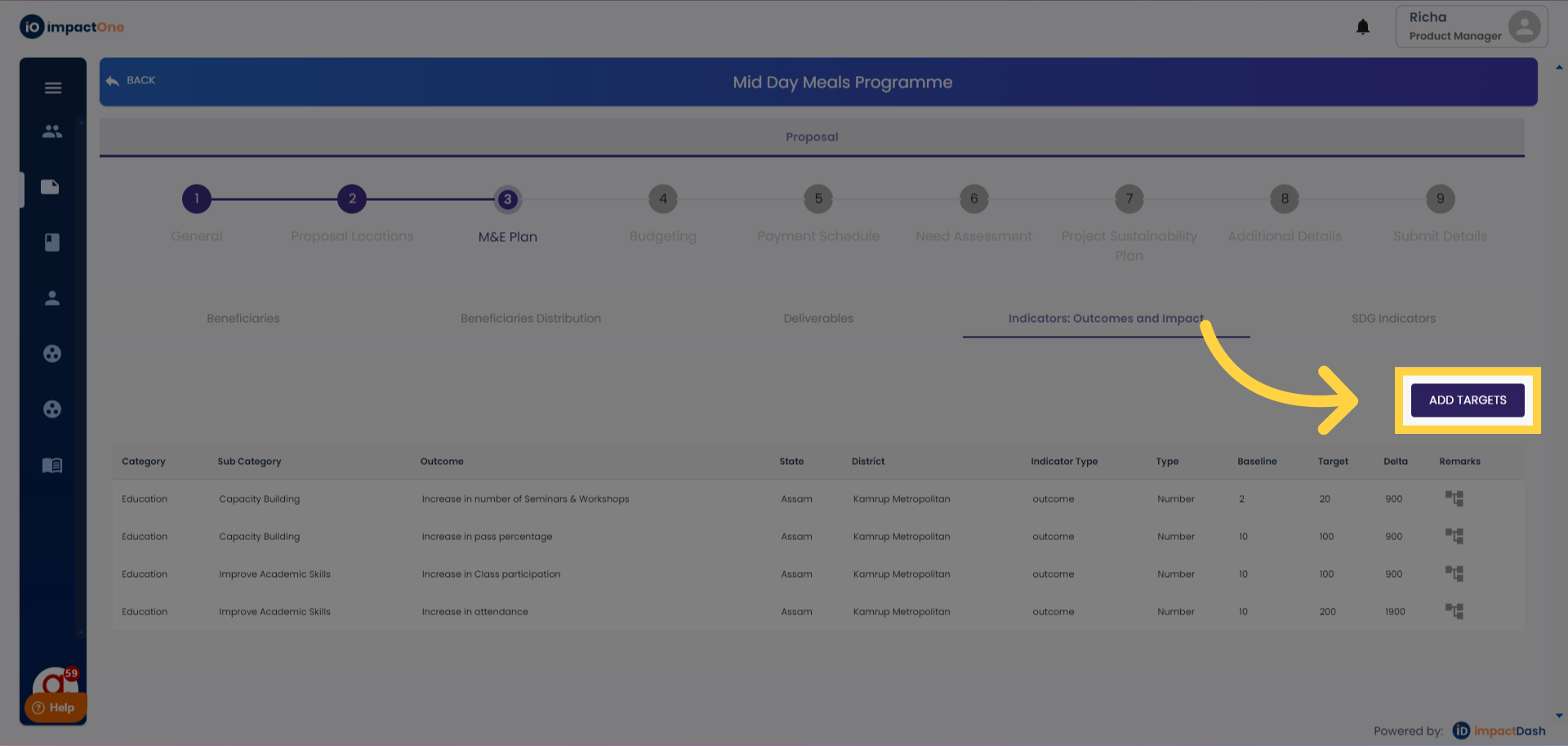
2.Accessing Editing Option: .Click on the 'Add Targets' button to start editing.
3.Category and Sub-category: Select category and sub category from the drop down and add the same.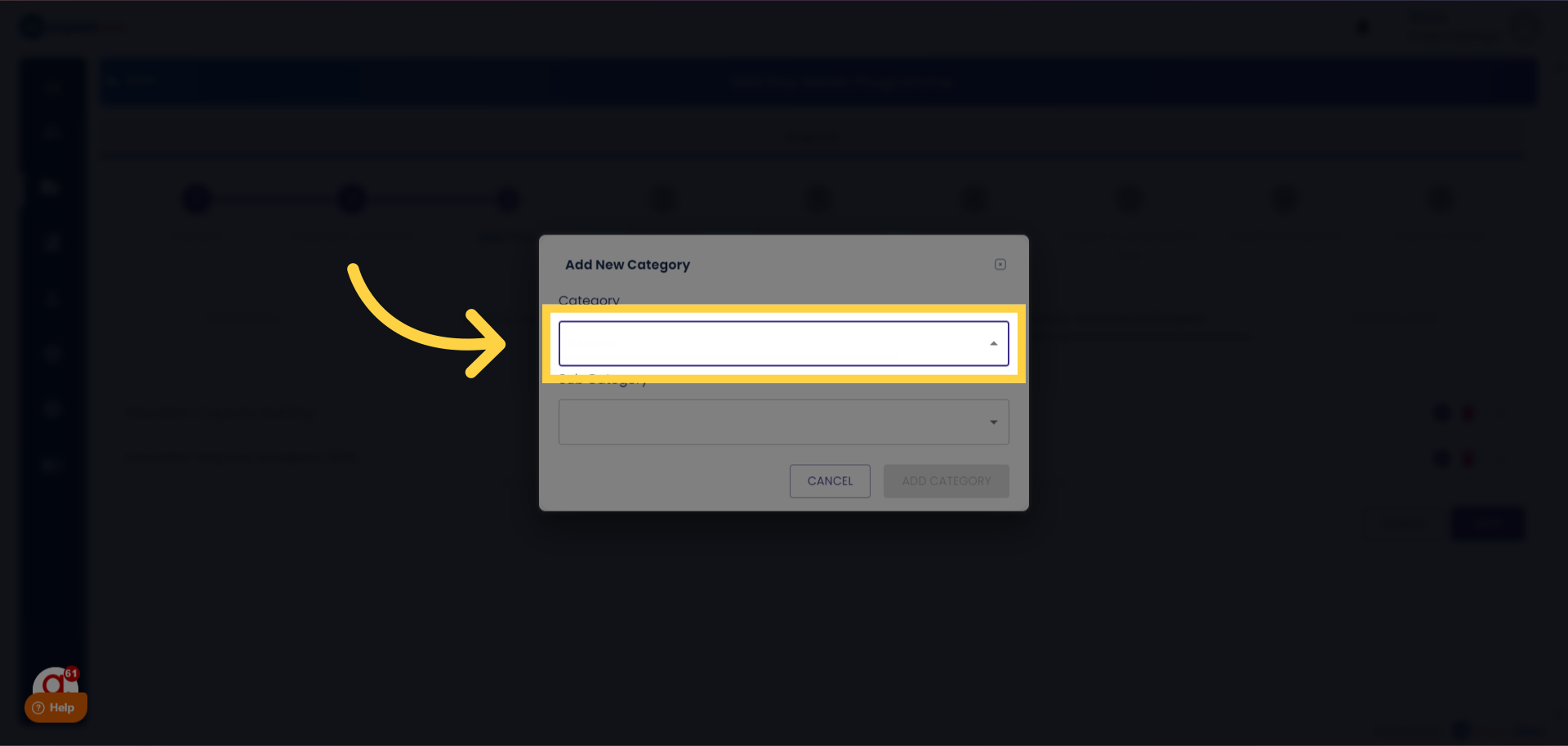
4.Select the Key Indicators: Select the key indicator from the list of indicators pre defined on the portal from the drop down menu.
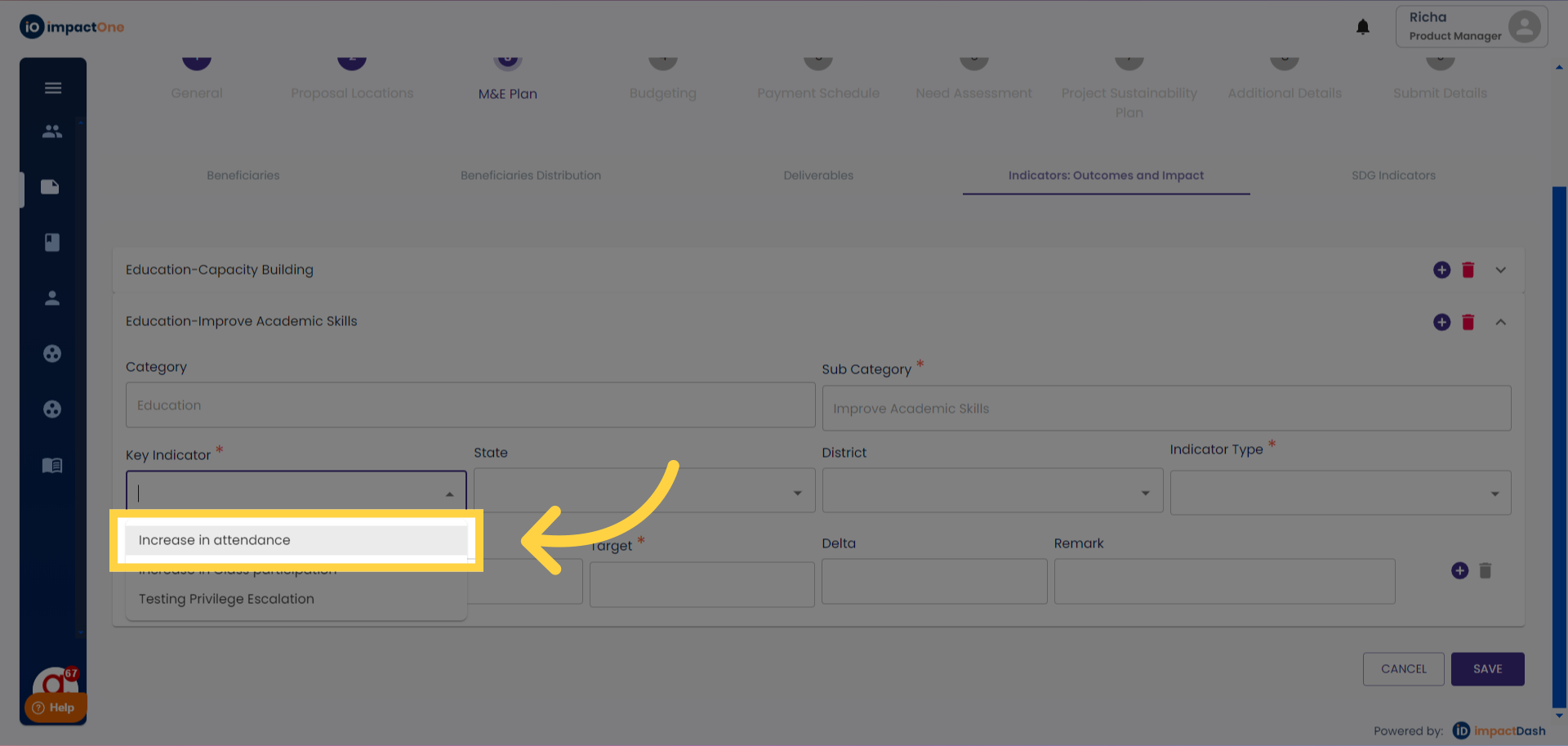
5.Select Location: Select the state and district from the drop down.
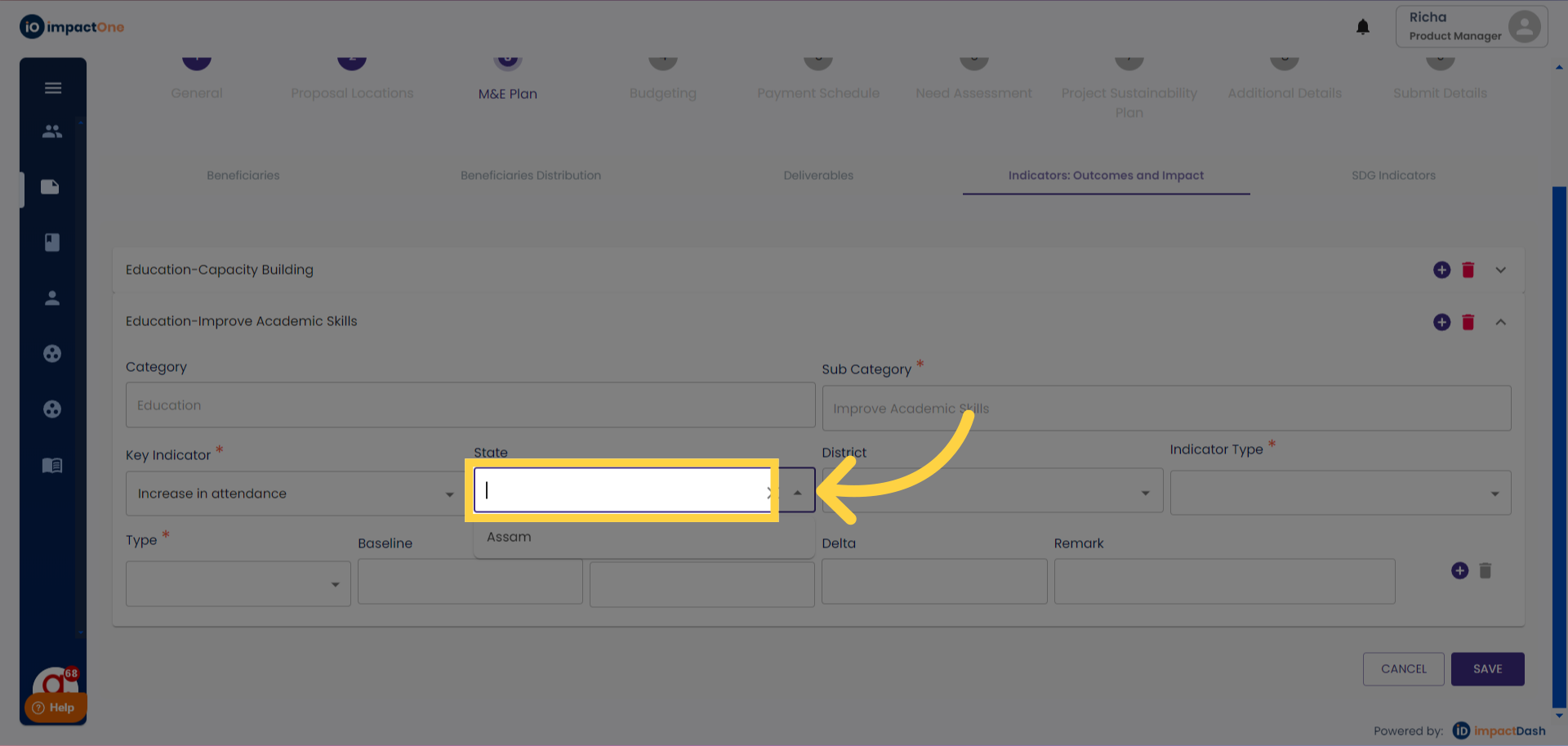
6.Indicator type: Select the indicator type : Outcome/ Impact from the drop down menu.
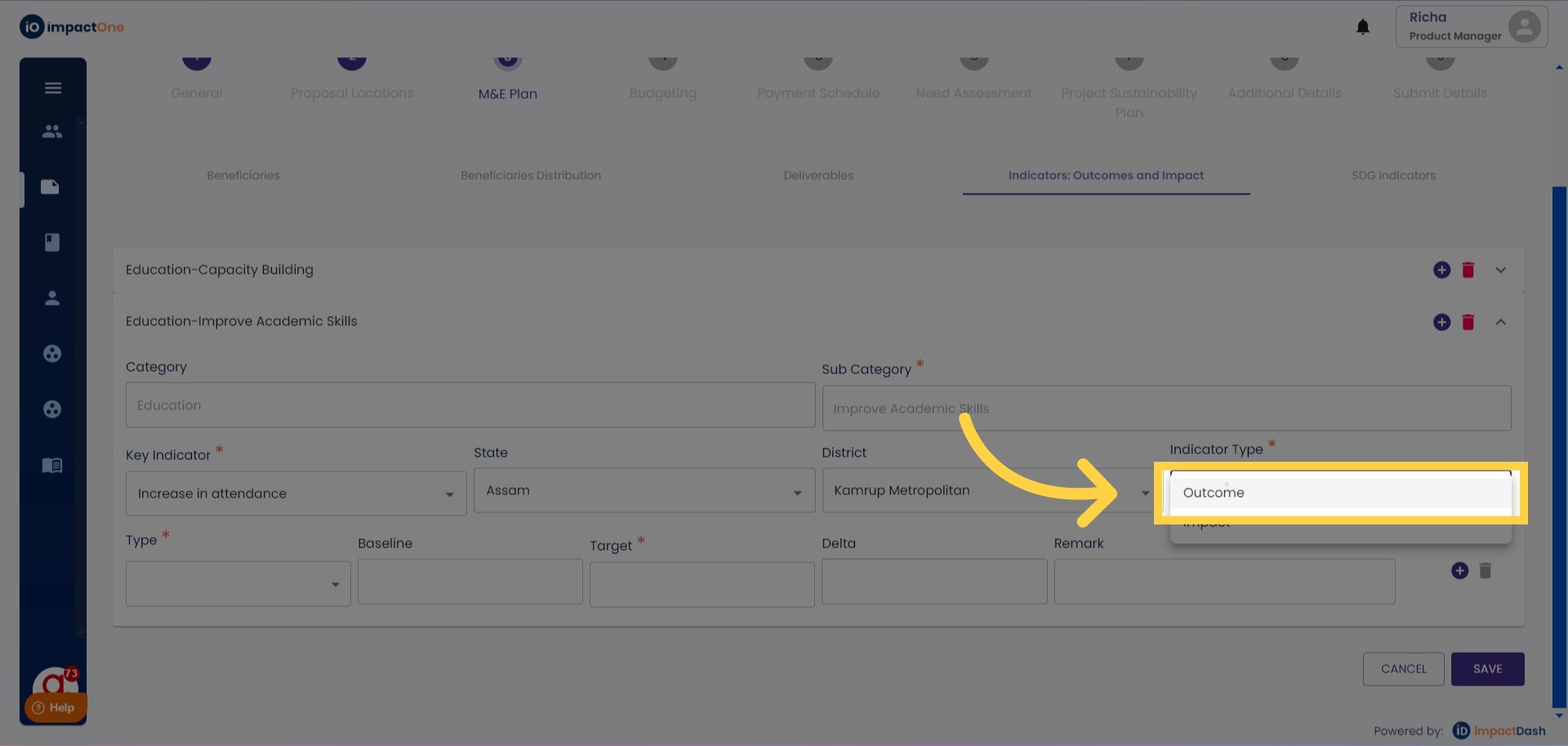
7.Select Type: Select the type of indicators as Number/ Percentage
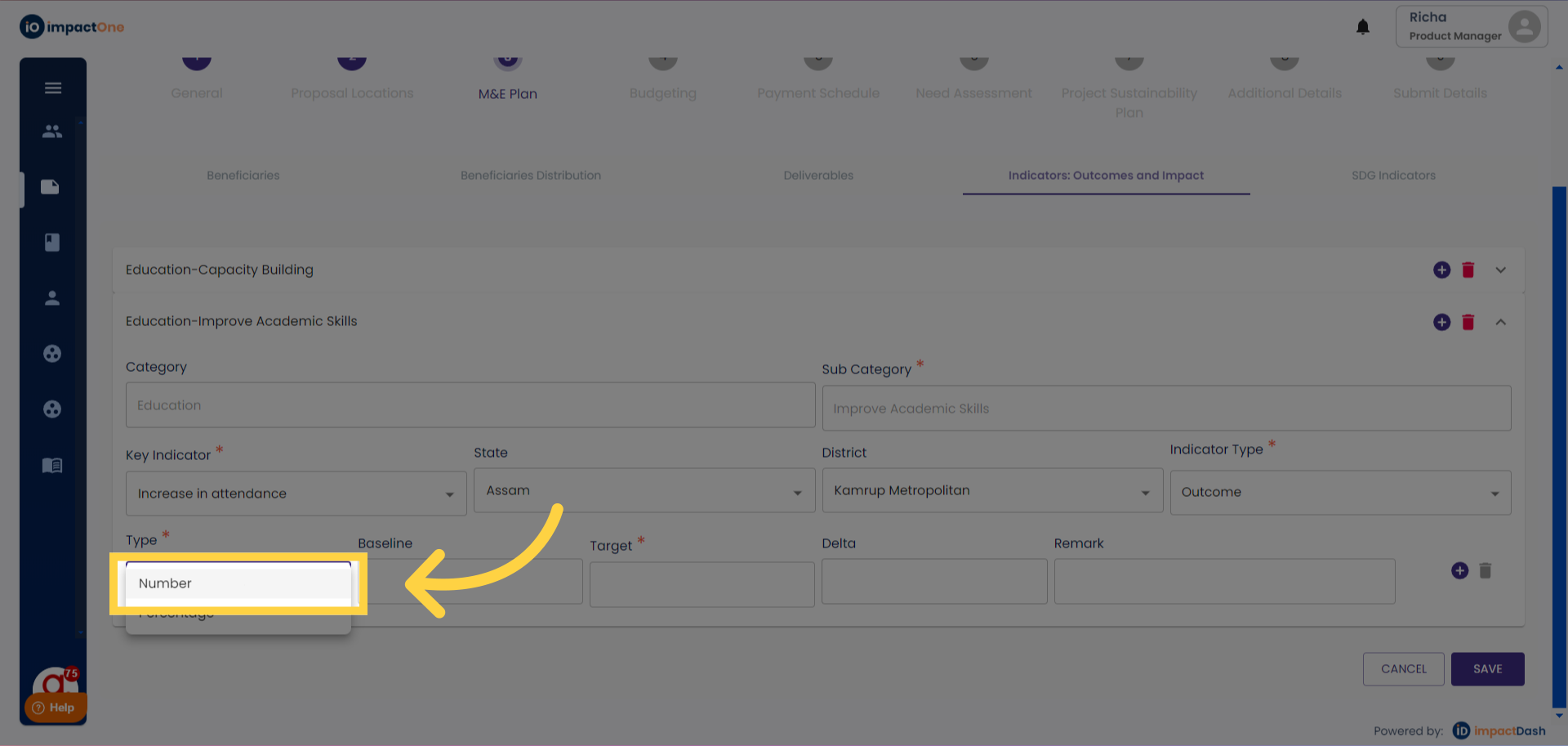
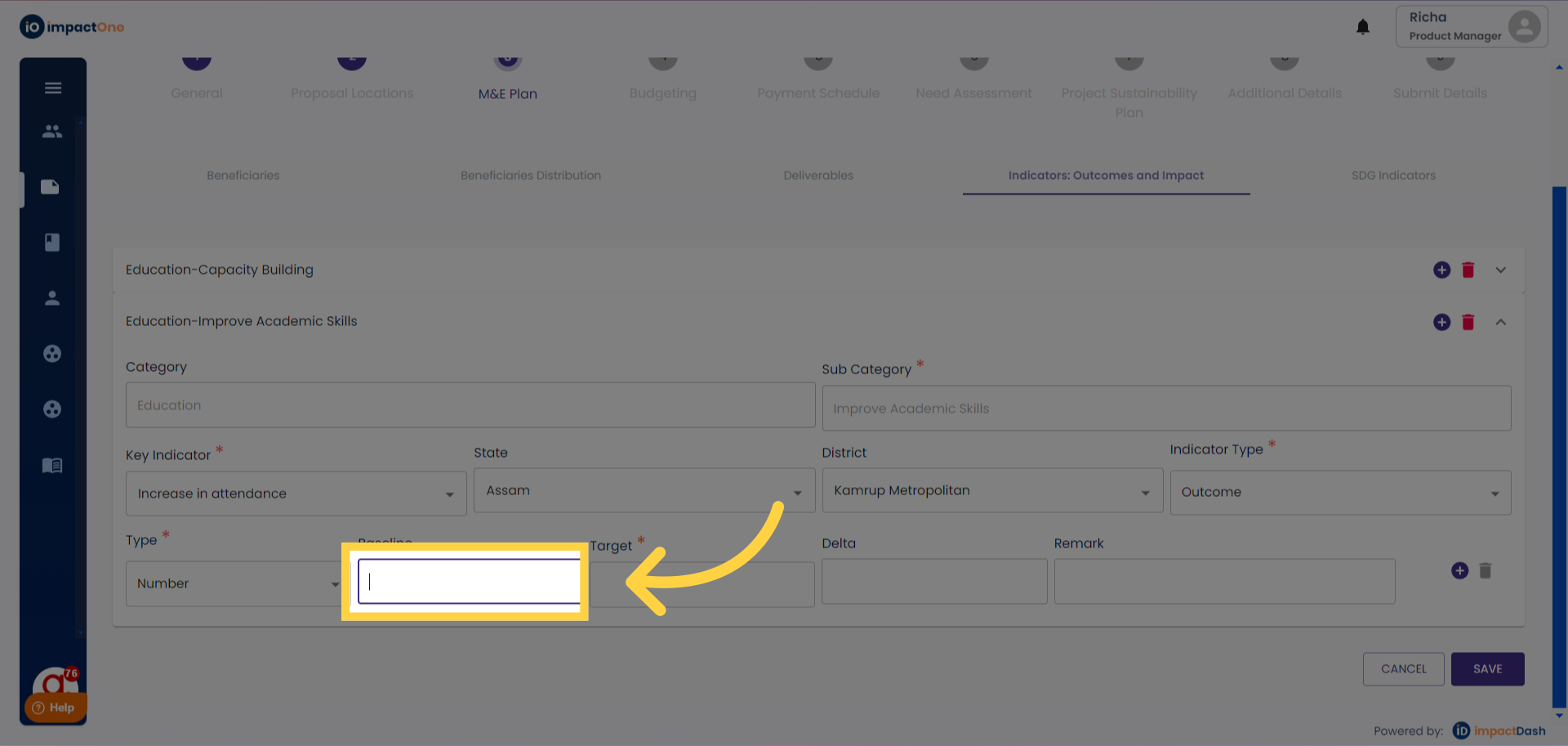
8.Enter Baseline and Target: Enter the baseline and target amounts of the indicator selected.
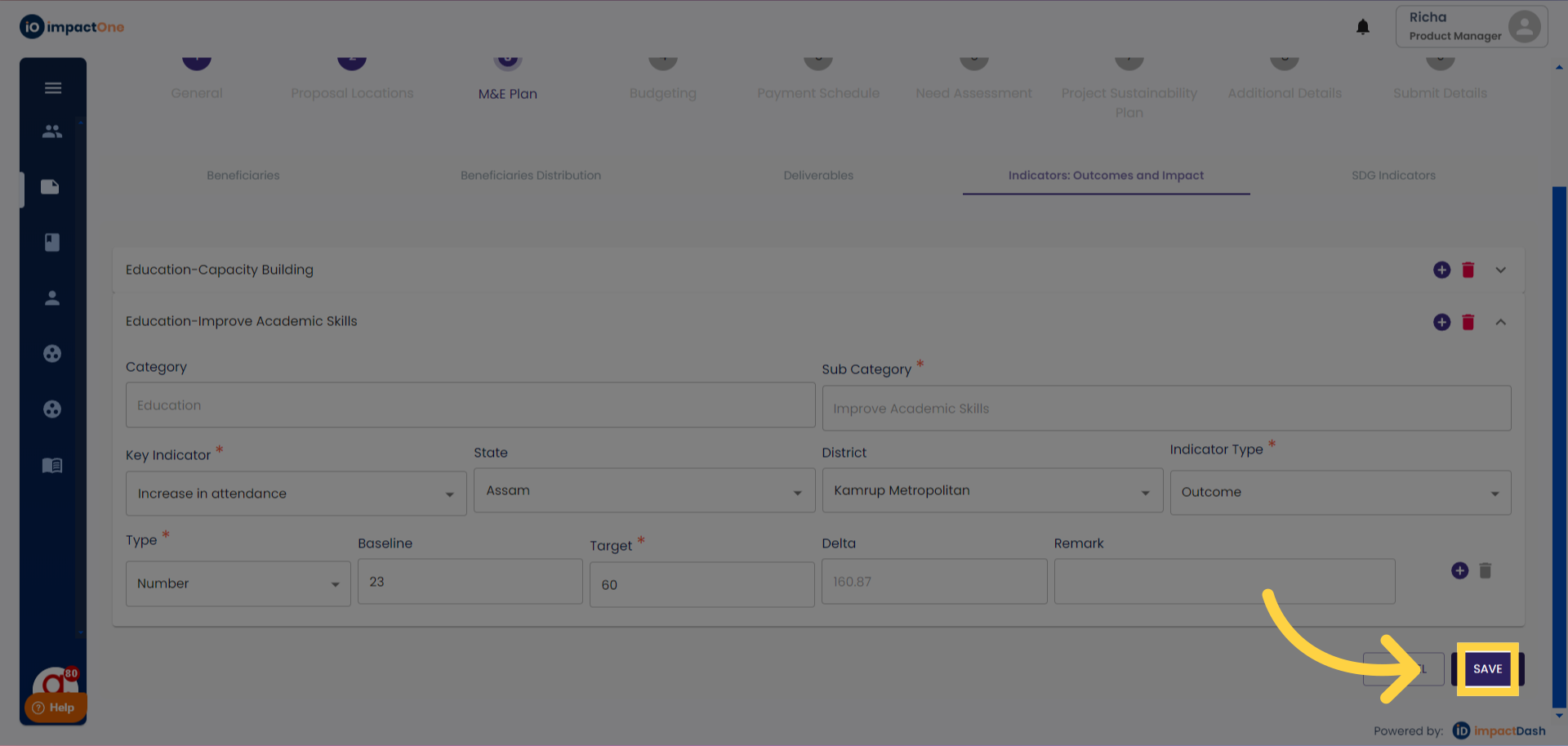
9.Save: Click on ‘ Save’ and proceed to the next.
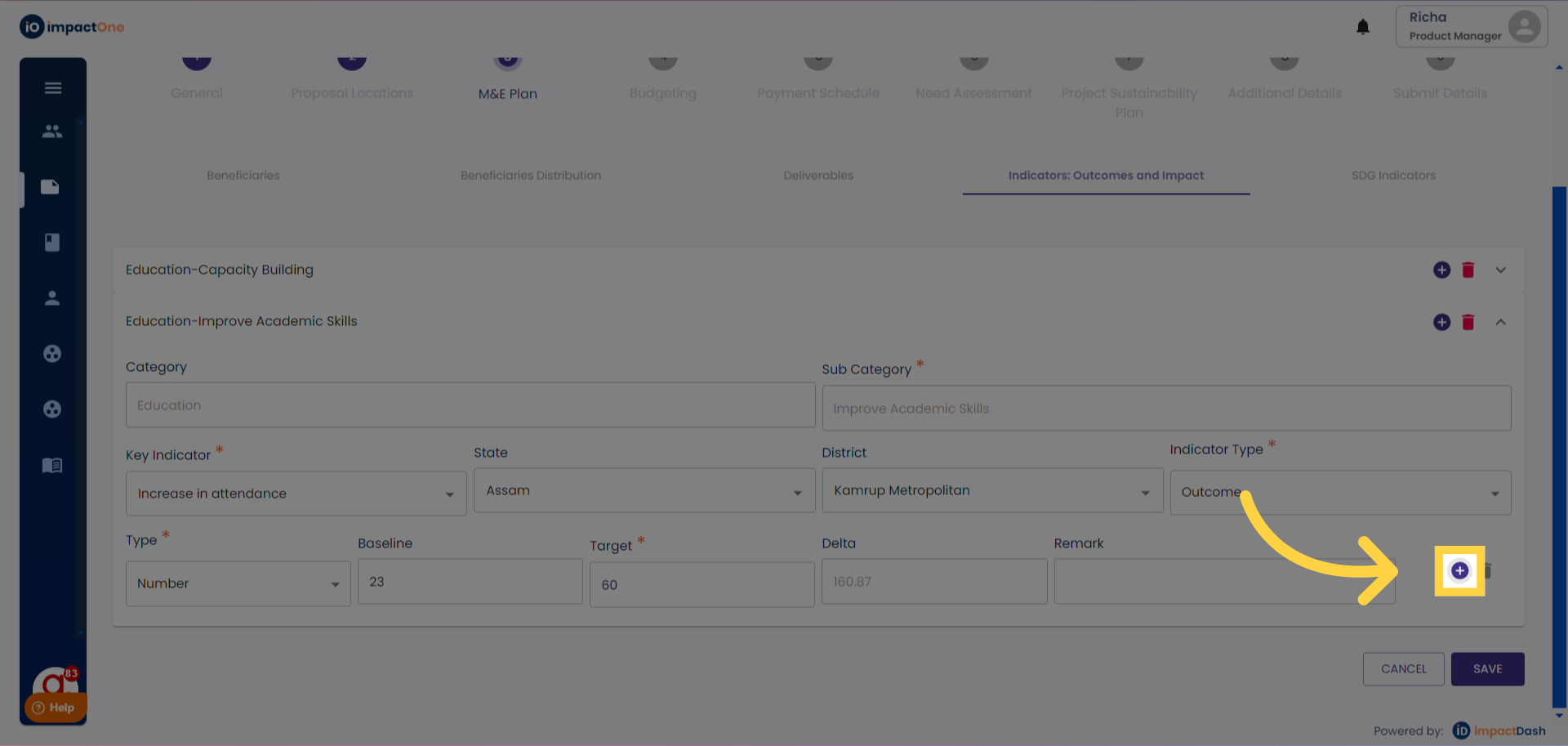
10.Add multiple: Click on the “+” button on the right, to add another line item and repeat the steps.
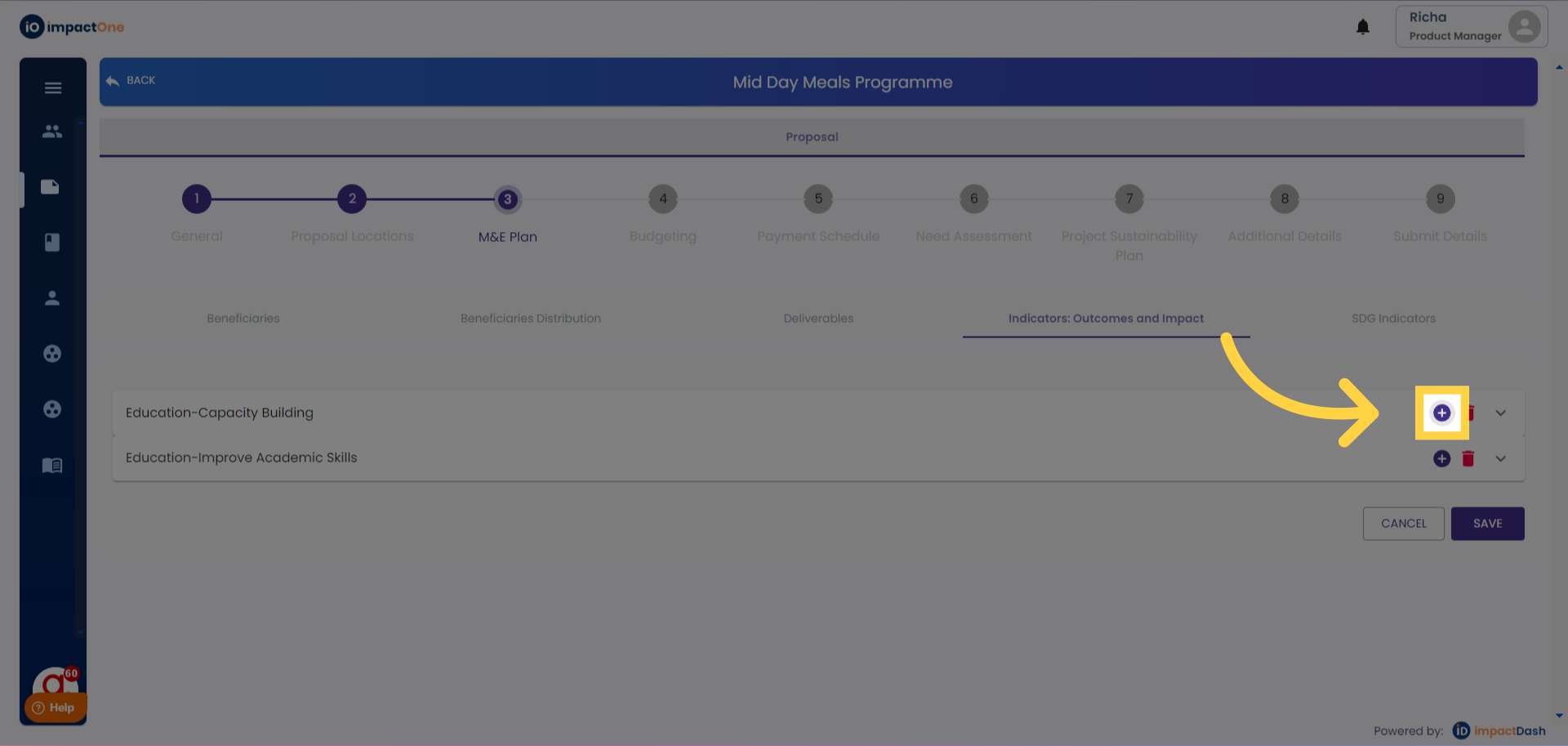
11.Incase of multiple categories, click on the ‘+’ button on the top right corner.