
Deliverables
User: Partner(maker)
Project deliverables are the tangible or intangible results produced by a project. They represent the outputs of project activities and are typically agreed upon at the project's outset. Deliverables are essential for defining project requirements, measuring progress, and determining project success.
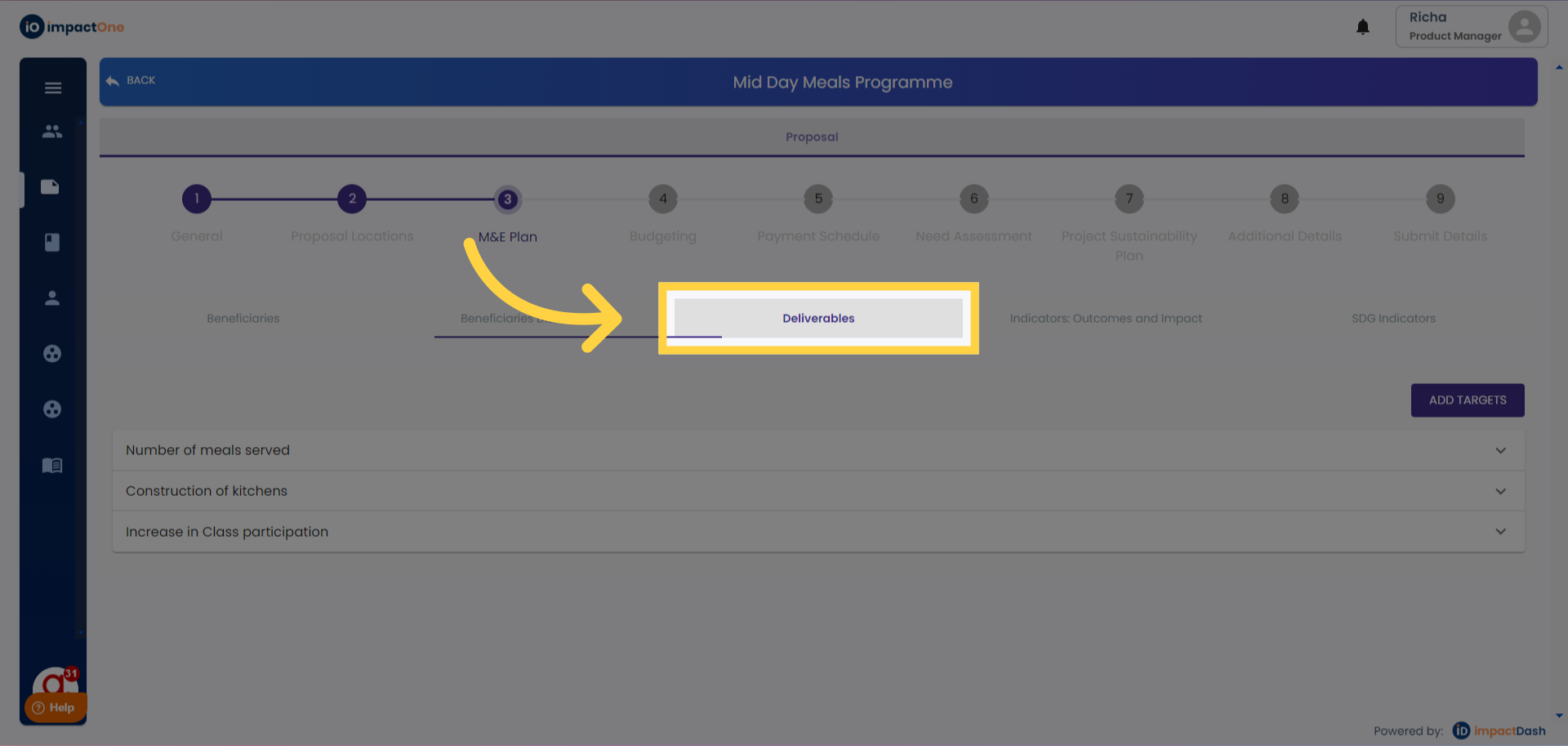
1. Deliverable: Select the deliverables tab.
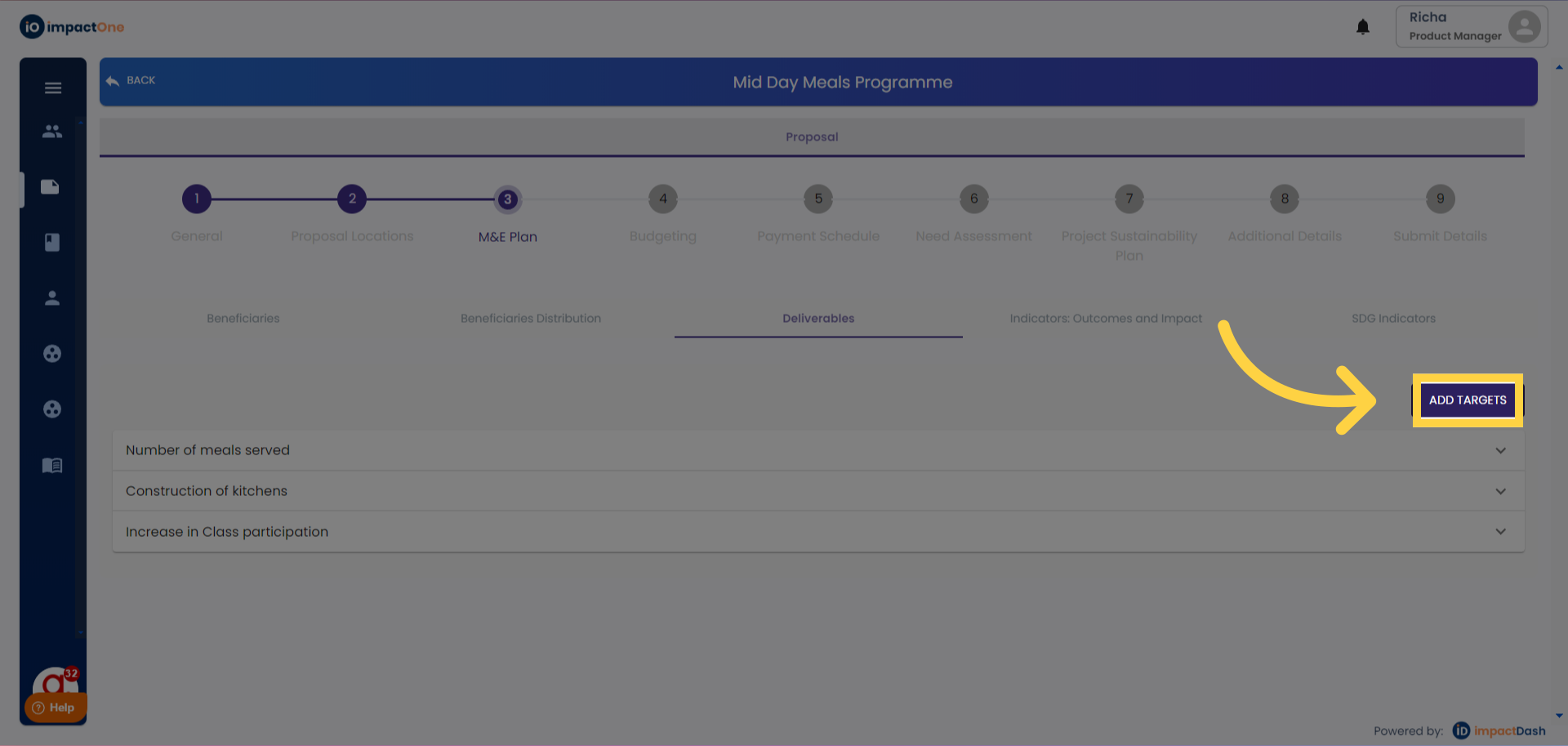
2.Add Target: Click on add target button on the right.
3.Thrust area and Sub category: Select category and sub category from the drop down.
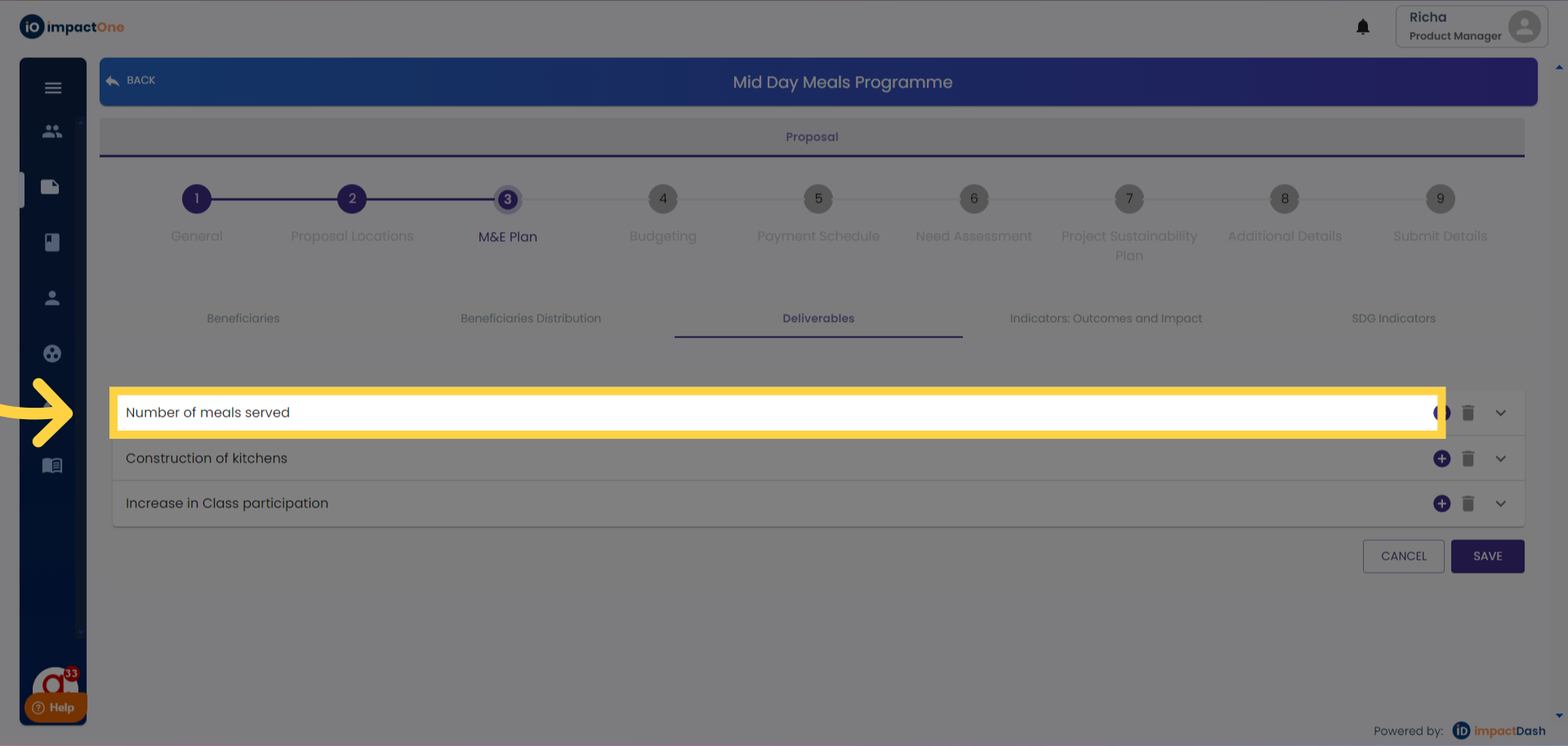
4..Thrust area and Sub category: Select category and sub category from the drop down.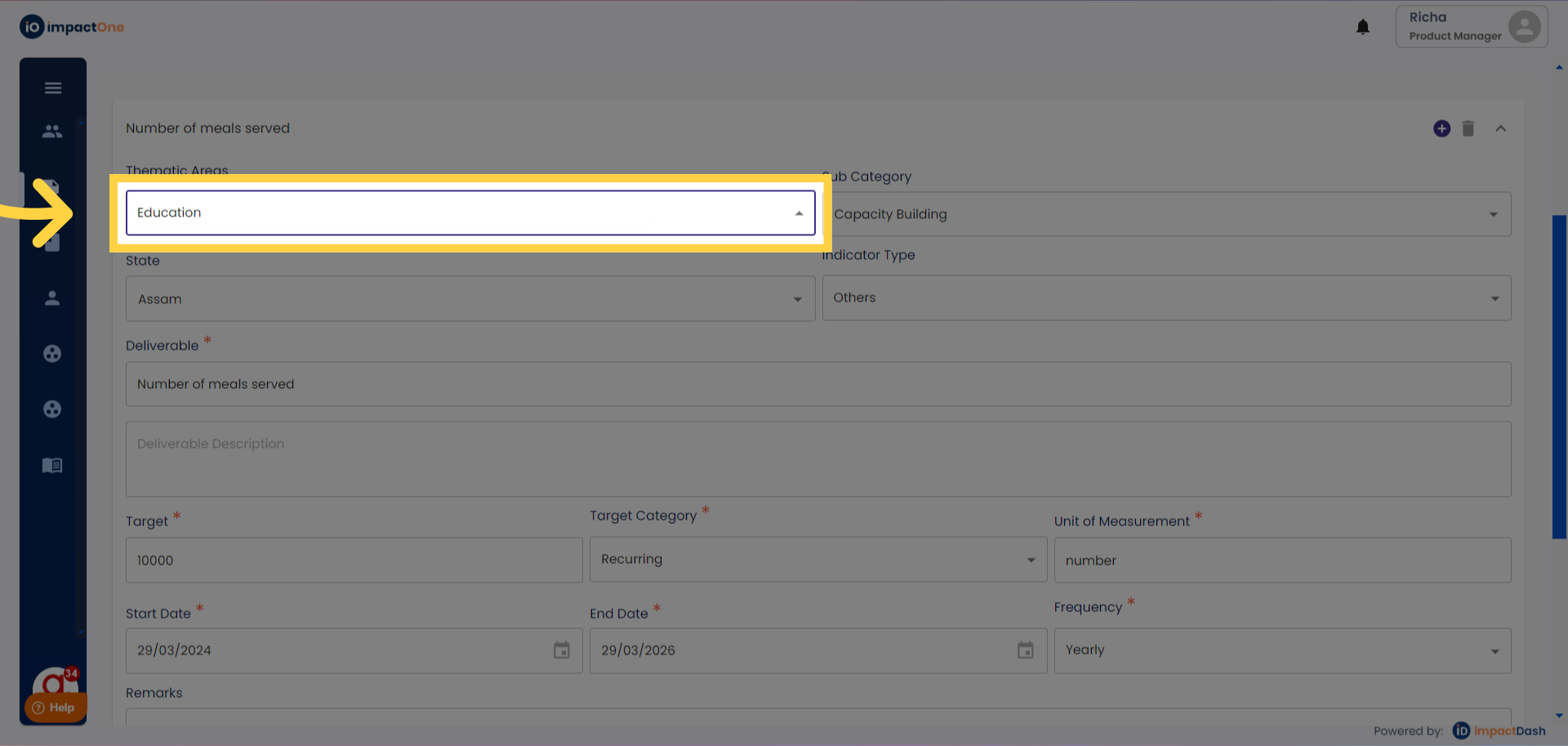
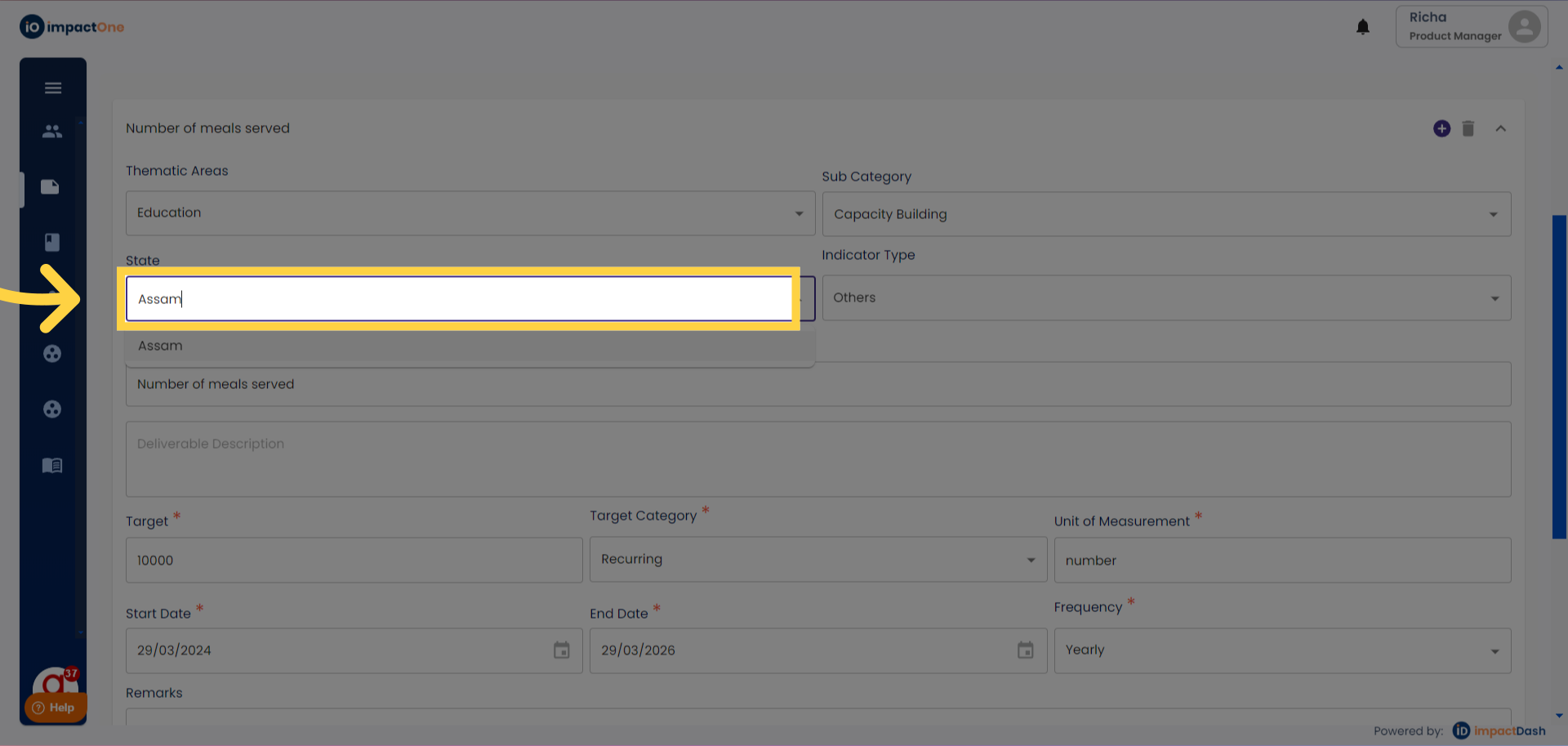
5.Select State: Select state from the drop down.
6.Indicator Type: Select indicator type: Output, Activity,Input for your defined deliverable.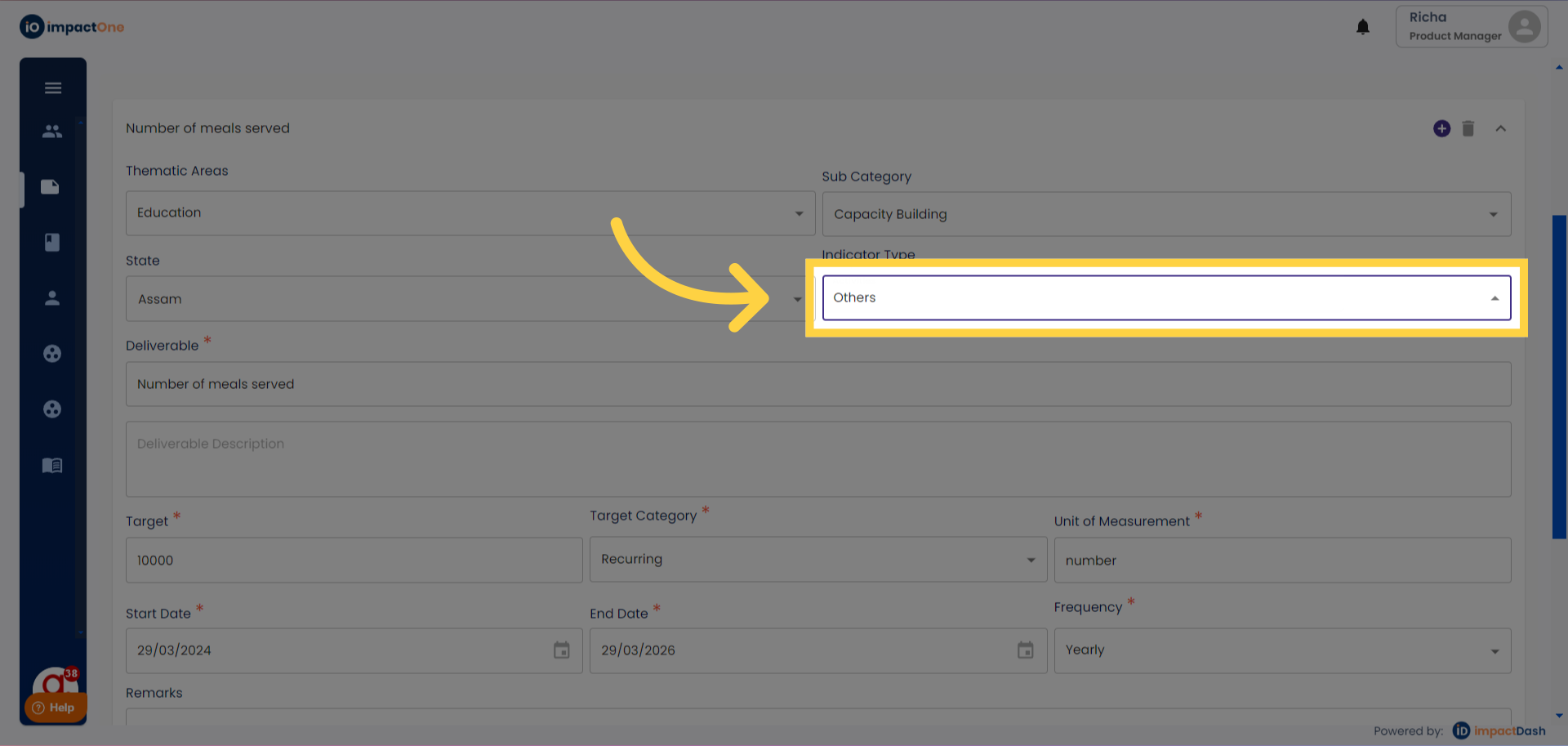
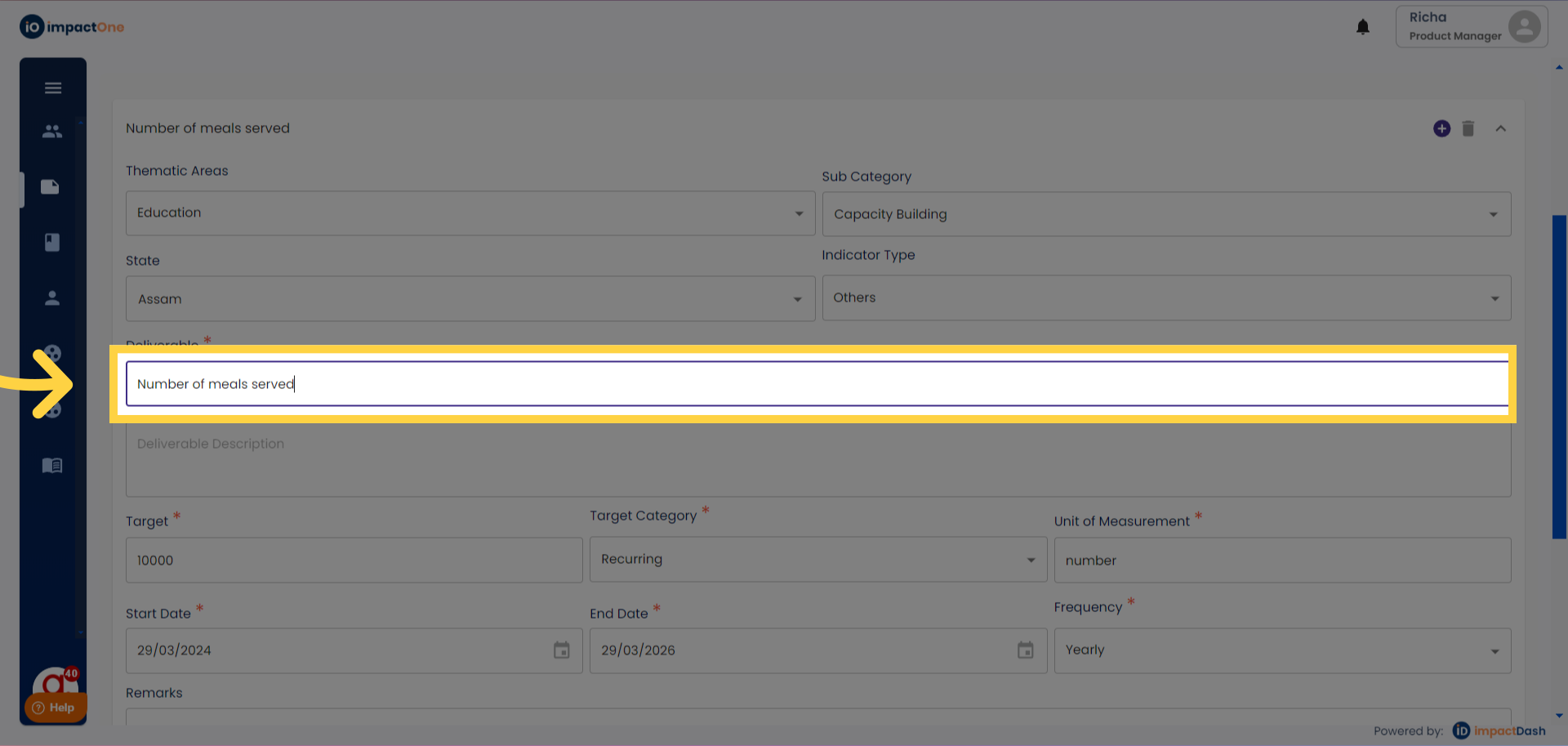
7.Deliverable and Deliverable Description: Define your deliverable in the box given. And add for deliverable description below.
8.Enter target: Enter the target of your deliverable in the box given.
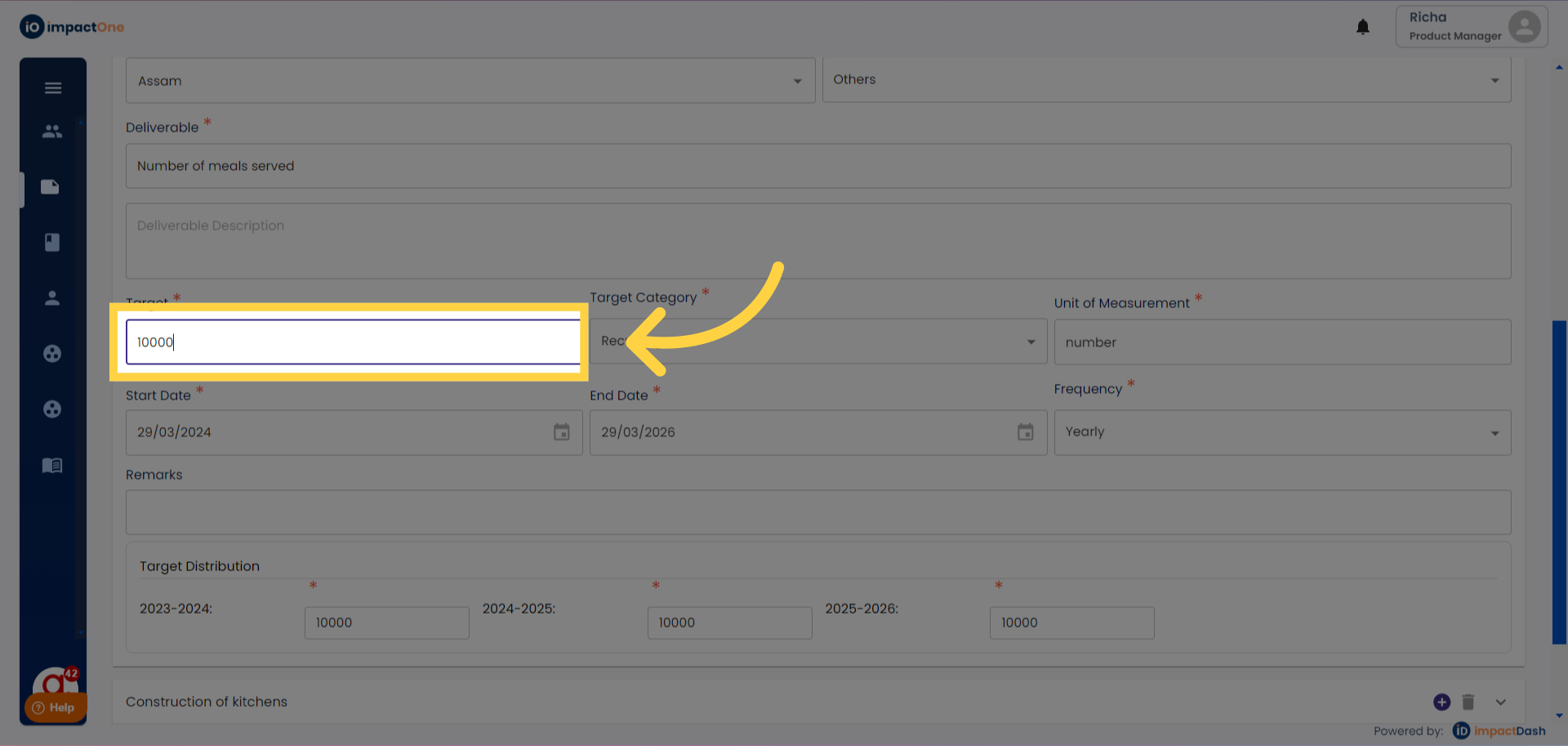
9.Enter Target Category: Enter the target category, from drop down, Cumulative or Recurring.
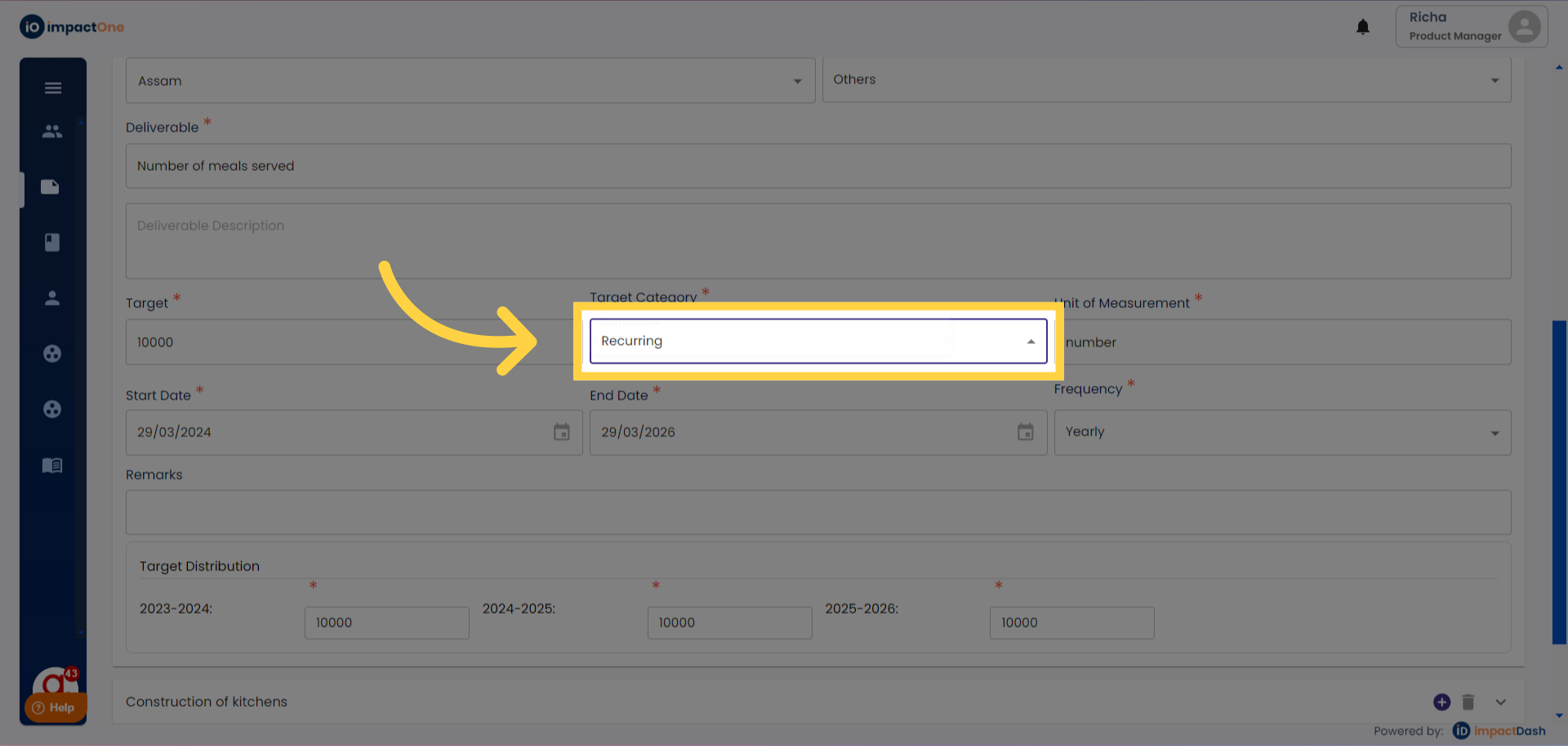
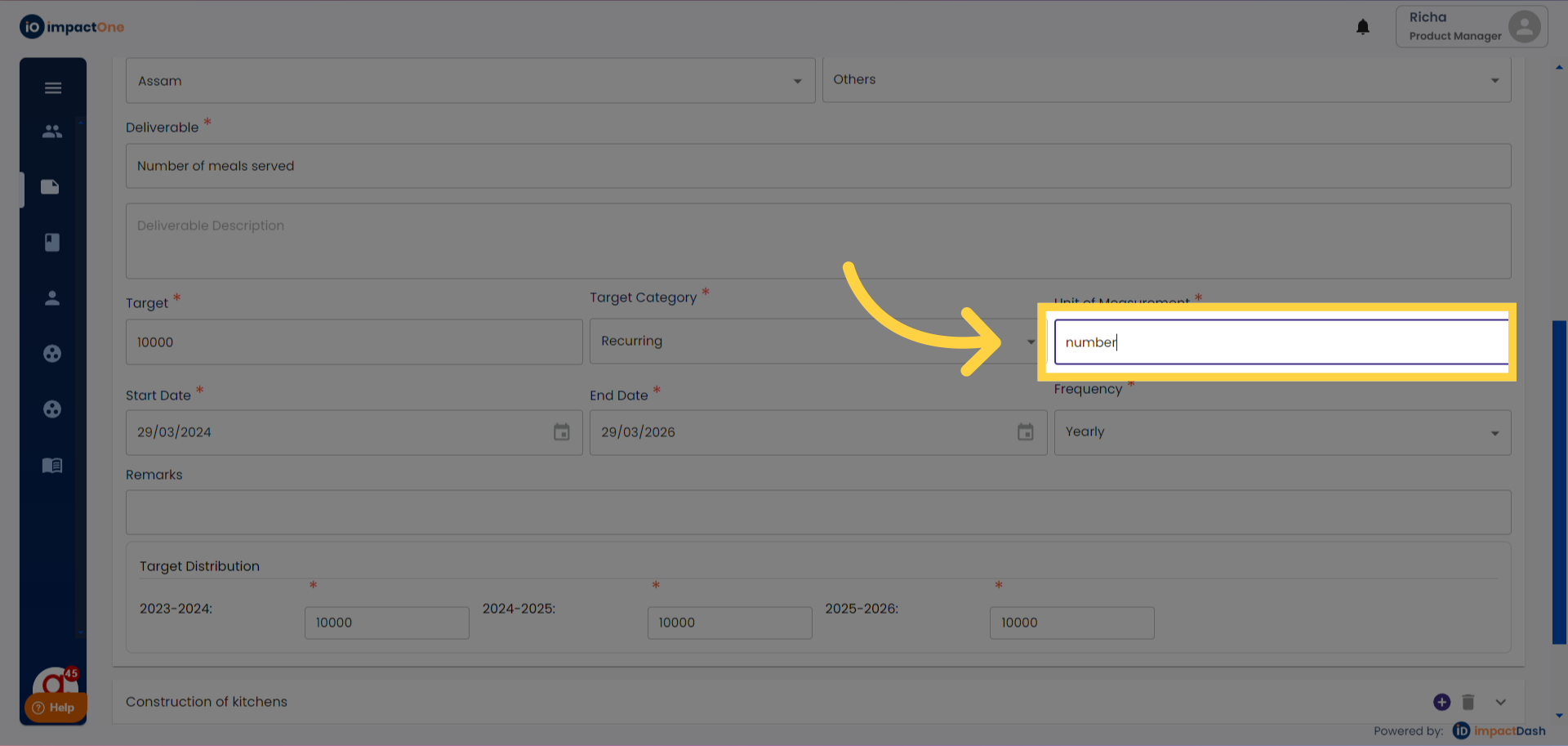
10.Unit of Measurement: Enter the unit of measurement for the target entered.
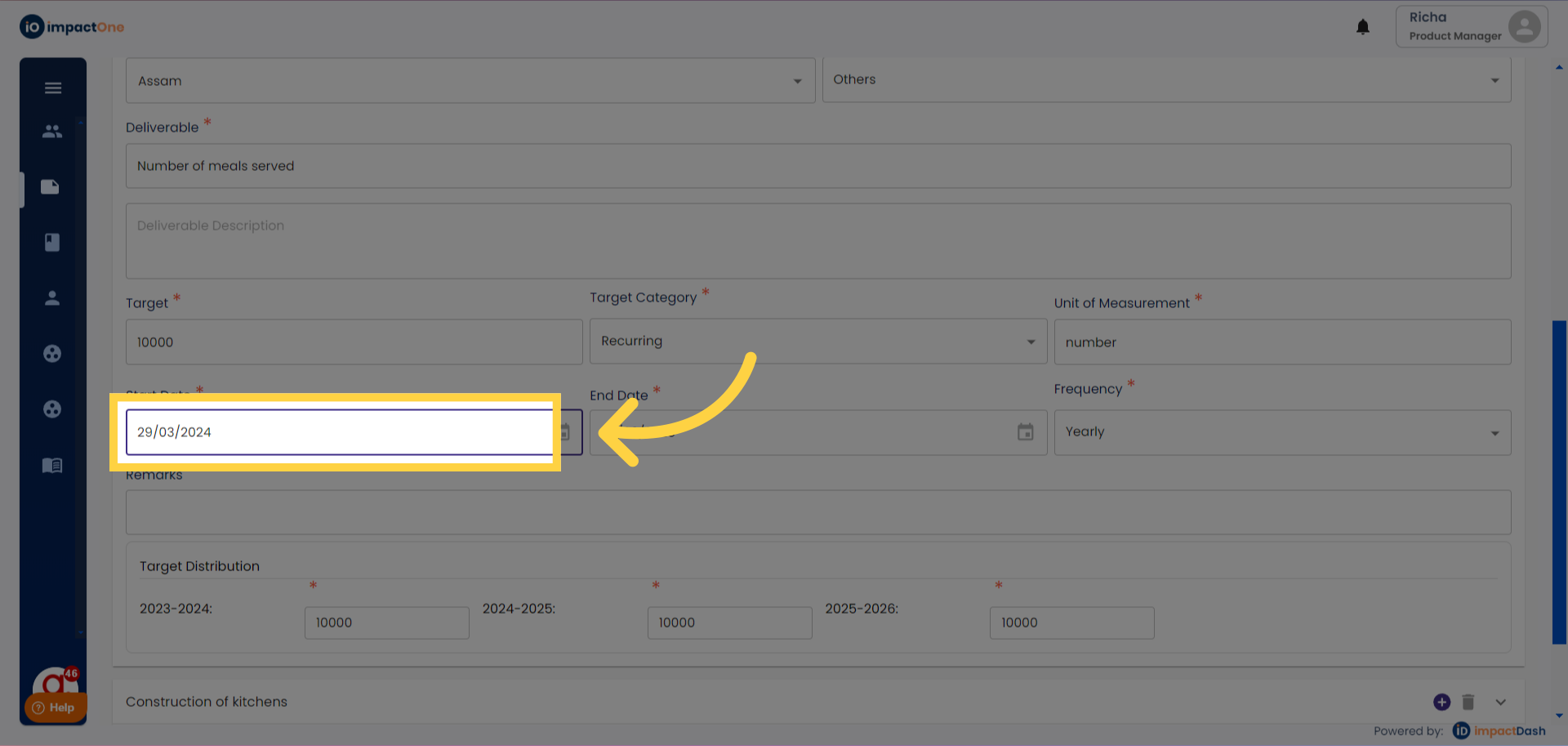
11.Setting Project Dates:Select the start date and end date of the project.
12.Select frequency: Select the frequency of the intervention from the drop down: Monthly, Quarterly, Half yearly, Yearly.
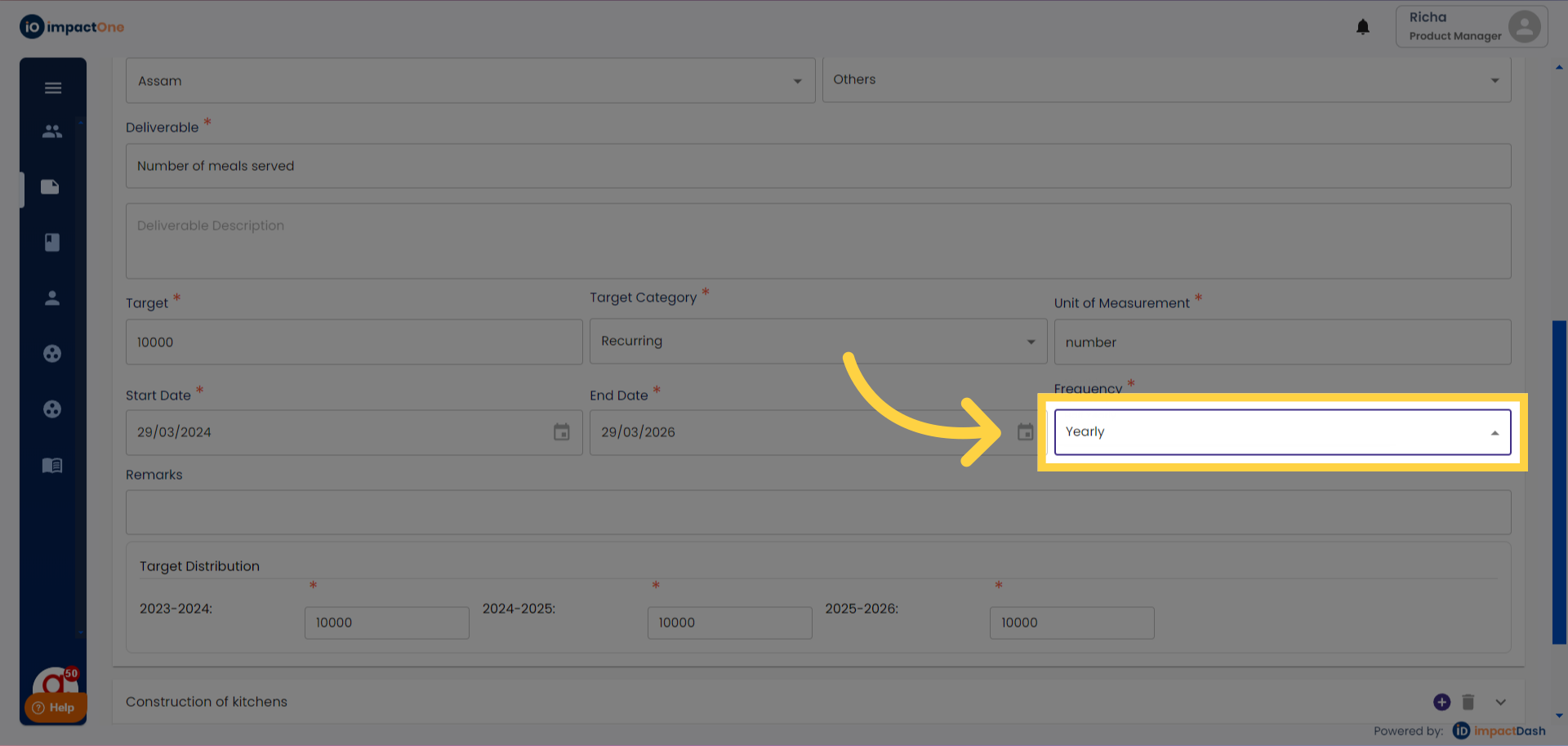
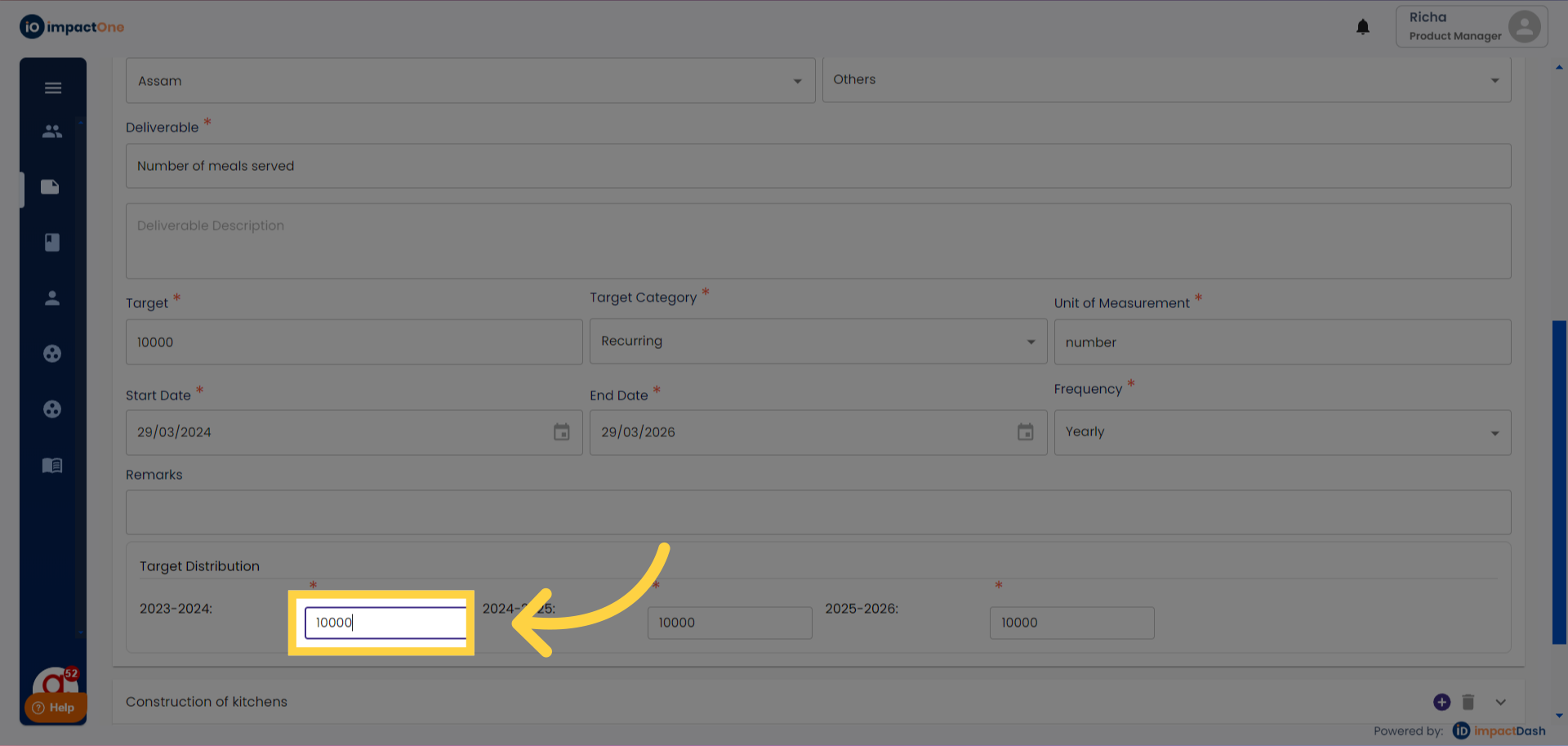
13.Enter target distribution: Distribute the target in the distribution boxes as per your intervention frequency.
14.Click on “Save” once the data is entered.
15. Click on the “+” button on the right, to add another line item and repeat the steps.