
Beneficiary Distribution (applicable if multiple thrust area,SDG or ScheduleVII is selected):
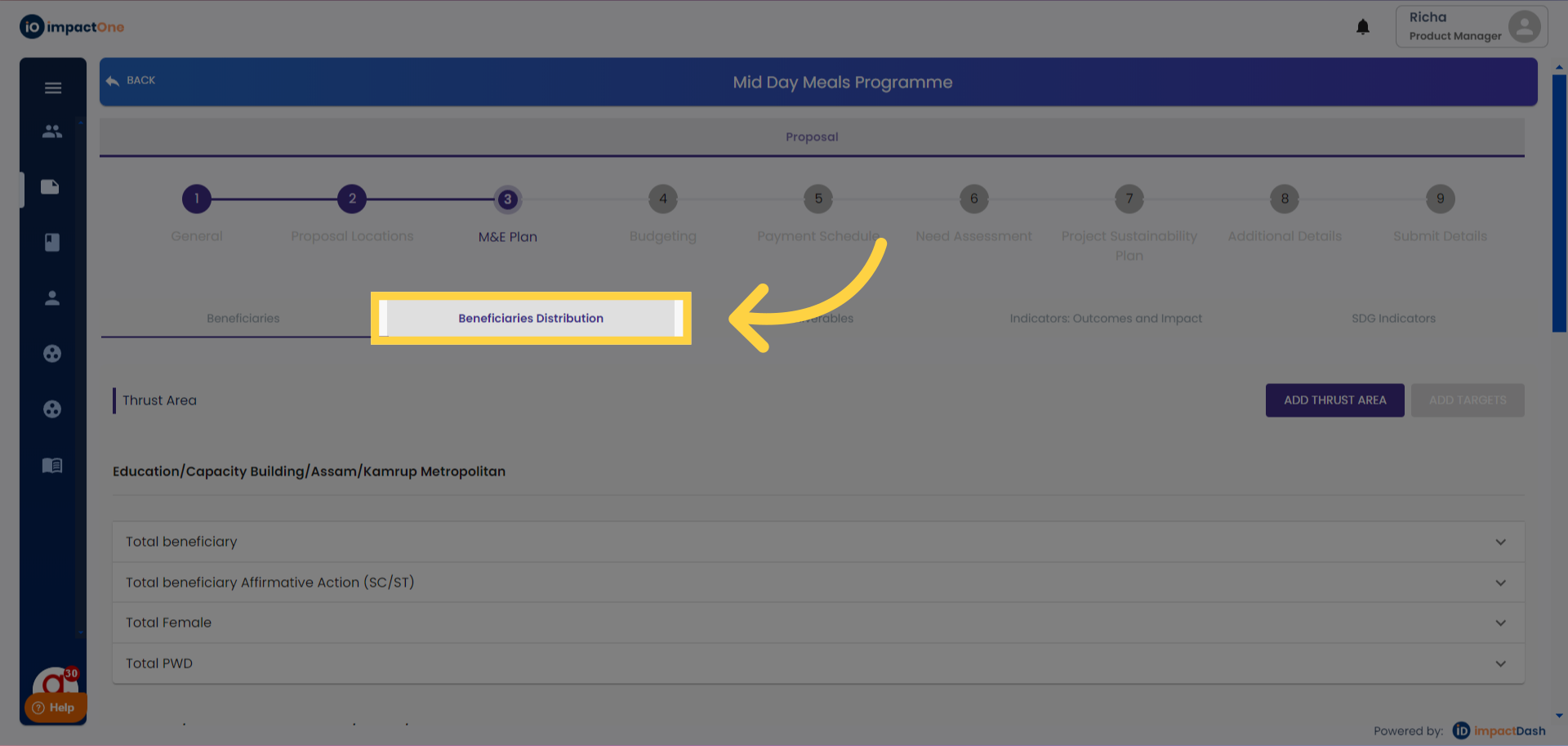
1.Beneficiaries Distribution: Select the Beneficiaries Distribution tab to start.
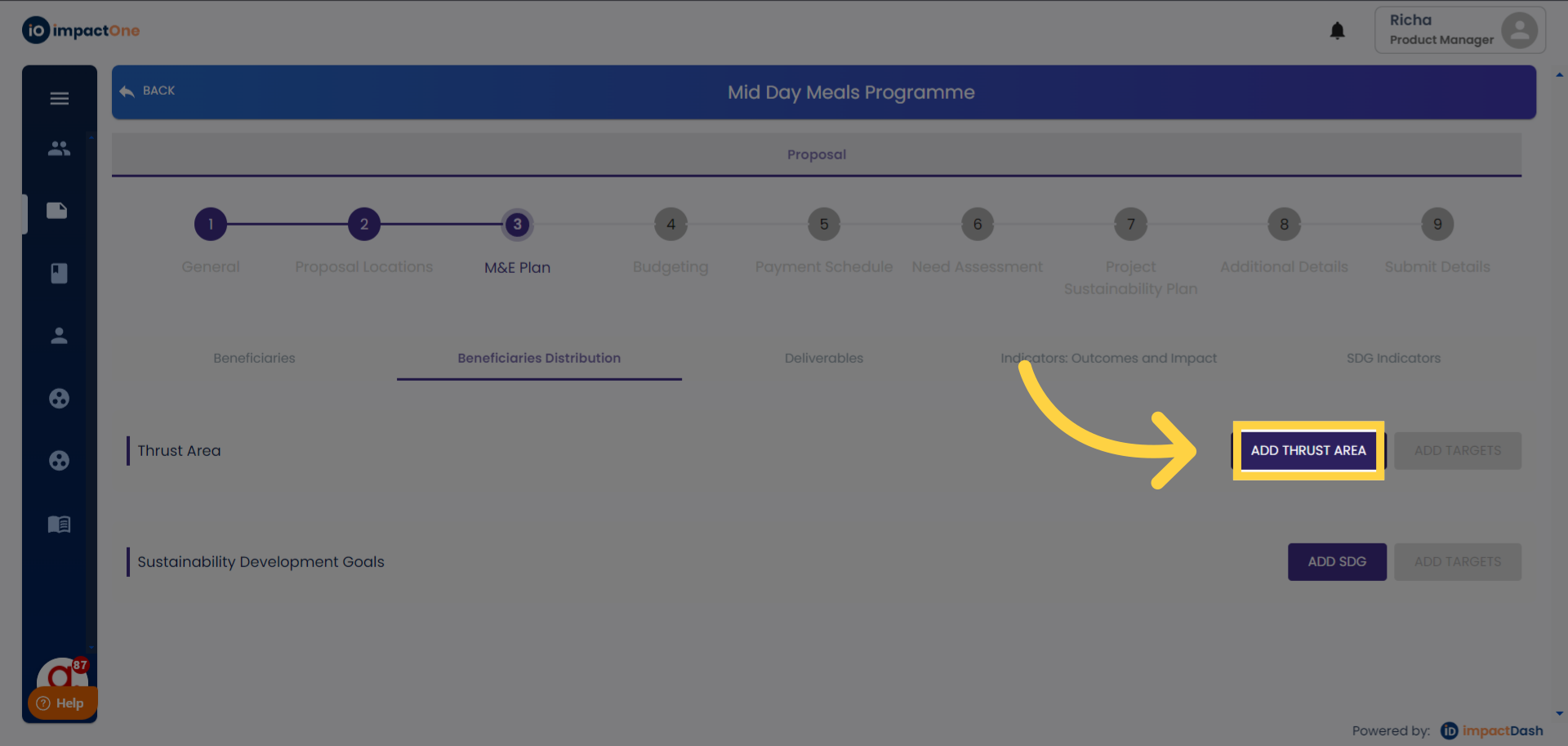
2. Add Thrust Area: Click on the Add Thrust Area button on the right to start editing.
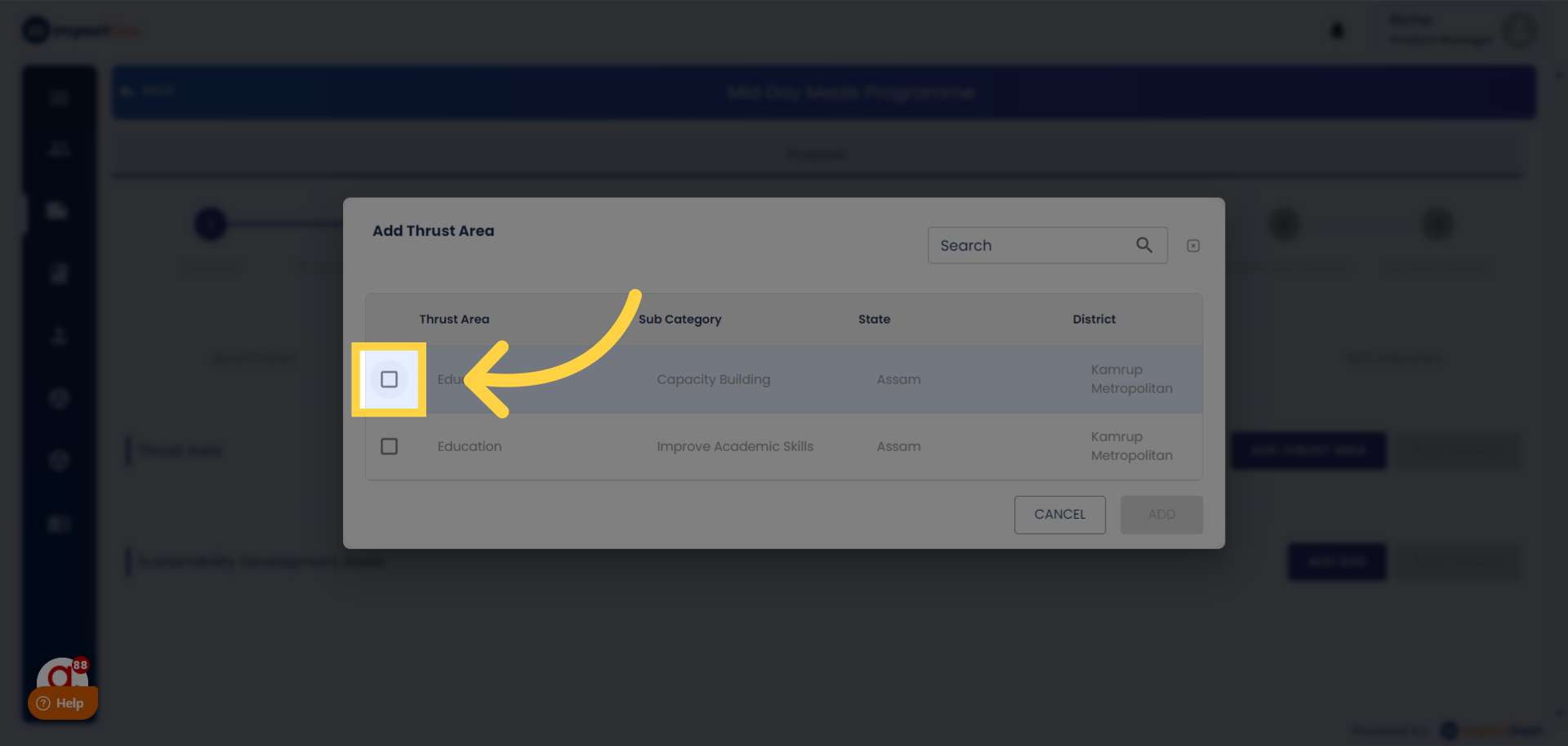
3.Select Thrust Area: Select thrust area from the menu, which is applicable to your proposal/project.
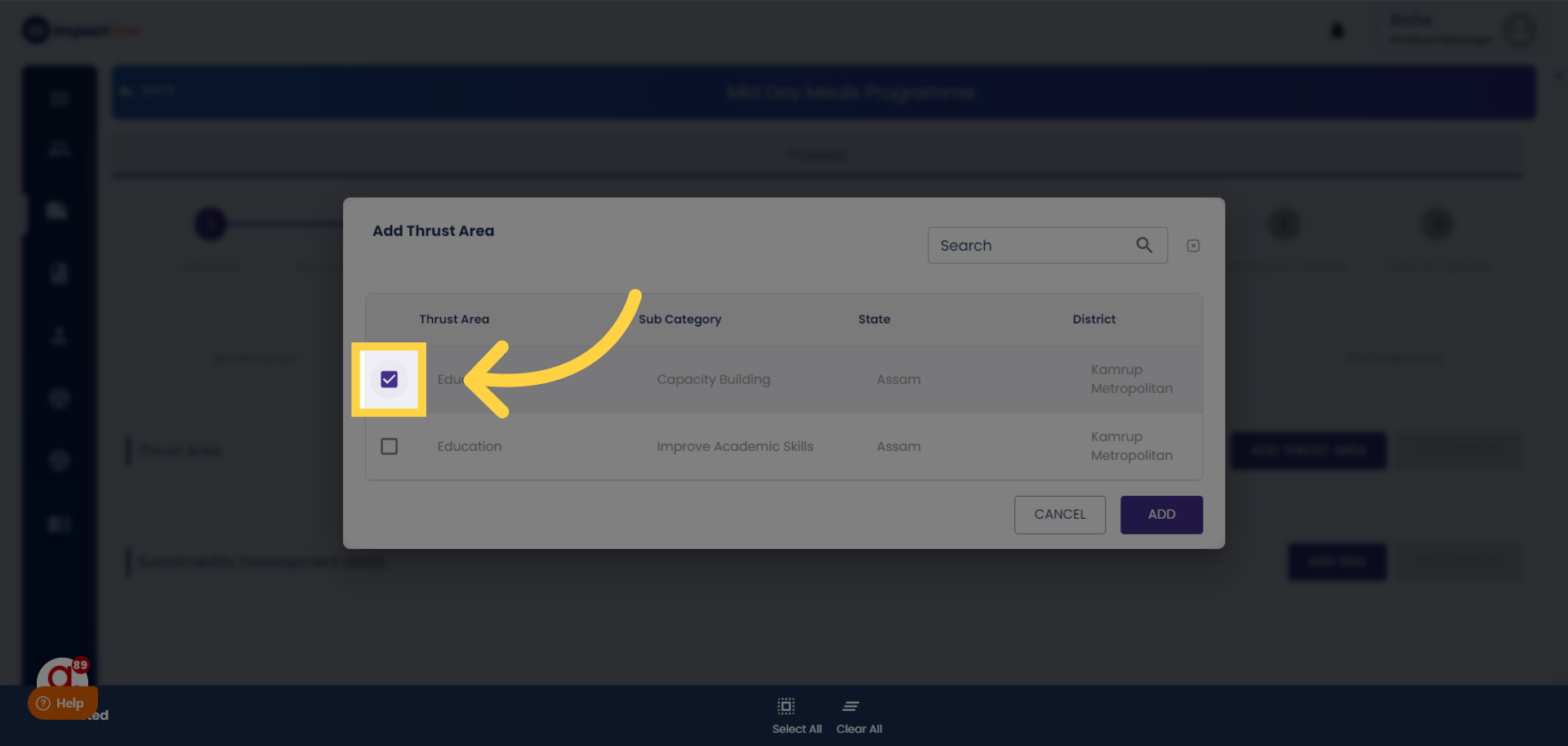
4.Click Add: Click on the ‘Add button’ to add the thrust areas you selected.
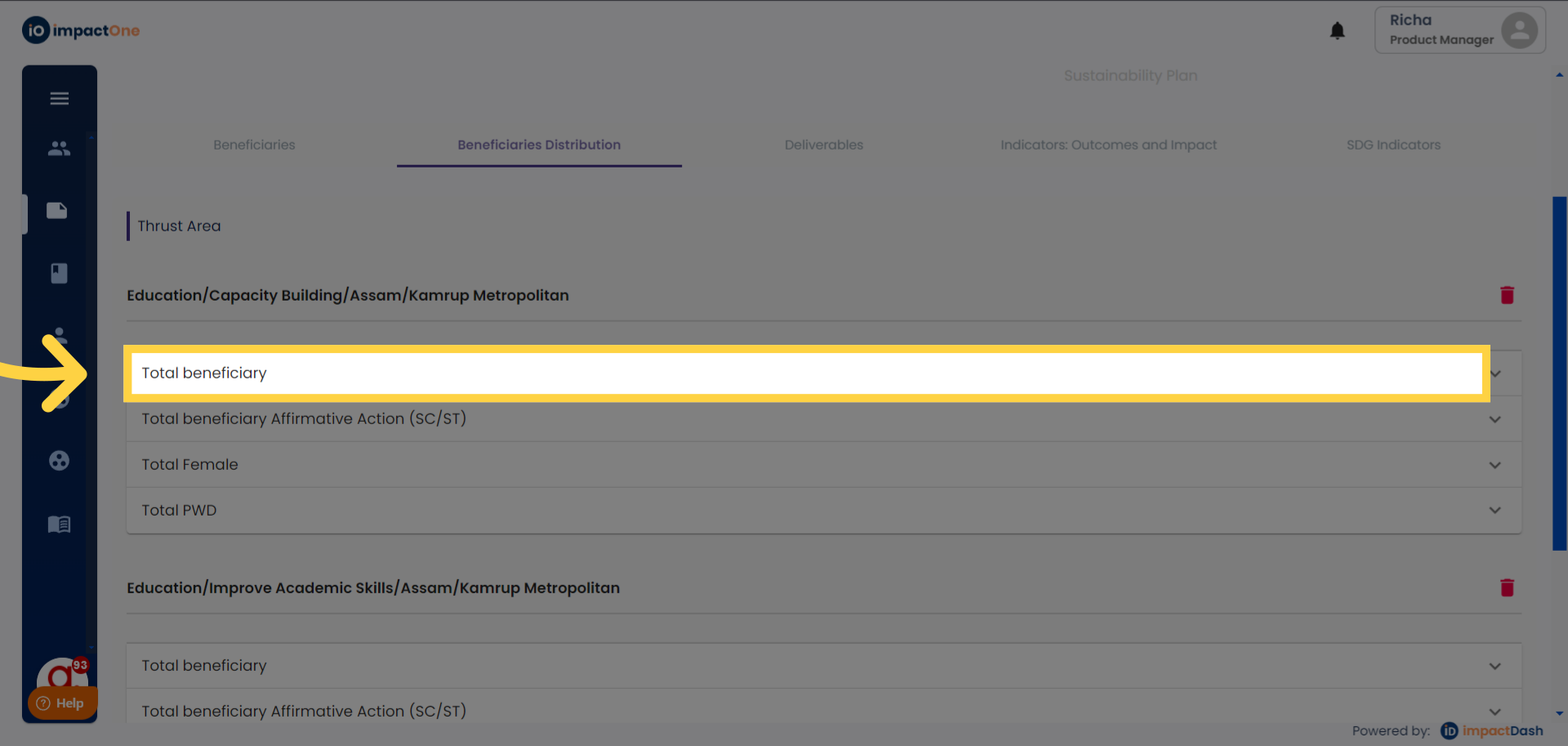
5.Total Beneficiary: Start by adding the total beneficiaries of the proposal/project.
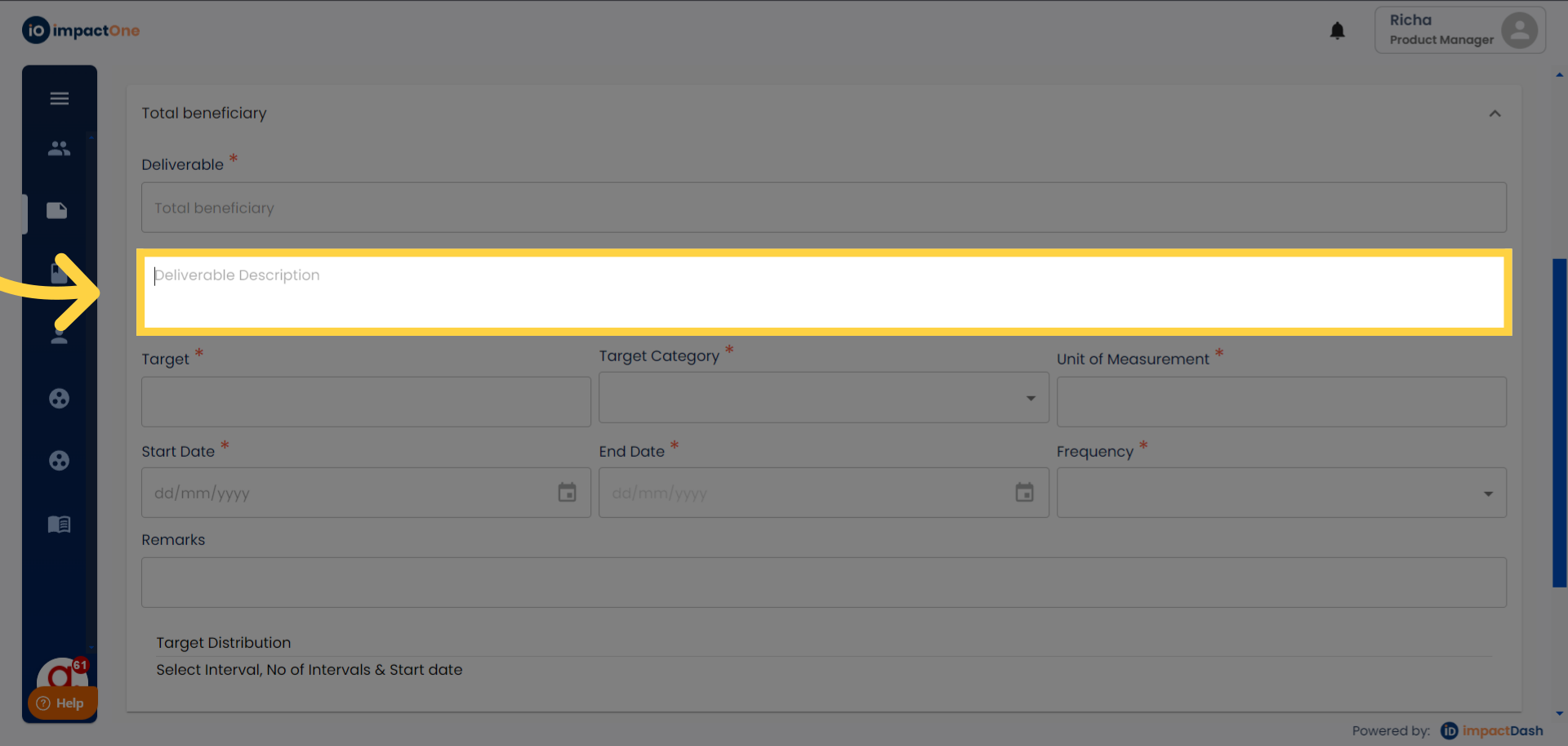
6. Add Beneficiary Description: Enter the beneficiary description in the box.
7.Enter target: Enter the target beneficiary in the given box.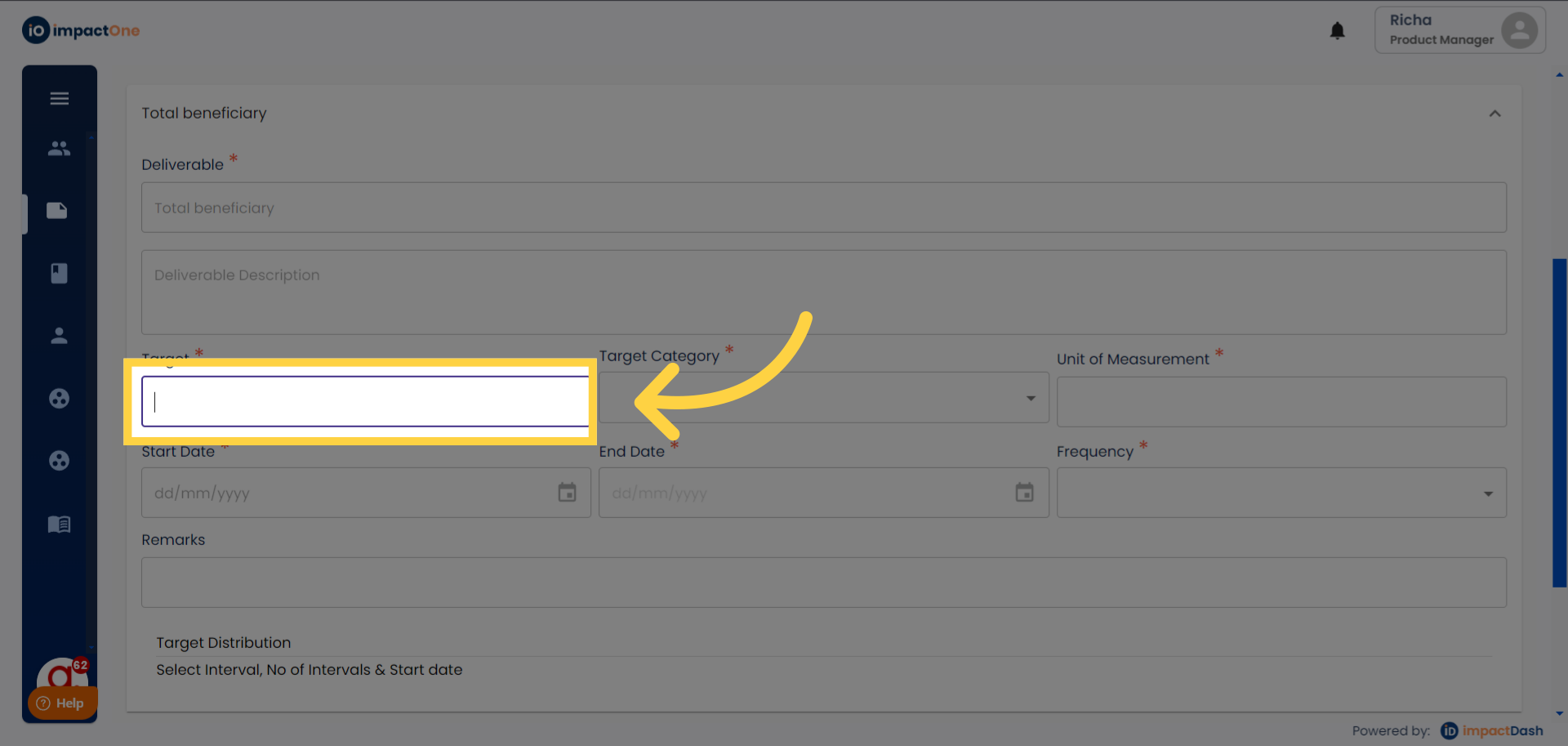
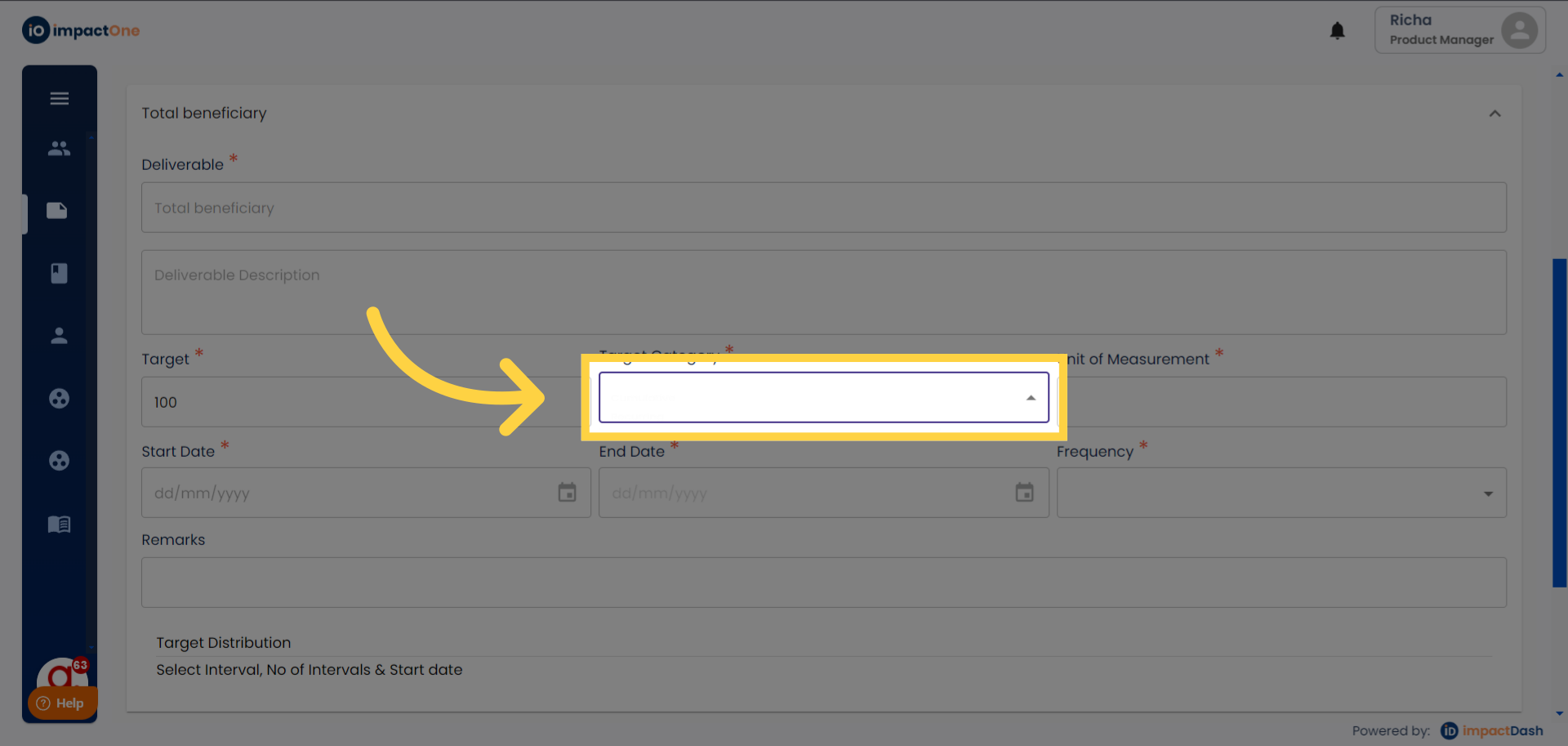
8. Enter Target Category: Enter the target category, from drop down, Cumulative or Recurring.
9. Unit Of measurement: Enter the unit of measurement for the given target.
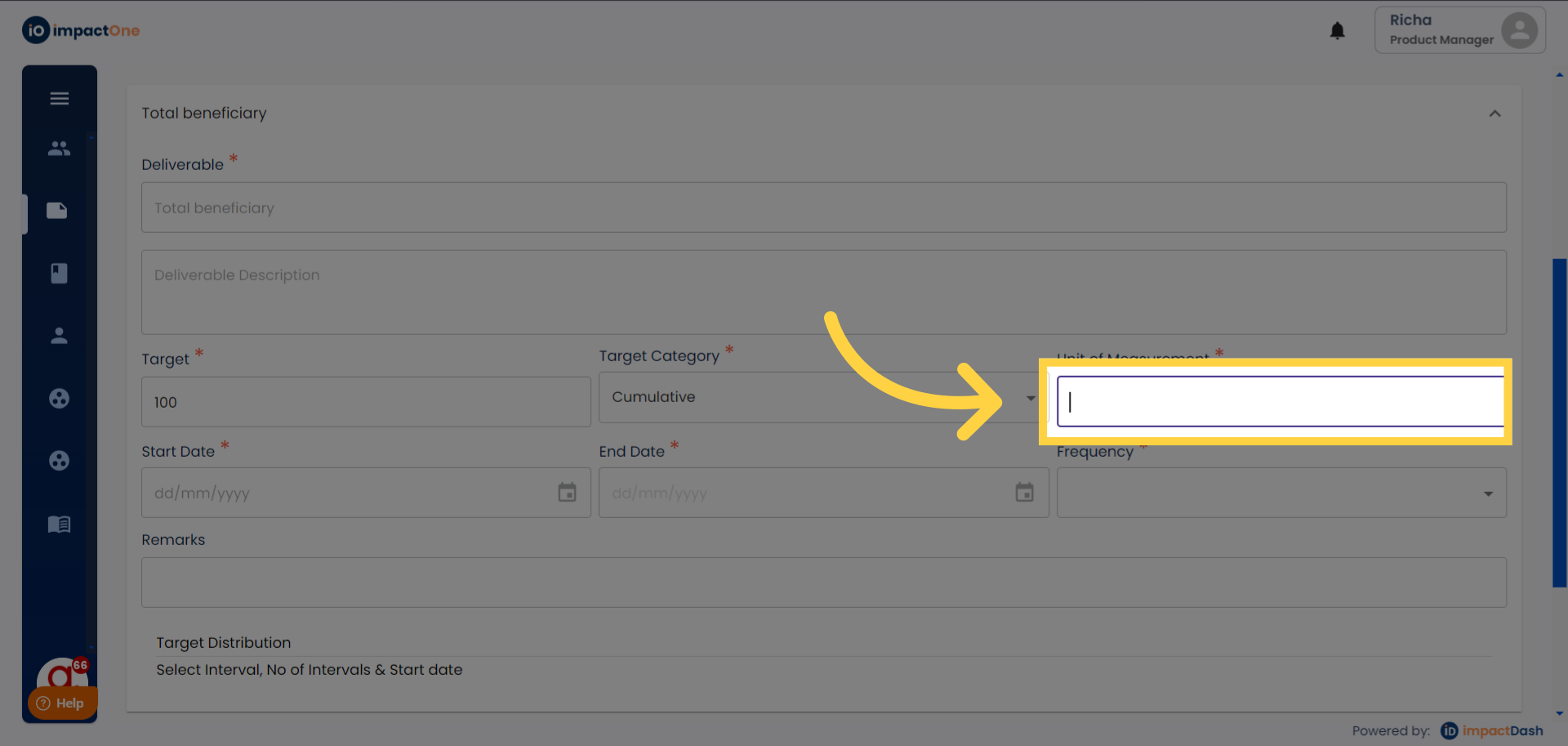
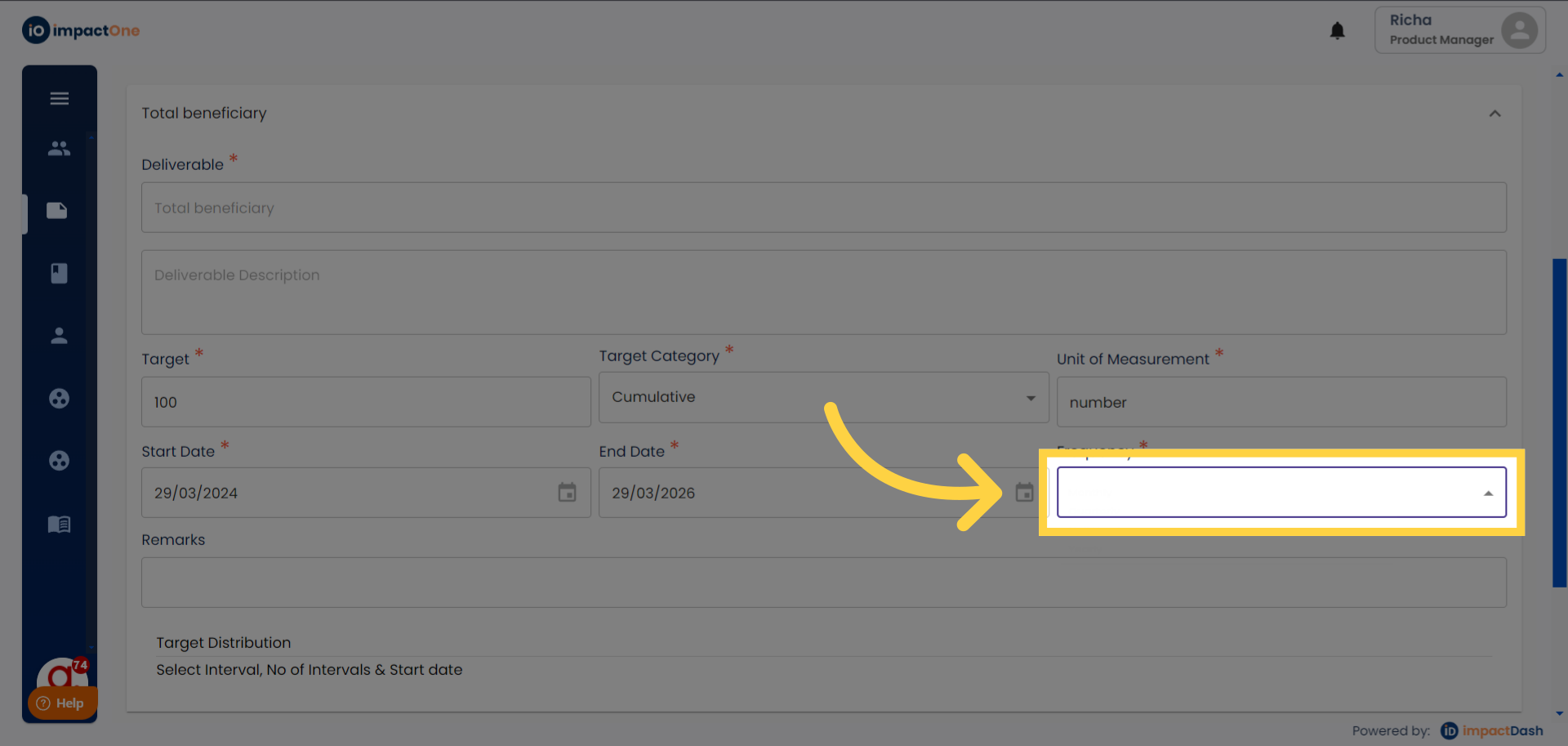
10.Select frequency: Select the frequency of the intervention from the drop down: Monthly, Quarterly, Half yearly, Yearly.
11.Setting Project Dates: Select the start date and end date of the project.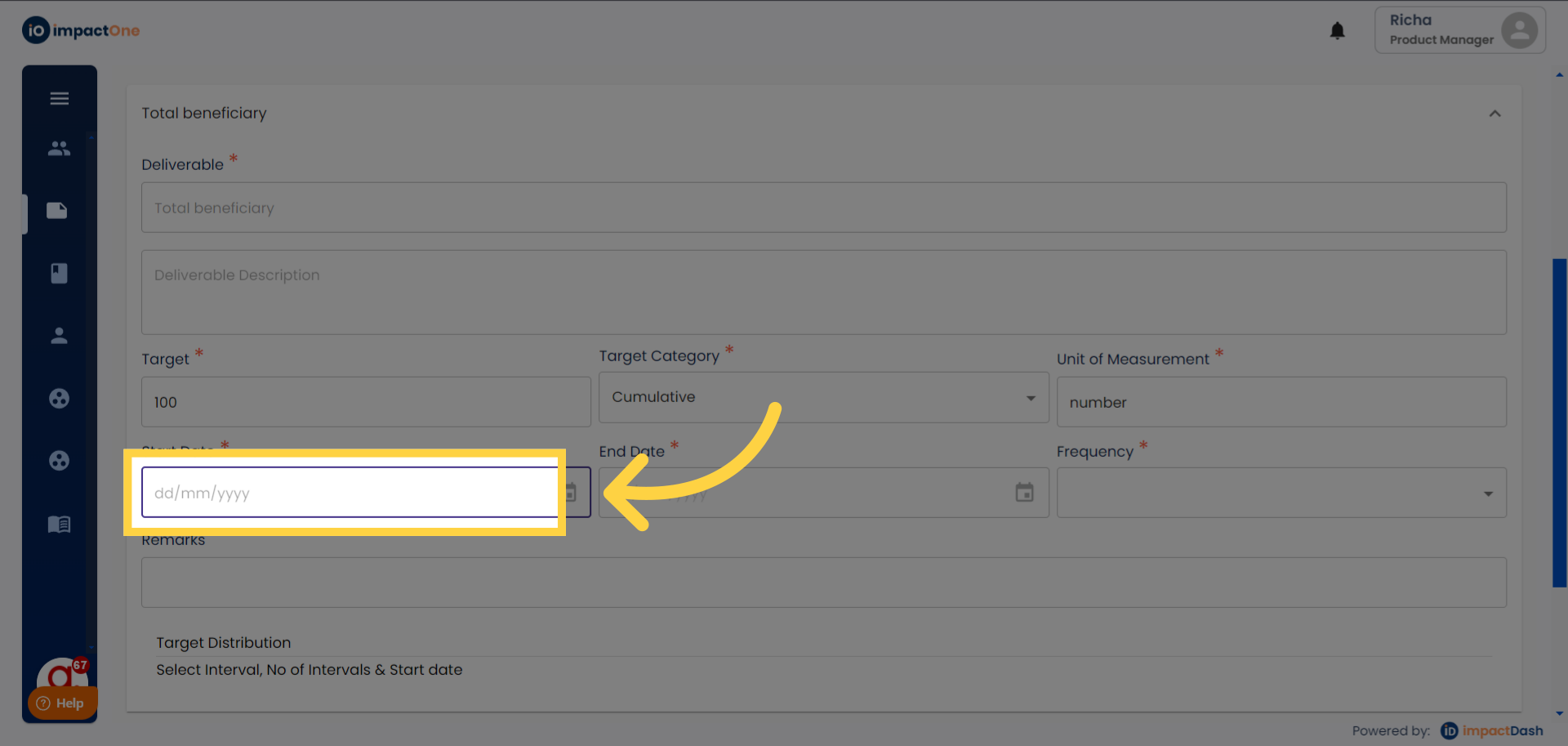
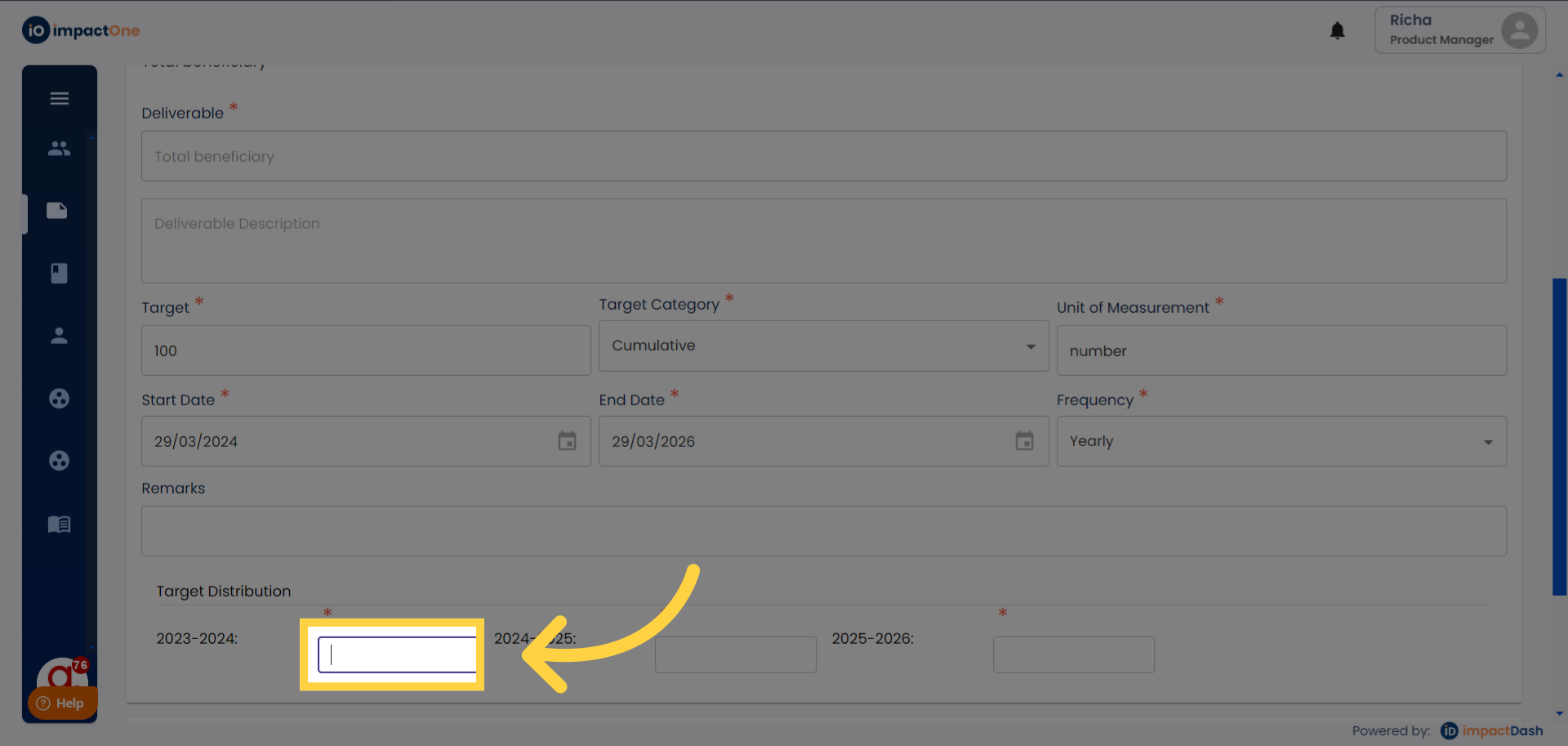
12. Enter target distribution: Distribute the target in the distribution boxes as per your intervention frequency.
13. Save: Click on 'save' button to save the data entered.
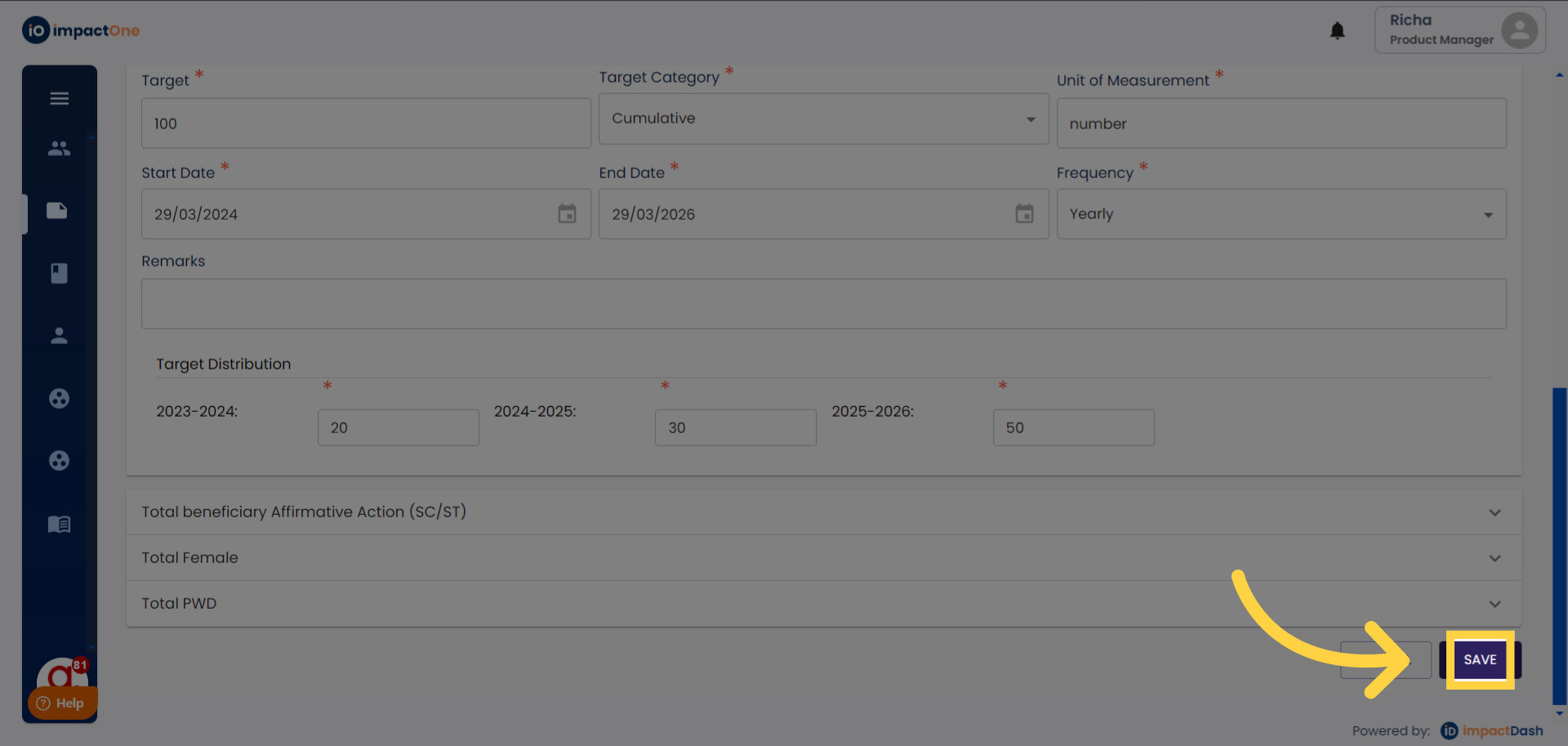
Note: After entering data for the thrust areas, proceed to the next step. Now, add the SDGs under beneficiaries distribution.
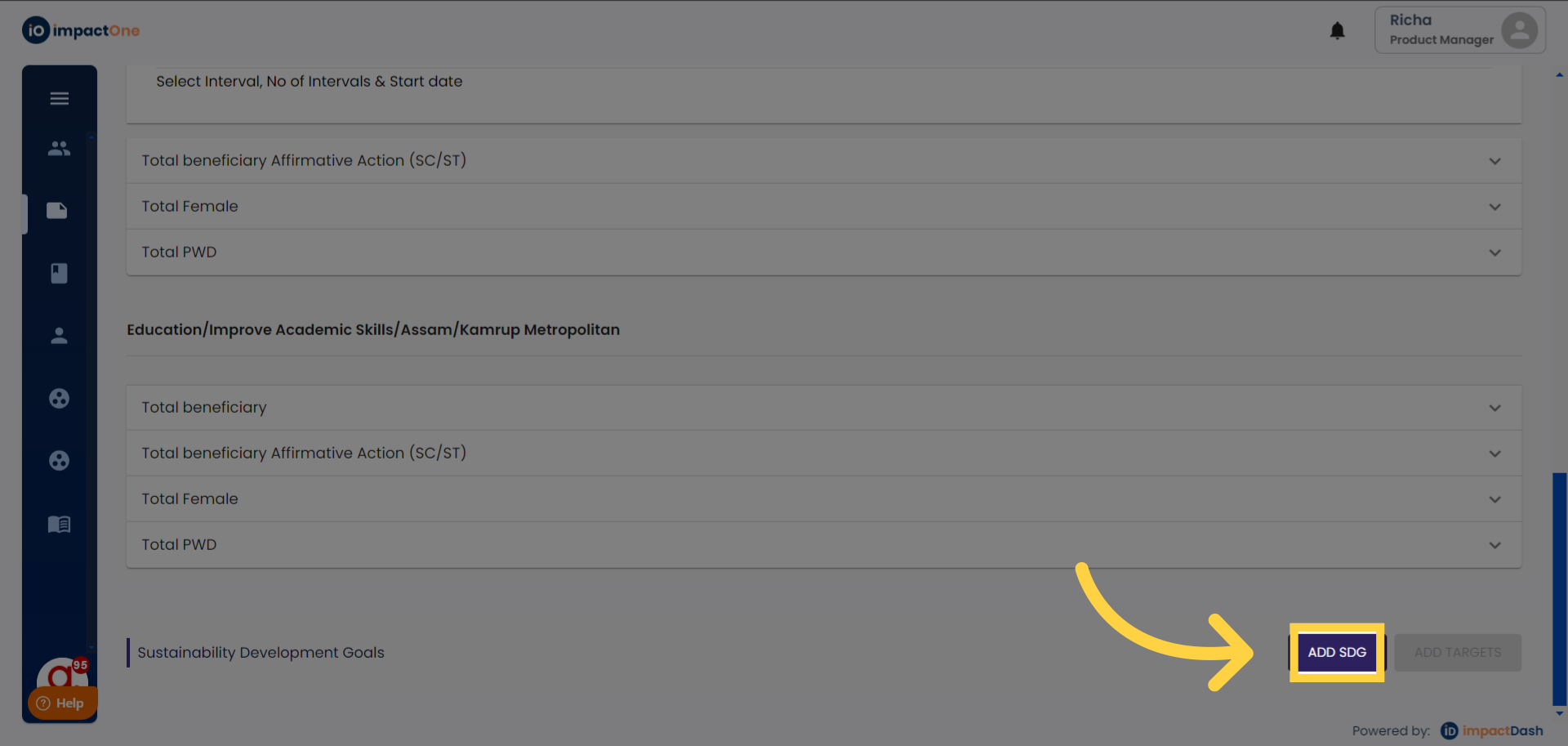
Add SDG: Click on the ‘Add SDG’ button on the right corner.
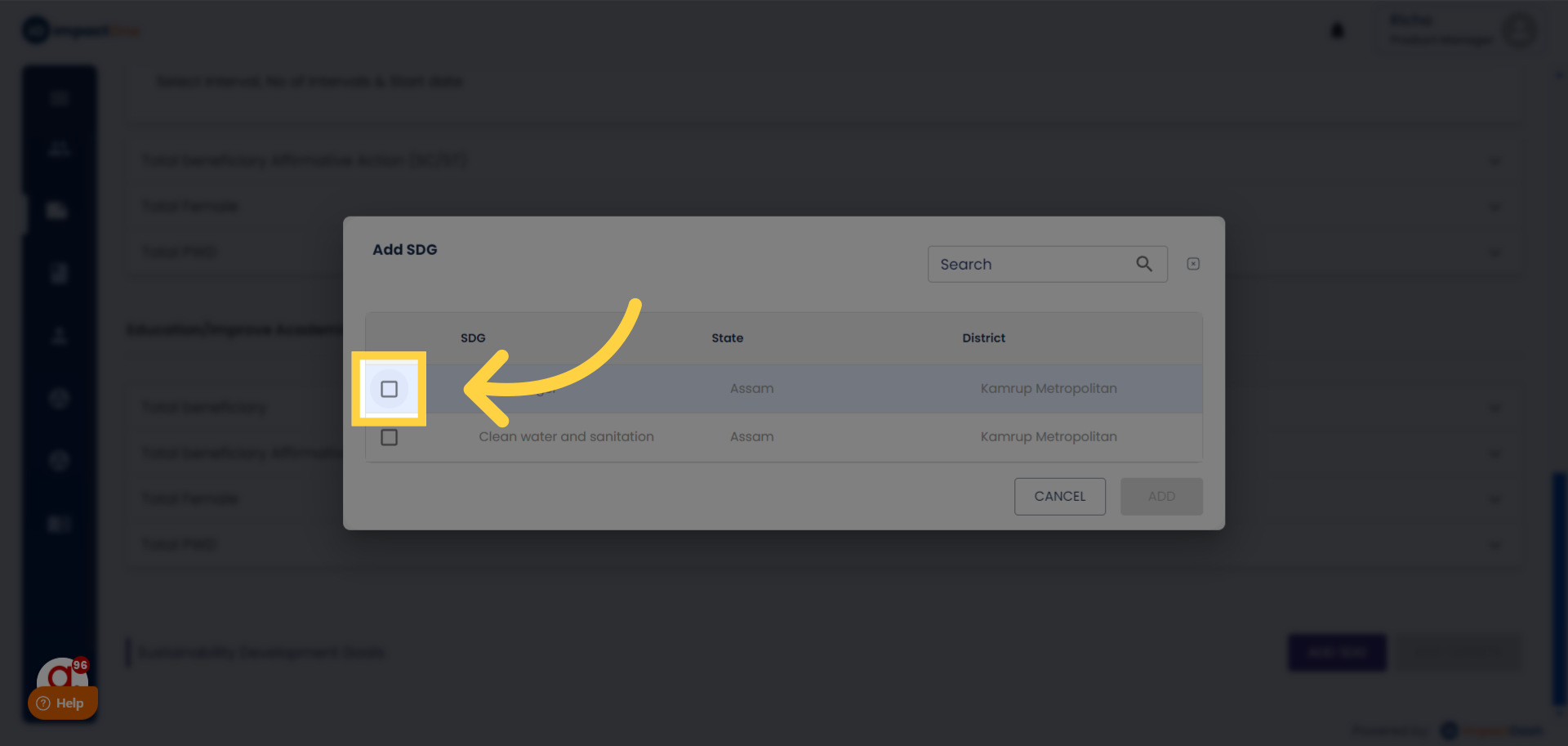
Select SDGs: Select the SDGs applicable to your proposal/project from the menu.
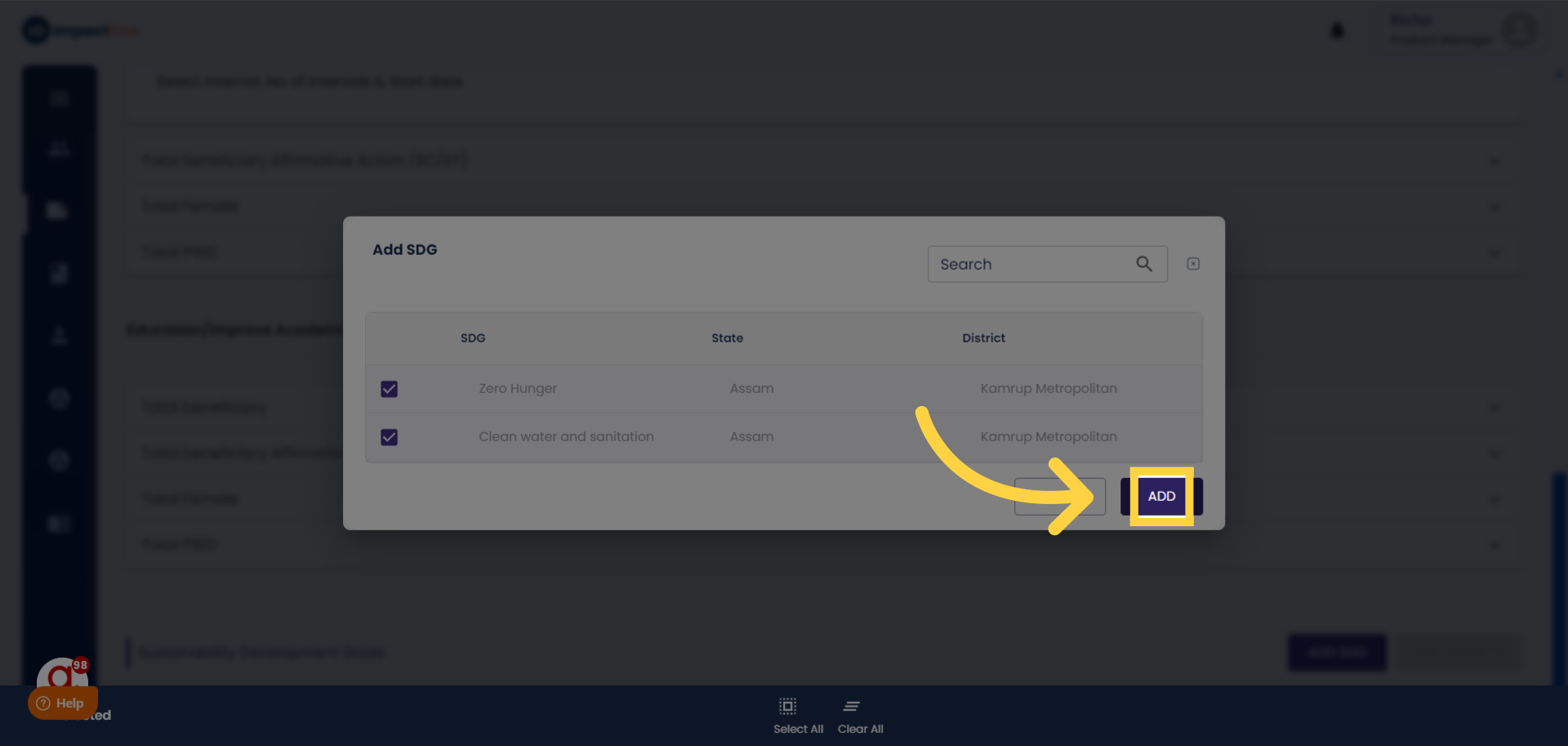
Click Add: Click on the ‘Add button’ to add the SDGs you selected.
Note: After the SDGs are added, enter the beneficiaries distribution data accordingly in a similar manner as above.