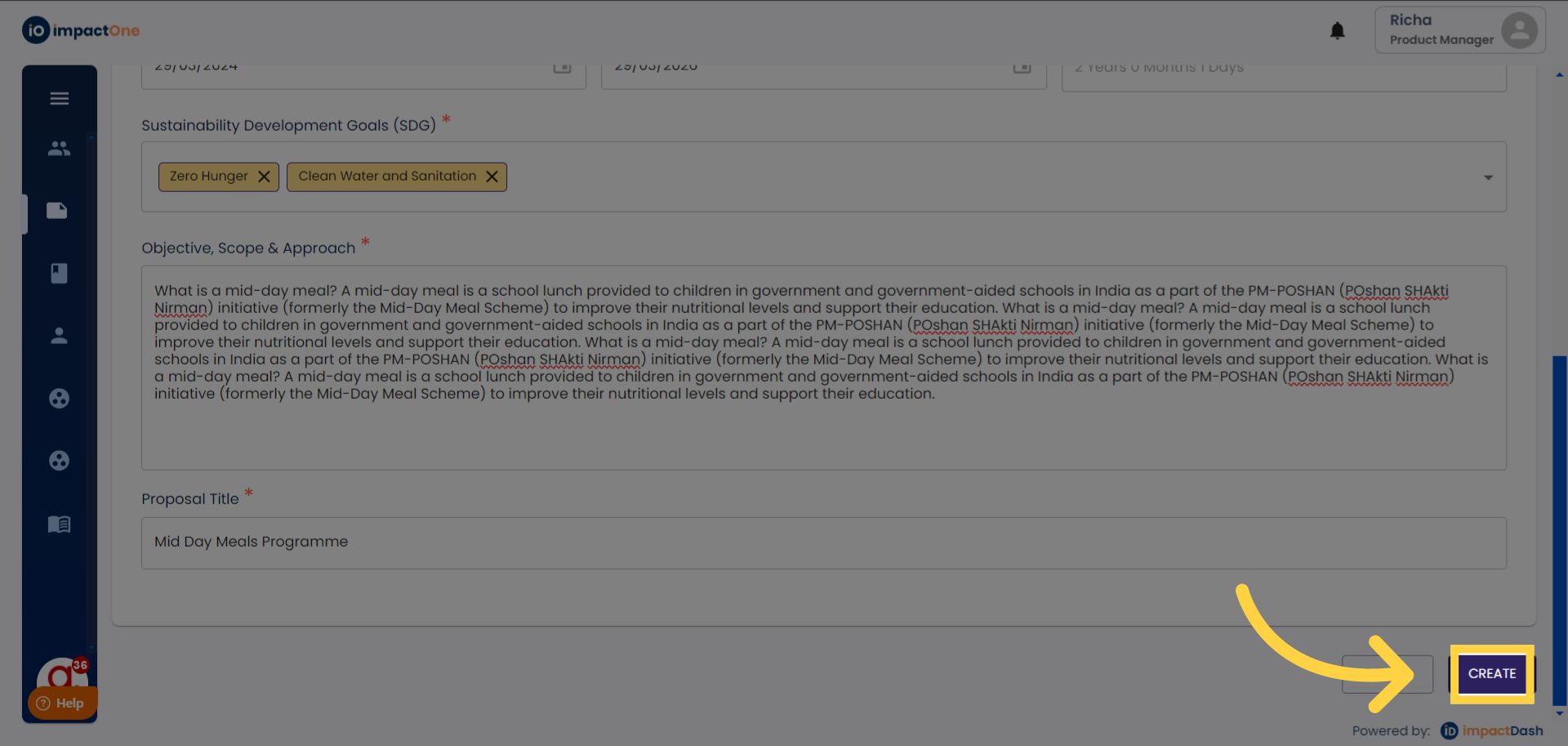
Create Proposal
User: Partner (maker)
A project proposal typically includes key components such as an executive summary, project overview, objectives, methodology, budget, timeline, expected outcomes, sustainability plan, and monitoring and evaluation framework. This document serves as a roadmap for the project, outlining its rationale, goals, activities, and expected impacts, and provides a basis for decision-making and resource allocation throughout the project lifecycle.
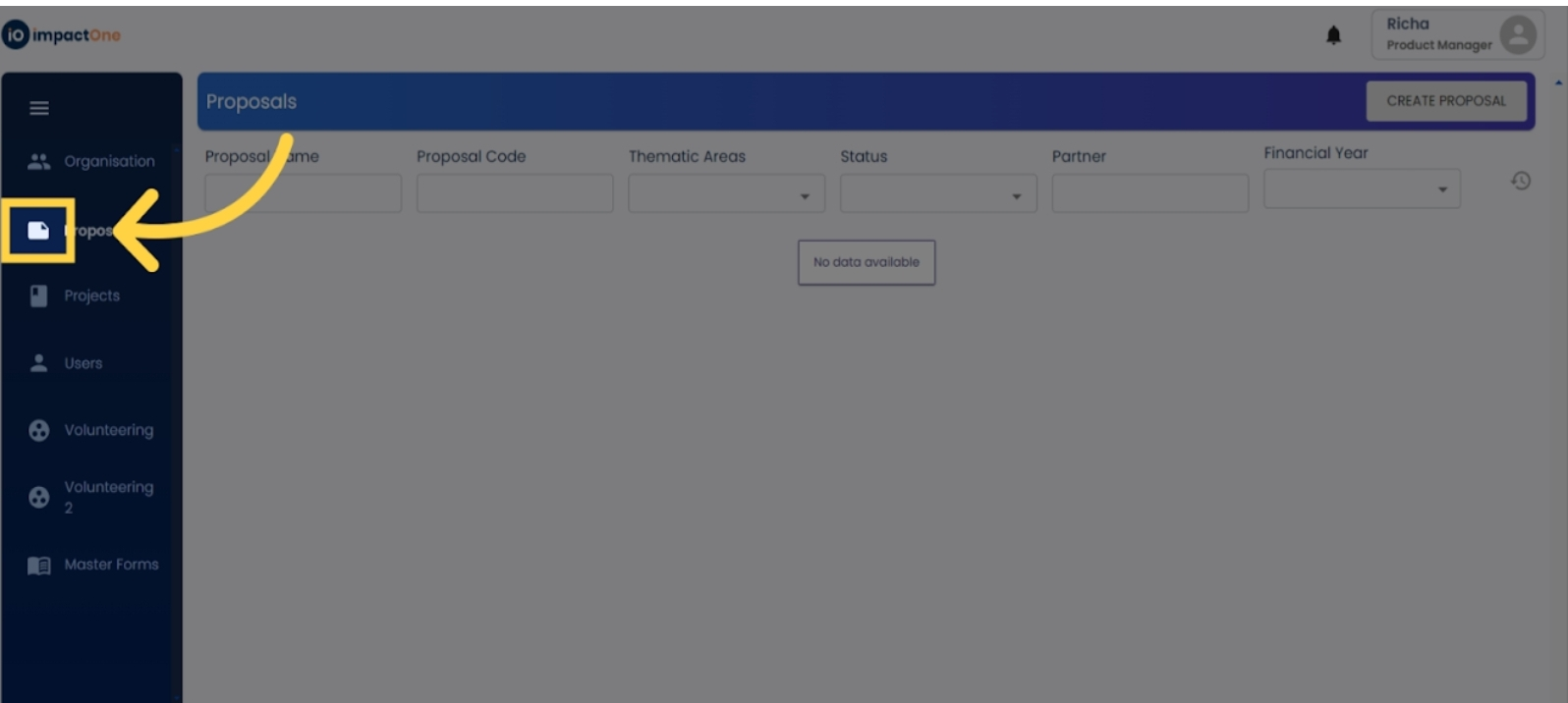
1.Proposal Creation: Navigate to 'Proposals' on the left side of the screen.
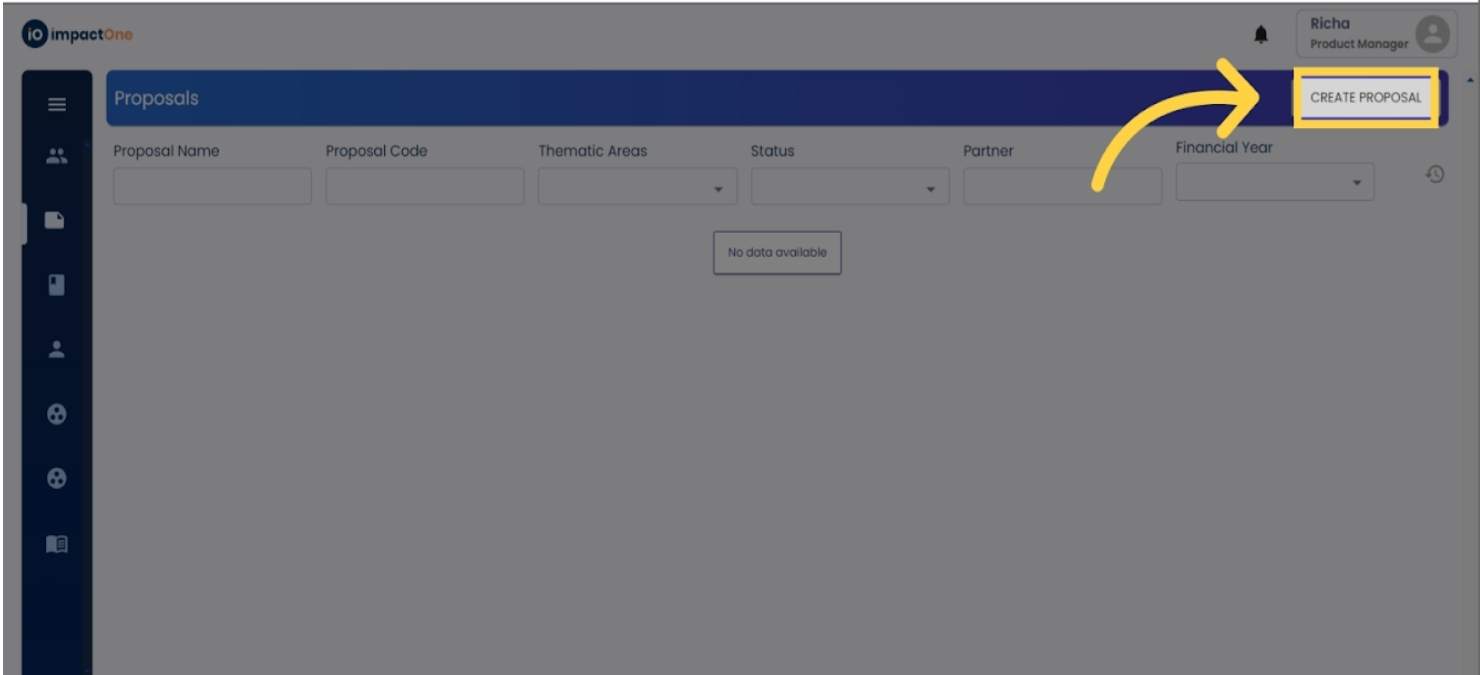
2. Initiating Process: To initiate the process, click on the "Create Proposal" or "Create Project" button located on the right side of the screen.
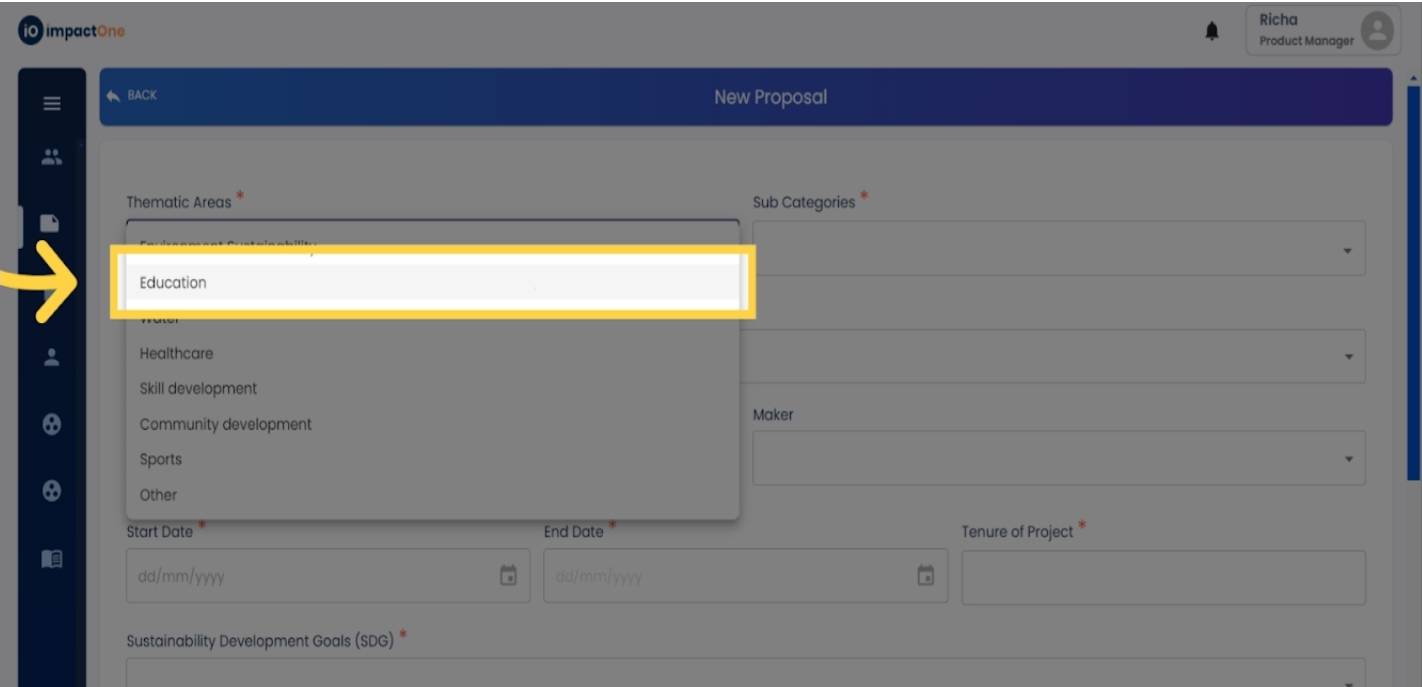
3.Thematic Area Specification: Begin by specifying the thematic area by selecting from the available options in the dropdown menu.
4.Sub-categories Selection: Next, choose the sub-categories relevant to your proposal/project from the dropdown list.
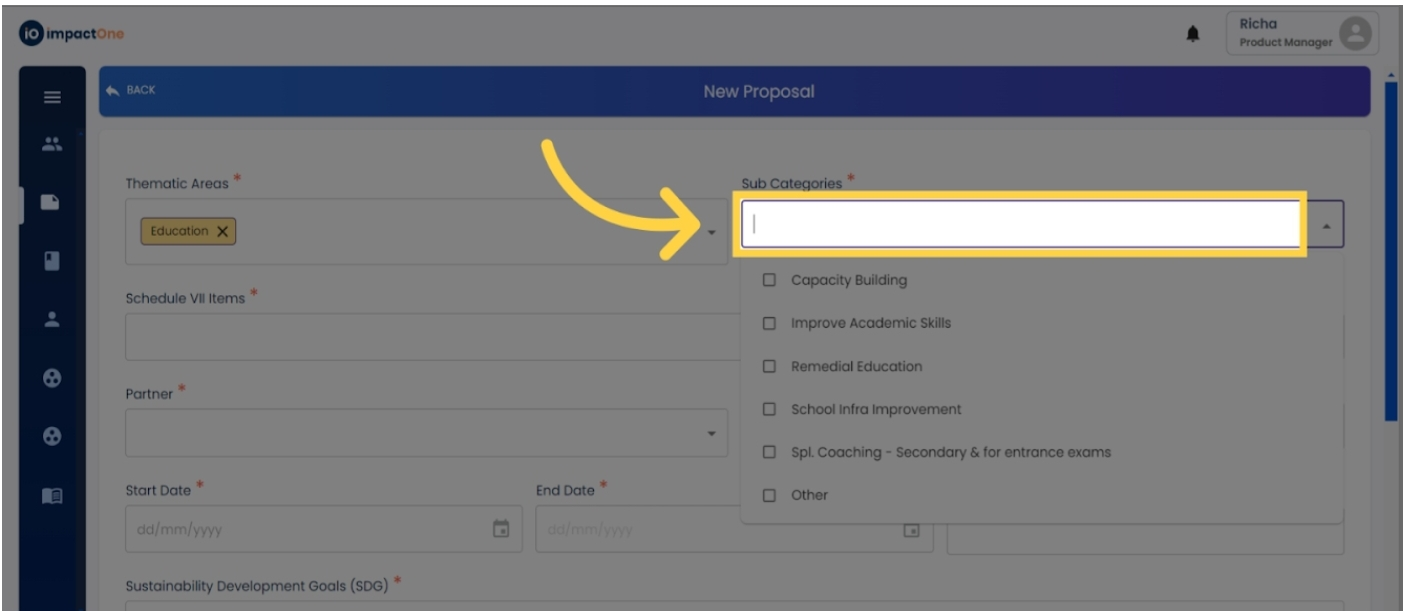
5.Schedule VII Item Selection: Select the appropriate item from Schedule VII using the dropdown menu.
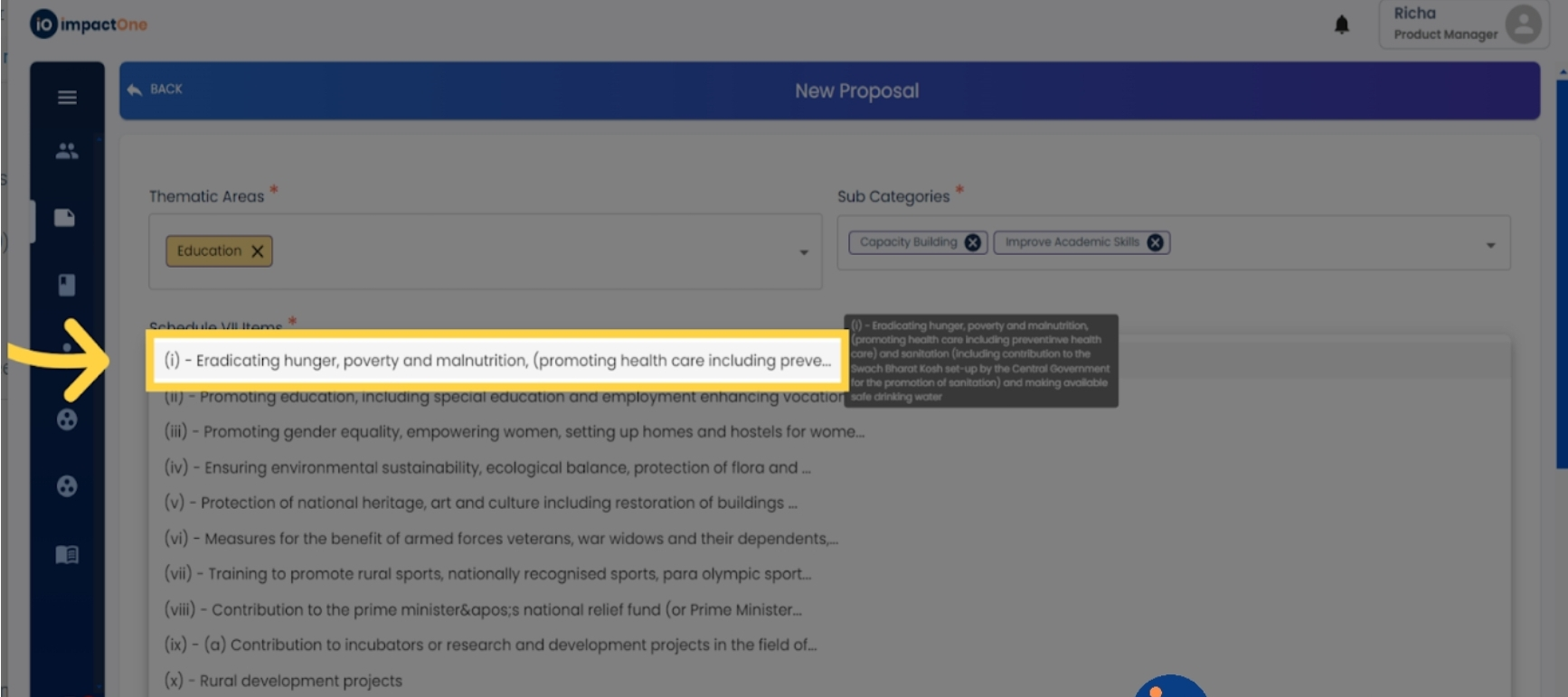
6. Assign partner: Assign a partner name/implementing agency to the proposal/project.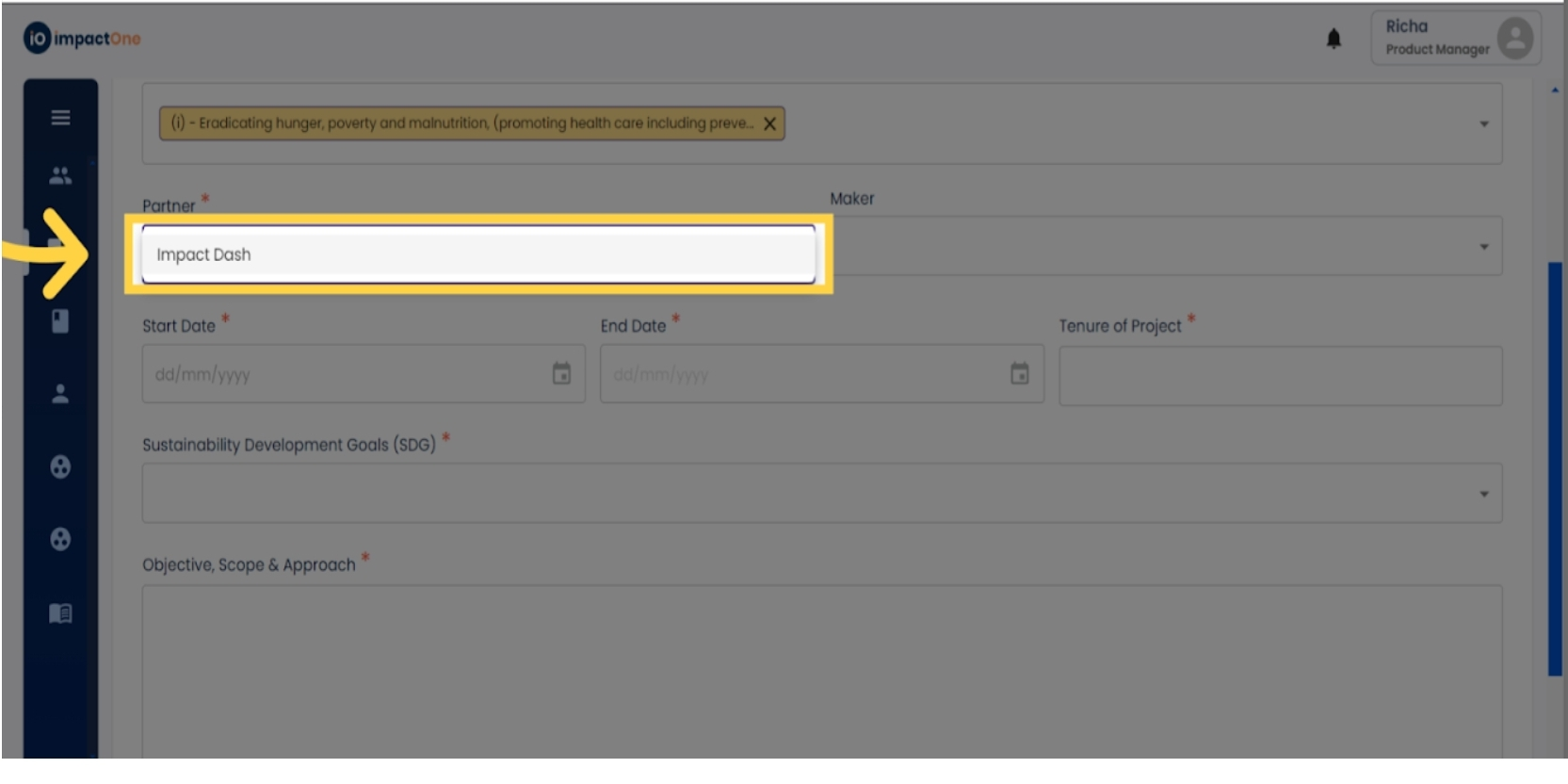
7. Assign maker: Assign a maker to the proposal/project, granting them editing rights.
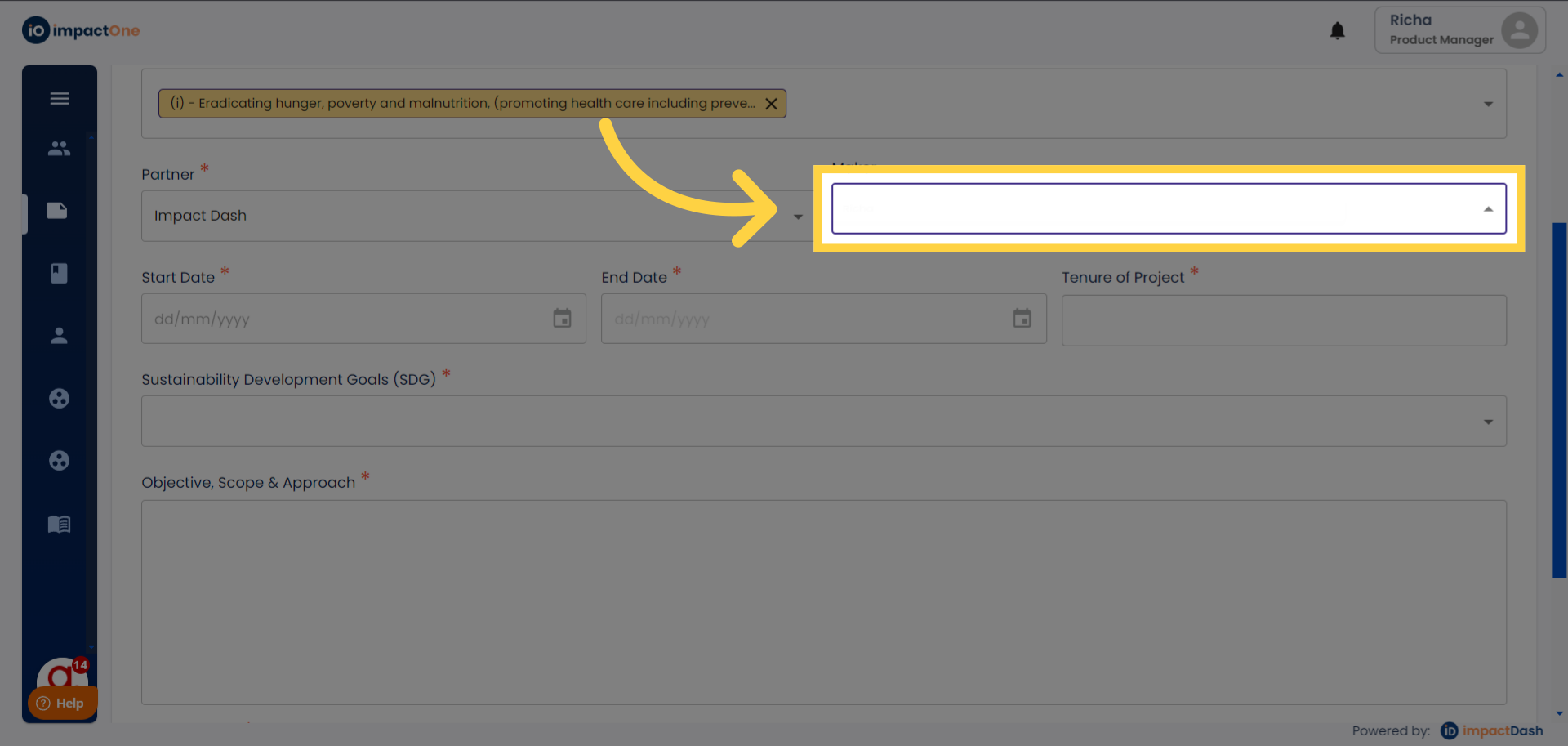
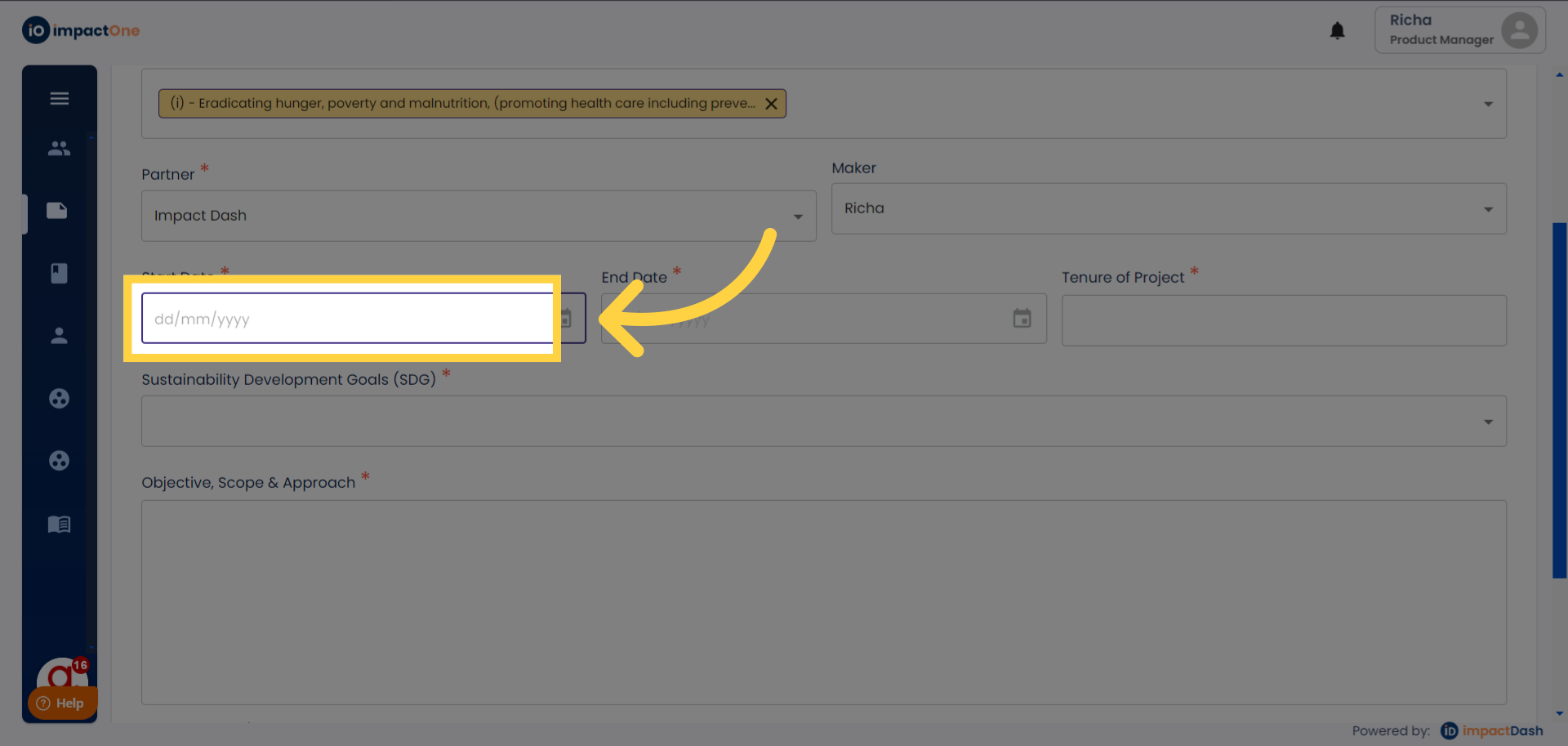
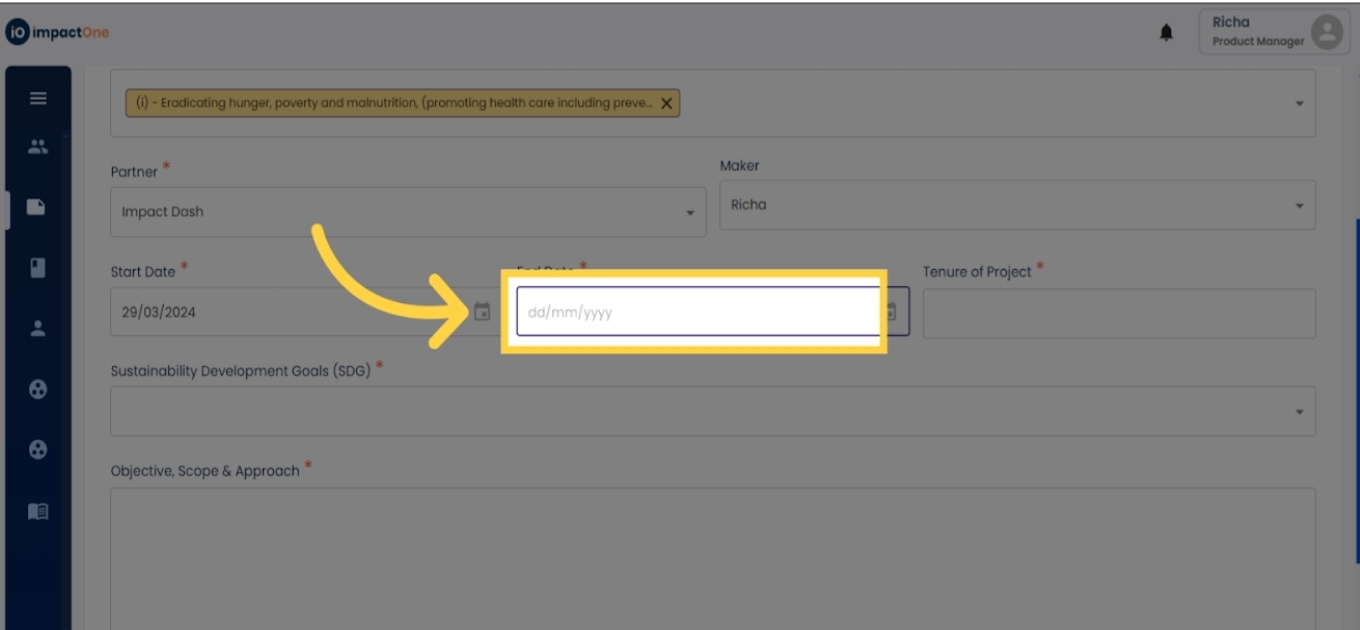
8. Enter Date: Enter the start and end dates for the proposal/project.
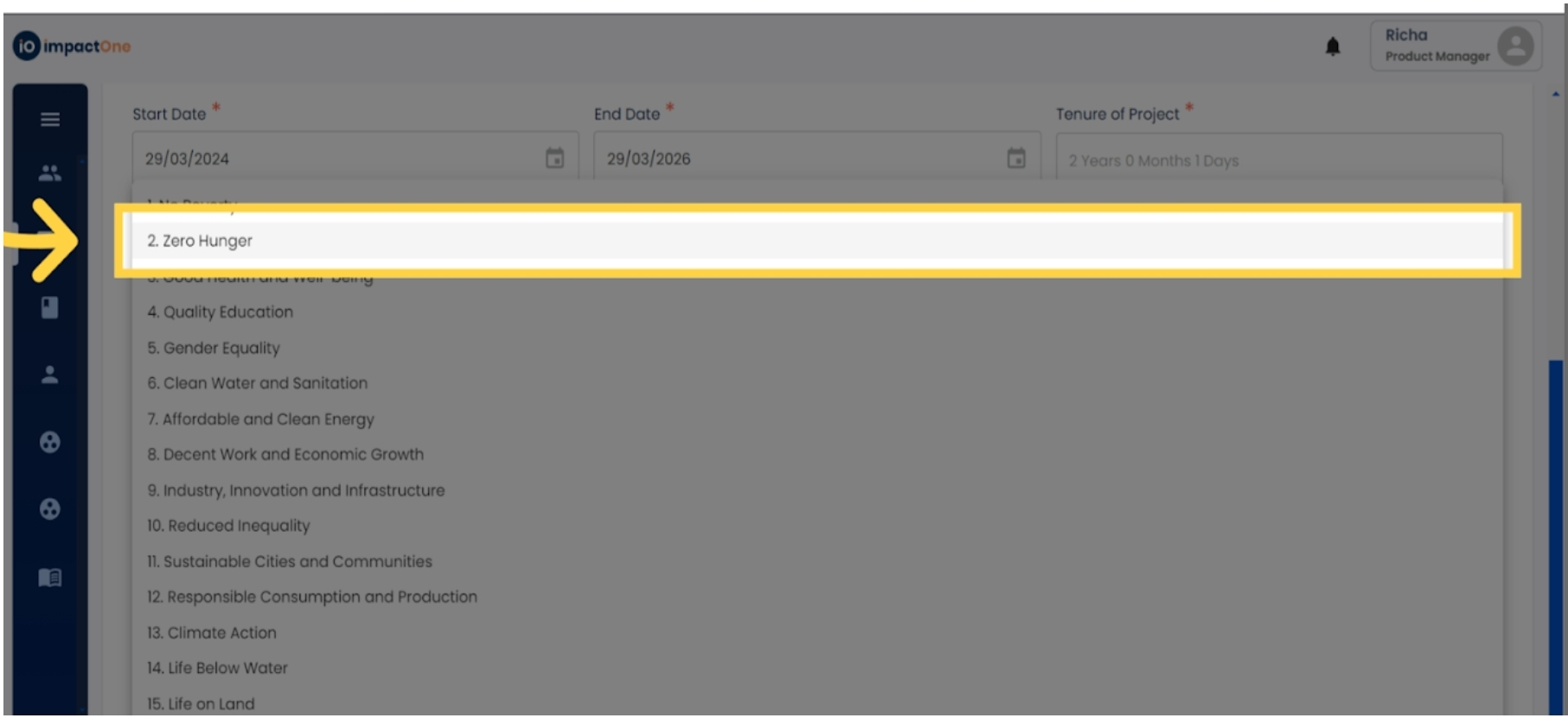
9.SDG Selection: From the dropdown menu, select the Sustainable Development Goal (SDG) associated with your proposal/project.
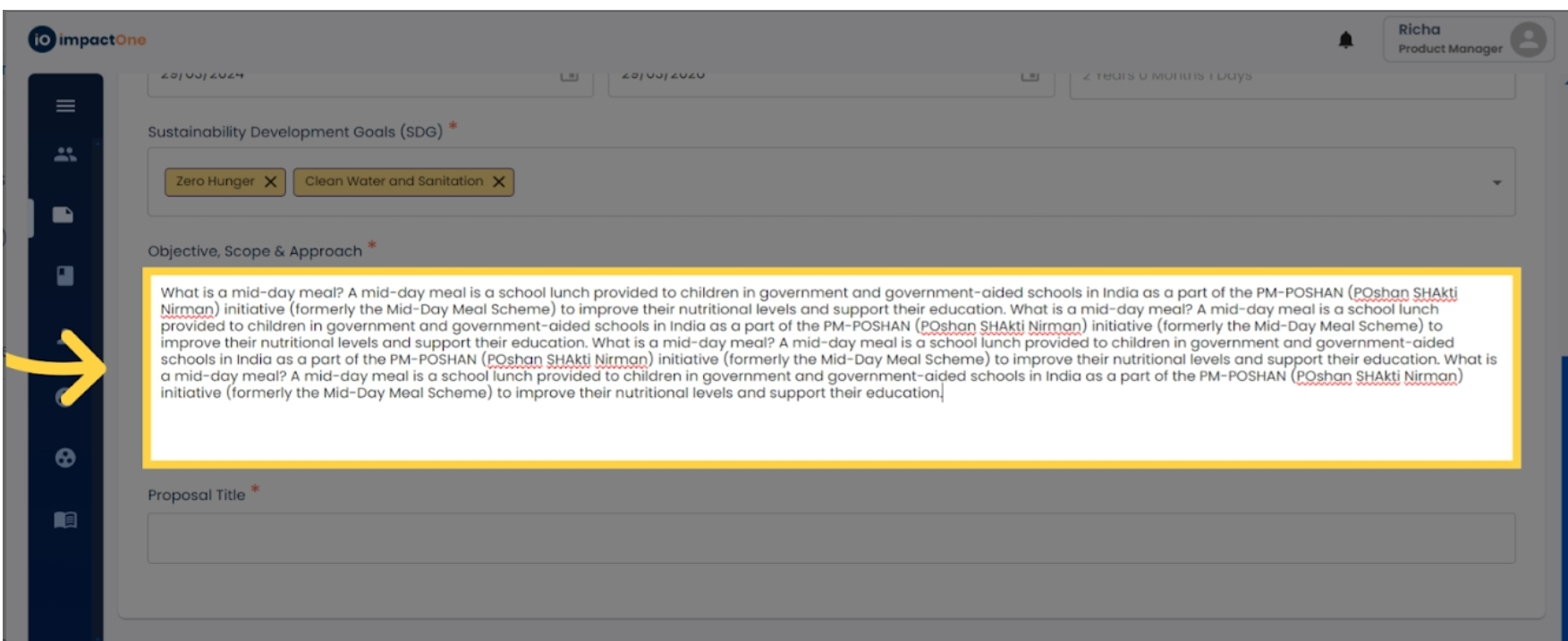
10.Description Entry: Provide a detailed description of the Objective, Scope & Approach for the proposal/project.
11. Proposal Title: Enter the proposal title of your project in the box.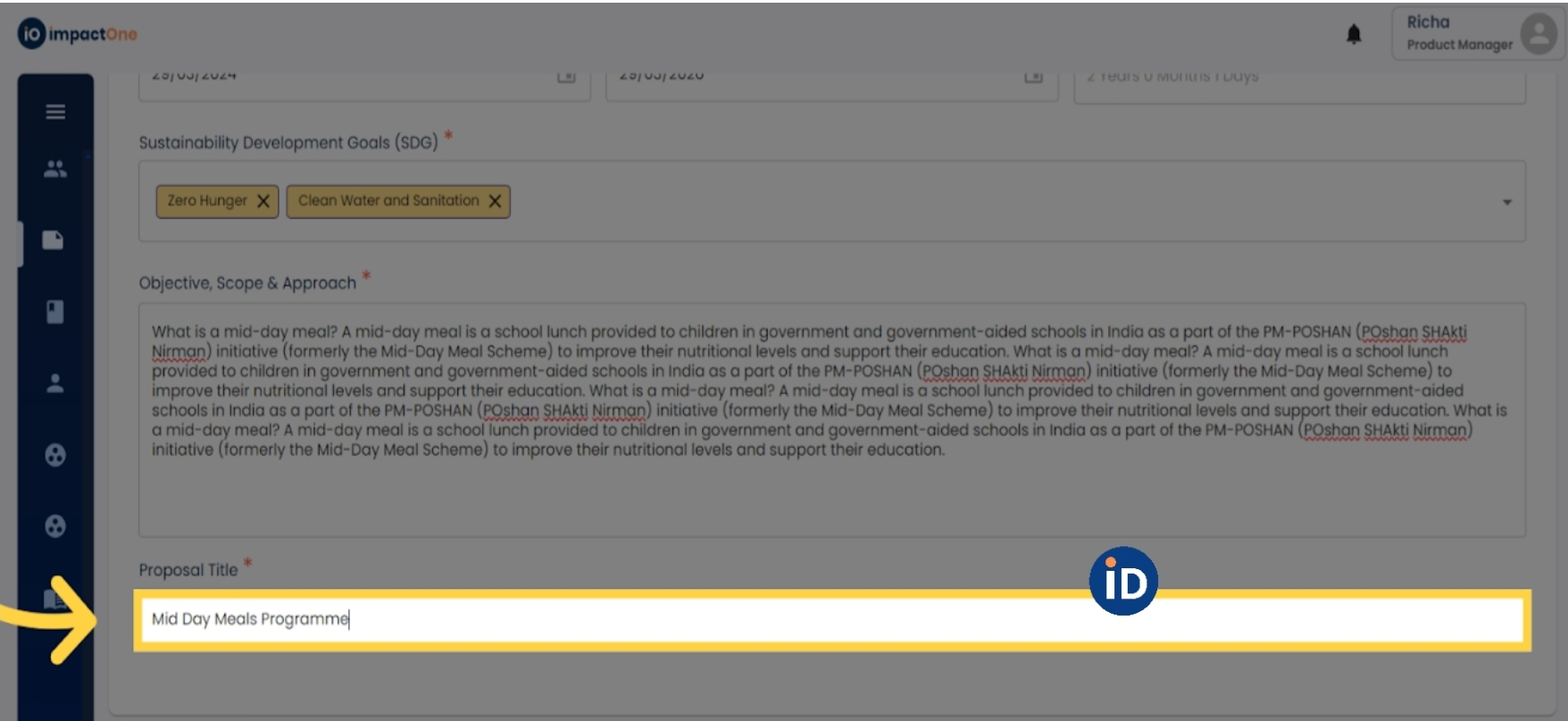
12. Creation Confirmation: Once all information is entered, click on the "Create" button to create the proposal/project and proceed to the next step.